


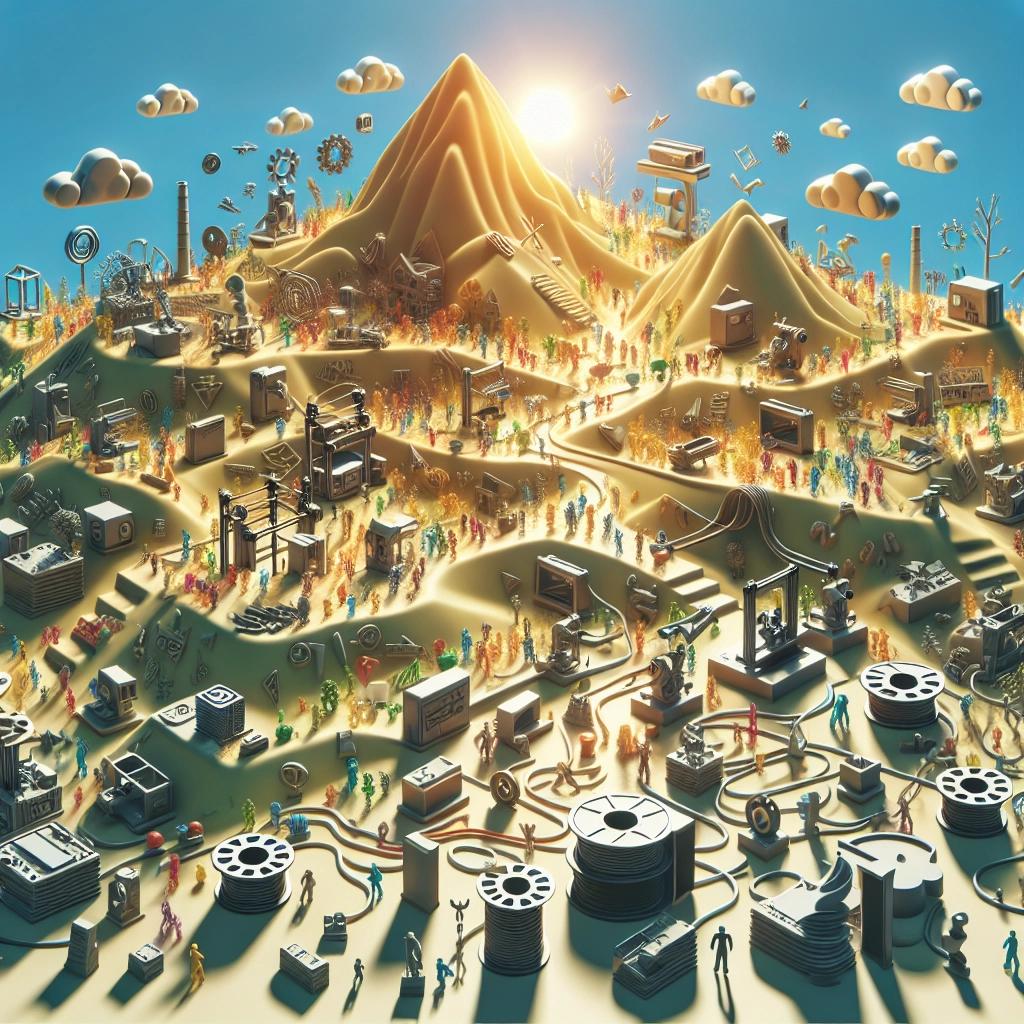
Exploring Creality’s Community: Tips from Fellow Enthusiasts
If you’ve jumped into the world of 3D printing, chances are you’ve heard of Creality. This popular brand has cultivated a passionate community of makers, hobbyists, and professionals alike. Whether you’re working with the Creality Ender series, the CR-10, or one of their other printers, there’s a wealth of knowledge, support, and creativity within the community that can elevate your 3D printing journey. Today, we’ll explore some helpful tips shared by fellow enthusiasts that can help you make the most out of your Creality experience.
Getting Started: Slicing Software
One of the first hurdles new 3D printing enthusiasts face is slicing their models. Each printer can have different requirements, and finding the right slicing software is key. Many in the Creality community recommend using Cura as it’s user-friendly and compatible with a variety of models. It’s versatile enough to allow for customization, which can be adjusted based on the specific needs of your project. For novices, leveraging someone’s pre-configured printer profiles can save time and boost your confidence as you get started.
Another community favorite is PrusaSlicer, known for its intuitive interface and powerful features. It might seem a bit intricate at first, but once you navigate through it, you’ll find it offers a ton of advanced options like custom supports and explicit layer settings that can significantly enhance print quality.
Calibration is Key
If there’s one mantra that almost every Creality user echoes, it’s that calibration is crucial. From bed leveling to adjusting the extruder settings, getting these right can dramatically improve print quality. Many community members recommend a 4-point bed leveling or even upgrading to a BLTouch for automatic bed leveling. This can save you a whole lot of hassle and give you smoother prints right off the bat.
Videos and guides from fellow users frequently pop up on forums and YouTube, so don’t hesitate to look for step-by-step tutorials. They’re super helpful, especially if you’re a visual learner.
Filament Fun
The filament you choose can dramatically affect your printing experience and end results. The community thrives on collaboration and shared knowledge about materials. Common suggestions include PLA for ease of use and great finish, PETG for its strength and durability, or even ABS if you’re up for a little challenge (just make sure you have a well-ventilated workspace!).
Many users have also been experimenting with specialty filaments such as flexible TPU and wood filament, which can yield fascinating results. Just remember to check your printer’s specifications to confirm compatibility.
Troubleshooting: Learning Together
With any technology, there’s always a learning curve, and 3D printers are no exception. Fortunately, every Creality user has likely stumbled upon a few hiccups along the way, too! In forums like Reddit’s r/3Dprinting or dedicated Creality Facebook groups, you’ll find countless threads discussing common issues like layer separation, stringing, and clogs.
It’s not uncommon to ask a question and receive an abundance of advice from seasoned users who’ve been there and tackled similar problems. Don’t shy away from seeking help. The community is lively and supportive, and sometimes, just a little tweak can elevate an otherwise mediocre print into something exceptional.
Embracing Creativity: Design and Community Challenges
Once you’ve got the technical parts down, it’s time to unleash your creativity! Participating in design challenges or collaborative projects within the community can also inspire you. Platforms like Thingiverse are gold mines for ready-to-print designs, and joining groups that focus on challenges will push you to step outside your comfort zone.
Sharing your own designs can be equally rewarding. Not only does it allow you to contribute back to the community, but seeing others print your designs can be an exhilarating experience. Plus, who doesn’t love a good "show and tell"?
Keep Learning
One of the most enjoyable aspects of being part of the Creality community is the constant evolution of technology and techniques. The thrill doesn’t just stop at getting the perfect print; it continues as you learn more about upgraded components, mods, and software advancements. Staying connected through forums, social media, or even local maker meet-ups can provide continual growth and inspiration.
Dive into the Creality community with an open mind and don’t fear making mistakes. It’s all part of the journey. With the camaraderie of fellow enthusiasts by your side, every challenge becomes an opportunity for learning and creativity. So grab your printer, find a good filament, and let your ideas take shape—there’s no limit to what you can achieve!