


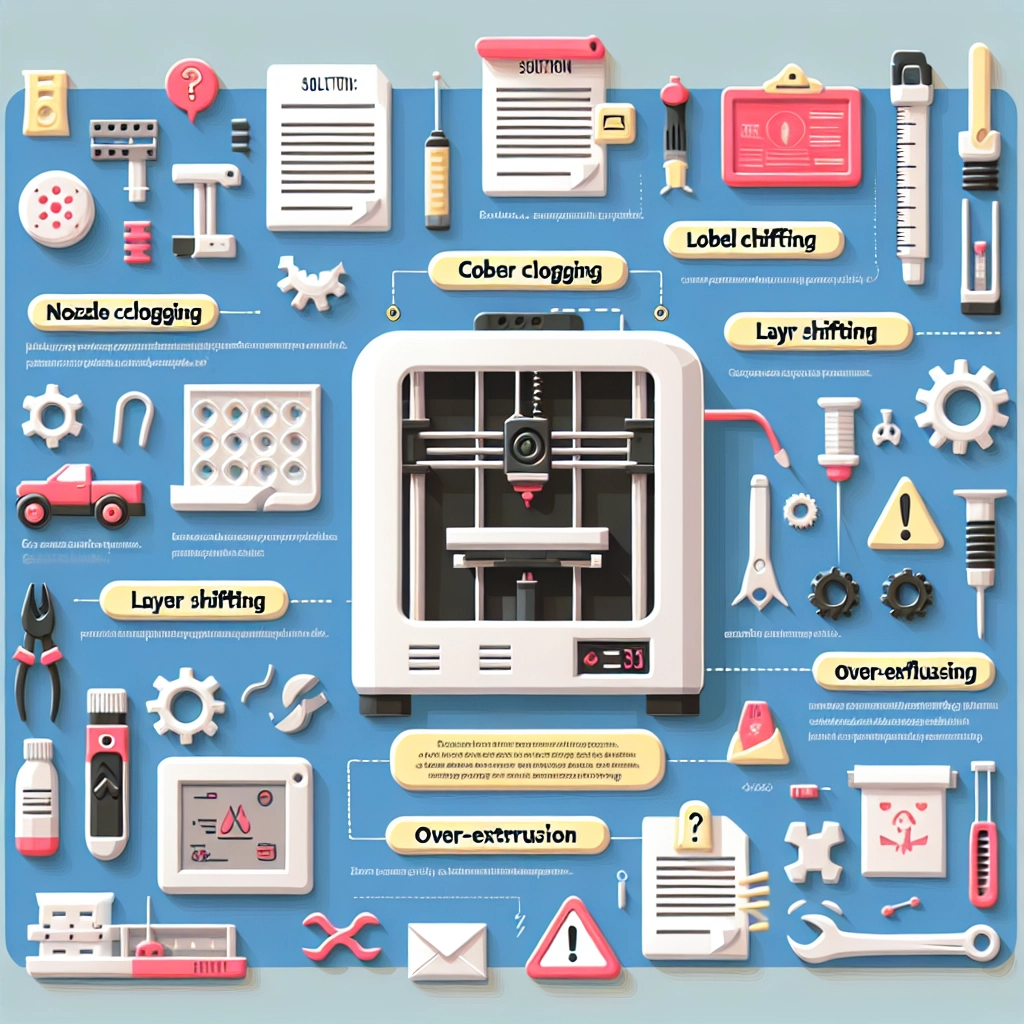
3D Printing Troubleshooting: Common Issues and Solutions
Ah, the wondrous world of 3D printing! It’s like having a magic wand that can create just about anything you can imagine—provided, of course, that everything goes smoothly. But let’s face it, sometimes this high-tech craft can leave you feeling a little like a wizard whose spells just won’t cooperate. Whether you’re a seasoned pro or a curious beginner, you’ll likely encounter a few hiccups along the way. Don’t fret! Here’s a friendly guide to help you troubleshoot some of those common 3D printing issues.
1. Poor Adhesion to the Build Plate
Nothing can be more frustrating than watching your perfectly planned print start to peel off the build plate midway through the process. If your prints aren’t sticking, here’s what you can do:
-
Clean the Build Plate: Dust, grease, or leftover filament can affect adhesion. A thorough cleaning with isopropyl alcohol usually does the trick.
-
Level the Build Plate: An uneven build surface can cause uneven first layers. Make sure your bed is properly leveled. Many printers have an auto-leveling feature, but if not, manually adjust it until it’s just right.
-
Adjust Your Settings: Sometimes, just a small tweak in the nozzle temperature or the first layer height can make a big difference. Try increasing the nozzle temperature slightly to improve adhesion or settings like “brim” or “raft” to help your model stick.
2. Stringing and Oozing
Have you ever taken a peek at a print only to find it looking like a cobweb factory exploded? That’s stringing for you! Here’s how to tackle this pesky problem:
-
Retraction Settings: Fine-tune your retraction settings in your slicing software. Increase the retraction distance and speed to pull the filament back into the nozzle when the printer moves between sections.
-
Temperature Adjustments: Lowering your printing temperature can help. If the filament is too hot, it can ooze out. A good rule of thumb is to reduce the temperature by about 5°C to start with.
-
Travel Movements: If your printer allows, optimize the travel movements to minimize the distance the nozzle travels without printing. This reduces the chances of filament stringing in empty spaces.
3. Layer Separation
Imagine spending hours on a print only to see the layers start to separate! This often happens due to improper adhesion between layers, and there are a few fixes you can try:
-
Extrusion Multiplier Adjustment: Increasing the extrusion multiplier can ensure that more filament is extruded, helping create better layer bonding.
-
Temperature Tuning: Similar to first-layer adhesion, printing at a slightly higher temperature can help the filament melt together more effectively.
-
Cooling Settings: In some cases, cooling too rapidly can cause warping. Reduce the cooling fan speed at the start of the print to allow layers to bond better before cooling down completely.
4. Clogged Nozzle
A clogged nozzle can halt your printing dreams in their tracks. When filament doesn’t flow, you might be left with an unhappy printer and a half-finished project. Here’s how to prevent and manage clogs:
-
Regular Maintenance: Clean your nozzle regularly, especially if you’re using different types of filament. A clogged nozzle can happen due to leftover materials from previous prints or too much debris.
-
Cold Pull Technique: For stubborn clogs, use the cold pull technique. Heat up the nozzle to the filament’s printing temperature, then pull the filament out while it’s still hot. This can help remove any blockages.
-
Use Quality Filament: Poor quality filament can lead to excessive debris or inconsistent flow. Always opt for trusted brands whenever possible.
5. Print Quality Issues
Wobbly lines, inconsistent extrusion, or uneven surface textures can plague even the best projects. To spruce up your print quality:
-
Check Your Model: Sometimes the issue lies in the 3D model itself. Ensure that your model is properly designed and isn’t filled with invisible defects.
-
Tighten Belts and Hardware: Loose hardware can lead to unintended shifts in your print. A quick inspection can help you tighten belts, screws, and overall elements of the printer for smoother operation.
-
Calibration: Regularly calibrate your printer, especially after making changes or adjustments. A well-calibrated printer is a happy printer!
3D printing is a captivating blend of art, technology, and a touch of problem-solving. When you encounter issues, remember that every challenge presents an opportunity to learn and grow. The next time you face a hiccup in your printing process, take a deep breath and tackle it with the troubleshooting strategies in your back pocket. Soon enough, you’ll be back to creating gorgeous prints with confidence and flair! Happy printing!