


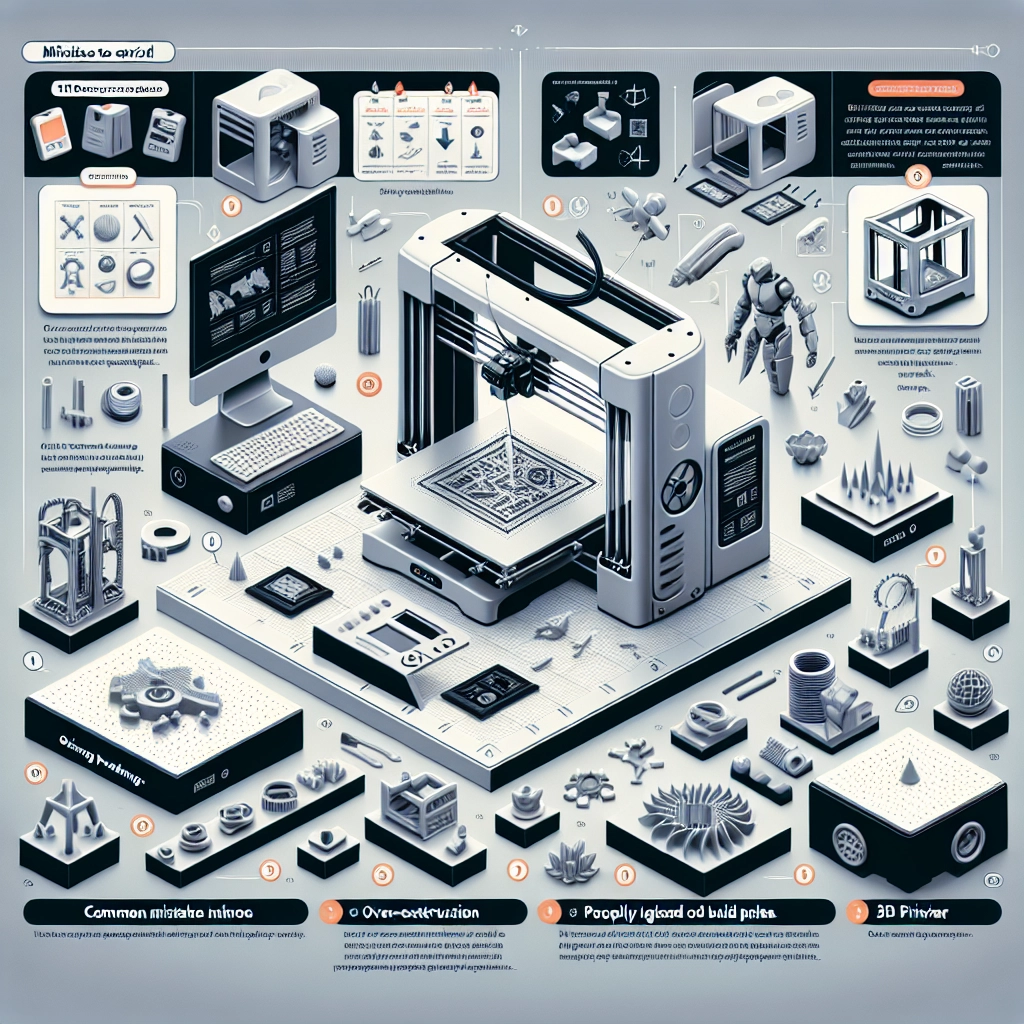
Tips for Optimizing Print Quality with Your 3D Printer
3D printing has taken the world by storm, transforming everything from hobbyists’ creations to essential industrial parts. But let’s face it: not all 3D prints are made equal. If you find yourself with some unsightly prints or parts that aren’t quite up to snuff, don’t fret! There are plenty of simple tweaks that can help you level up your print quality game.
Start with the Basics: Leveling Your Build Plate
Before you dive into the complexities of settings and materials, let’s tackle one of the most fundamental aspects: leveling your build plate. An unlevel bed is one of the biggest culprits behind poor print quality. Make sure your build plate is perfectly parallel to your nozzle when starting a print.
To level the bed, you can use the paper method: Simply slide a piece of standard printer paper between the nozzle and the build plate. You want just enough resistance to feel the paper snug against the nozzle – it should be able to move but without too much force. Many printers also come with auto-leveling features, which can take the guesswork out of the equation.
Choose the Right Filament
Your choice of filament can significantly impact print quality. Not all filaments are created equal, so understanding the type you’re using is crucial. For instance, PLA is generally more forgiving, while ABS can warp without the right temperature settings.
Take a moment to consider the characteristics you want in your print: strength, flexibility, or appearance? Once you know, you can choose the right filament for the job. Higher-quality filaments tend to print better, so don’t skimp on this important material.
Fine-Tuning Your Printer Settings
Now that you have a leveled bed and the right filament picked out, it’s time to dive into settings. Layer height is one of the first settings you should consider. For smoother surfaces, a lower layer height (0.1mm or lower) is recommended, while higher layers (0.2mm to 0.3mm) can be fine for quicker prints.
Then there’s the print speed. While you might be tempted to push for speed, going too fast can lead to issues like poor adhesion and stringing. A moderate speed (around 50-60 mm/s) typically works well for most prints.
Don’t forget about the nozzle temperature! Each filament has a different optimal temperature range. Refer to the filament’s guidelines for the best results; starting a bit lower and increasing if necessary can prevent oozing and uneven extrusion.
Mind the Cooling
Cooling is a key player in achieving great 3D prints. If the cooling isn’t sufficient, you might end up with stringing or a lack of fine details. Many printers have a cooling fan that helps with layer solidification. If your printer allows it, experiment with fan speeds throughout your print for the best results.
For filament types like PLA, a good amount of cooling is essential. ABS prints, on the other hand, could benefit from less cooling to prevent warping. Knowing how your filament interacts with cooling will save you a lot of headaches down the road.
Post-Processing: The Finishing Touch
Sometimes the printout is just the beginning. Post-processing can take your 3D print to the next level. Basic steps include sanding down rough edges or surface imperfections and applying a primer or paint to achieve a sleek finish.
For those intricate designs with multiple colors or details, consider using solvent smoothing techniques for materials like ABS, which can provide a polished look with smooth surfaces.
Regular Maintenance
Finally, don’t overlook the importance of regular maintenance! A well-maintained printer will perform better and produce higher-quality prints. Clean your nozzle frequently to avoid clogs and keep all calibrations in check. Ensure belts and pulleys are tight and free of dust.
3D printing is an ever-evolving technology, and every little tweak counts toward your desired print quality. With these tips in mind, you’ll be well on your way to creating stunning prints that not only function well but also look great. Whether it’s a simple model or a complex design, remember that patience and experimentation are key.
So go on, get that printer humming, and let your creativity flow!