


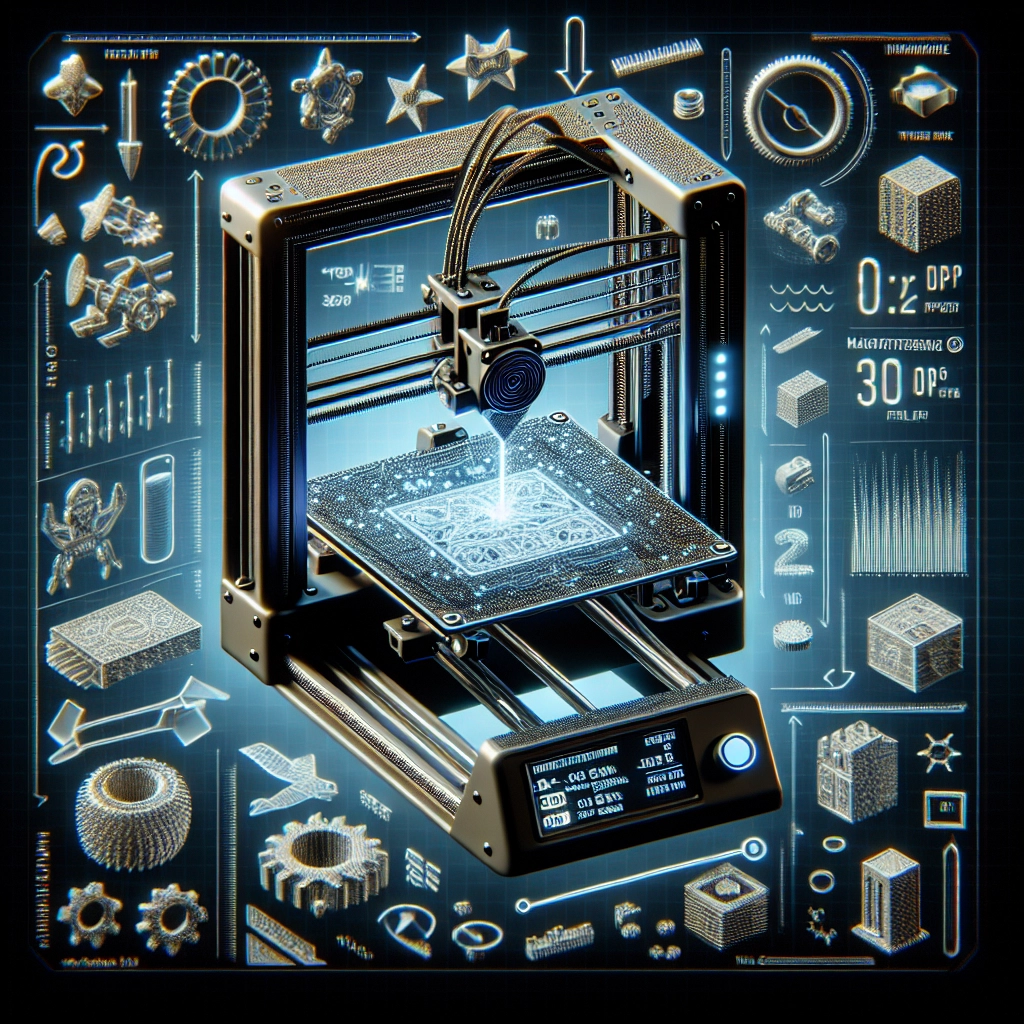
Maximizing Print Quality with the Right 3D Printer Settings
3D printing is an exciting field that blends creativity with engineering. Whether you’re a seasoned pro or a weekend hobbyist, nothing can be more frustrating than investing hours into a model only to have it come out looking less than perfect. Luckily, achieving stunning print quality doesn’t have to be a guessing game. With the right 3D printer settings, you can elevate your prints to a whole new level. Let’s dive in and explore how to optimize your machine for flawless results!
Understand Your Printer
First things first: every 3D printer is unique. What works beautifully for one model may not produce the same results on another. Before fiddling with settings, take a moment to consult your printer’s user manual. Familiarize yourself with the specific capabilities of your machine. Is it an FDM (Fused Deposition Modeling) printer or an SLA (Stereolithography) printer? Knowing the type you’re working with will help set the stage for further fine-tuning.
Layer Height
One of the most critical settings you’ll want to adjust is the layer height. This setting determines how thick each individual slice of your print will be. A smaller layer height (think anywhere from 0.1mm to 0.2mm) can create incredibly detailed models with smooth surfaces, while a higher layer height (like 0.3mm or more) will speed up the printing process but might result in a rough appearance. Striking a balance is key: for detailed parts, go lower; for larger prints where detail isn’t as critical, consider a higher setting.
Print Speed
Next up is print speed, which can determine how quickly your project will materialize. It might be tempting to crank up the speed to get things done faster, but beware! High print speeds can lead to issues like stringing, reduced detail, and even layer adhesion problems. Most users find success around 50-60mm/s but don’t hesitate to experiment. If the print isn’t coming out quite how you’d envisioned, try reducing the speed to see if it resolves any quality issues.
Temperature Control
Temperature is another crucial element. Extruder temperature affects how well the filament flows through the nozzle, which in turn can impact the quality of your print. Each type of filament has its own optimal temperature range. For example, PLA typically prints best at 180-220°C, while ABS might need a hotter environment, around 220-250°C. The bed temperature can also influence adhesion; a heated bed can help prevent warping, especially with materials like ABS and PETG.
Retraction Settings
Retraction settings might not be the most exciting part of 3D printing, but they play a significant role in print quality. Retraction refers to the process of pulling the filament back into the nozzle during non-print moves to prevent oozing or stringing. Adjusting the retraction distance and speed can significantly improve your prints. A good starting point is around 1-2mm for distance and a speed of 30-50mm/s, but feel free to tweak these settings to find what works best for your specific filament and design.
Cooling
Cooling is another factor that’s often overlooked but can make a significant difference in your final product. For PLA prints, cooling fans should be cranked up to help with quicker solidification, leading to sharper details. On the other hand, with materials like ABS, proper cooling must be minimized to avoid warping. Always check the recommended cooling settings for your filament and adjust accordingly.
Calibration is Key
Calibration is your secret weapon in maximizing print quality. Regularly check your printer’s bed leveling and adjust your flow rates. A well-calibrated machine can mean the difference between a mediocre and a stunning print. Calibration cubes are your friends, so print them regularly to ensure your machine stays in tip-top shape!
Final Thoughts
Ultimately, achieving top-tier print quality is about finding the right balance for your particular machine and the materials you’re using. Don’t get discouraged if it takes a few tries to get everything just right. 3D printing is as much about experimentation as it is about precision. So, roll up your sleeves, tweak those settings, and embrace the learning curve. With some patience and a little know-how, you’ll have prints that not only meet but exceed your expectations in no time! Happy printing!