


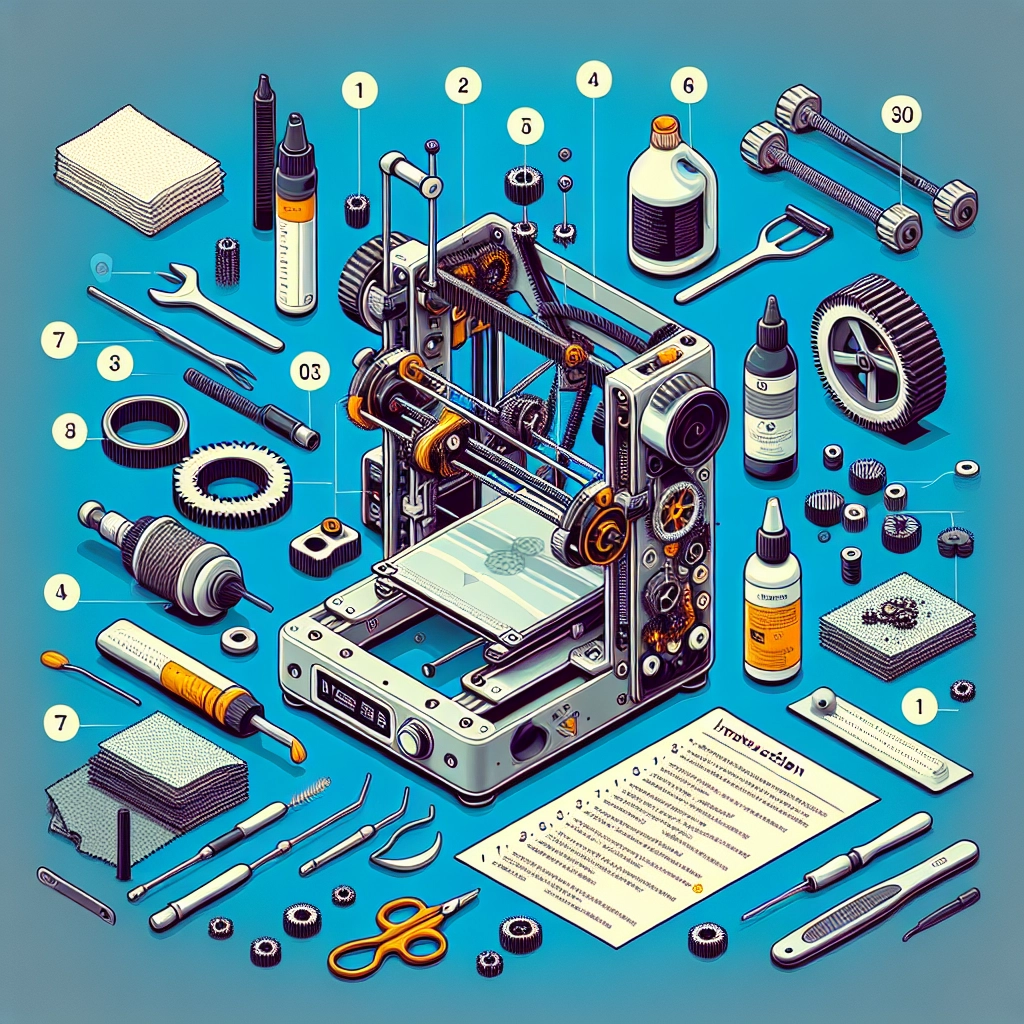
How to Maintain Your Creality 3D Printer for Optimal Performance
If you’re a proud owner of a Creality 3D printer, you know that these machines are capable of producing impressive prints, whether you’re crafting prototypes, unique gifts, or purely artistic creations. However, like any other device, your printer requires regular maintenance to keep it churning out top-notch prints. Regular care ensures not only the longevity of your printer but also enhances print quality. Here’s a friendly guide to help you keep your Creality 3D printer in tip-top shape.
1. Regular Cleaning
Keep it tidy! Dust and filament debris can settle on and inside your printer, affecting its performance. Here are a few pointers:
- Wipe down the exterior: Use a soft, lint-free cloth to clean the casing. If it gets particularly grimy, a slightly damp cloth with mild soap can do wonders.
- Clean the nozzle: A clogged nozzle can lead to disastrous prints. To clear it, heat the nozzle to the printing temperature and carefully remove any filament residue with a small wire or needle. Regularly running a cleaning filament through your nozzle can also be an excellent preventive measure.
- Check the bed and extruder: Ensure the print bed is free of dust, old adhesive, and filament remnants. A clean bed helps with adhesion and prevents print failures, while keeping the extruder free of debris ensures optimal filament flow.
2. Lubrication Is Key
Most moving parts in your printer need a little love to keep them running smoothly. Regular lubrication can help reduce wear and tear:
- Rails and rods: Use a light machine oil or a specialized lubricant every few hundred hours of printing. Apply it sparingly to prevent excess buildup, which can attract more dust and dirt.
- Lead screws: These can also benefit from a bit of lubrication. Again, a small amount of oil will ensure they move smoothly, preventing unwanted grinding or wear.
Remember to clean off any excess lubricant to avoid it mixing with dust.
3. Calibration is Crucial
A well-calibrated printer is a happy printer! Frequently check your bed leveling and nozzle height to ensure optimal results:
- Bed leveling: This process should be part of your routine. An unlevel bed can cause poor adhesion and warped prints. Use the paper test method or invest in an automatic bed leveling sensor if you’re looking for convenience.
- Extruder calibration: Make sure your extruder is dispensing the right amount of filament. If you’re not sure, conducting a flow test can help. Mark your filament, extrude a set length, and then measure the actual length extruded to ensure accuracy.
4. Update Firmware Regularly
Keeping your printer’s firmware up to date is essential for enjoying the latest features and improvements. Check the Creality website regularly or use the Creality slicer software to ensure you’re using the latest version. Updated firmware can resolve bugs, improve print quality, and even add new functionalities to your machine!
5. Monitor Filament Quality
Quality filament is just as important as maintaining the printer itself. Poor-quality or damp filament can lead to all sorts of issues such as clogs or stringing:
- Store filament properly: Keep your filament in sealed bags with desiccants to avoid moisture absorption. Filament can swell when it absorbs water, leading to uneven extrusion.
- Check for tangles: Before starting a print, inspect your filament spool for any tangles that could disrupt feeding.
6. Regularly Inspect Components
A little diagnostic work can go a long way. Make it a habit to inspect wear and tear on parts:
- Belts: Ensure your belts are tight; loose belts can lead to missed steps and poor print quality. Check for frays or wear, too, and replace as necessary.
- Fans and cooling: Keep the fans clean to prevent overheating. Dust can clog the fan grills, leading to insufficient cooling, which can ruin prints.
7. Take Care of the Build Plate
Your build plate plays a crucial role in print adhesion. Depending on the material you’re using:
- Glass bed: Clean it with isopropyl alcohol before each print for the best adhesion.
- PEI sheet: Follow the manufacturer’s guidelines for cleaning to maintain its surface properties.
Maintaining your Creality 3D printer doesn’t have to feel like a chore—think of it more as nurturing your crafty companion. With just a little time and effort, you can keep it working at its best and enjoy creating with ease. Plus, the satisfaction of a well-maintained printer reminds us all of the fun and creativity that 3D printing brings to our lives. Happy printing!