


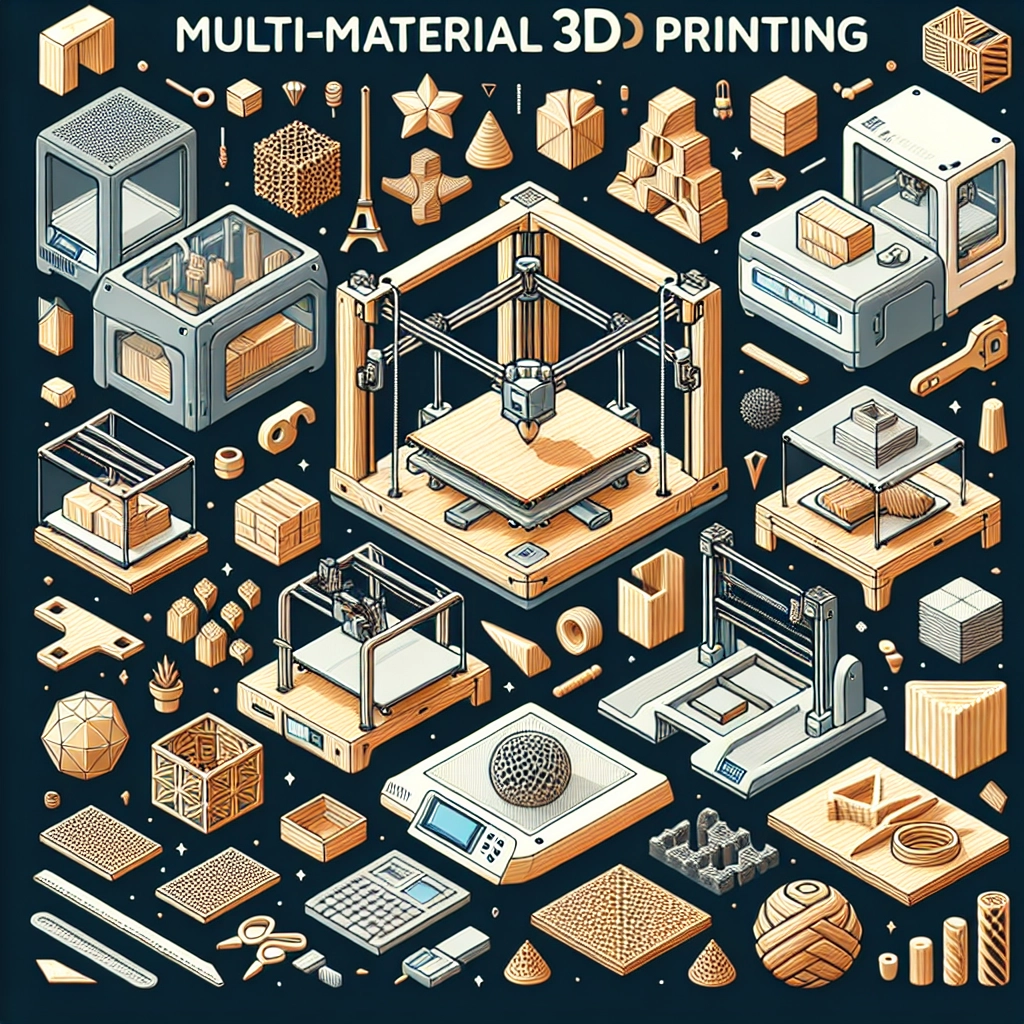
Getting Started with Multi-Material 3D Printing: Tips and Tricks
3D printing has come a long way since its inception, evolving from a techie hobby to a transformative tool in various industries. Among the latest innovations that have captured the imagination of enthusiasts and professionals alike is multi-material 3D printing. Imagine being able to create complex models with different colors, textures, and functionalities—all in a single print job! Sounds exciting, right? If you’re intrigued and want to dive into the world of multi-material 3D printing, you’ve landed in the right spot. Let’s explore some essential tips and tricks to help you get started on your creative journey.
Understanding Multi-Material Printing
Before you start, it’s essential to grasp what multi-material 3D printing entails. Unlike traditional 3D printing, which typically uses a single material, multi-material printing allows for the use of several materials or colors in one go. This opens up a trove of possibilities, from creating prototypes and functional parts to artistic creations with vibrant details.
Most commonly, multi-material printers use a system where you can combine different filaments—like PLA (Polylactic Acid), TPU (Thermoplastic Polyurethane), and PVA (Polyvinyl Alcohol)—to create complex parts. PVA, for example, can be used as a support material and dissolved in water, making it easier to get rid of structures that would otherwise be hard to reach.
Choosing the Right Printer
First things first: to unleash your creativity, you need the right equipment. Not all printers are created equal, and while many can handle basic single-material jobs, not every one is designed for multi-material printing. Look for printers that offer multiple extruders or a unique mixing head that allows for blending filaments. Some of the notable models include the Prusa i3 Multi-Material Upgrade (MMU) and the Ultimaker S5.
Keep in mind your budget and intended use. For hobbyists, investing in an entry-level multi-material printer can be a fantastic way to get acquainted with the technology without breaking the bank.
Experiment with Materials
Once you have your printer, it’s time to dig into potential materials. Experimentation is key in this realm! Each filament has its unique characteristics, from flexibility and strength to color and ease of use. If you’re just starting, it may be wise to stick with more forgiving materials like PLA and TPU before diving into more advanced options like nylon or composite filaments.
You can mix and match colors to create stunning effects, so feel free to let your artistic side flourish! Just remember to check if your materials are compatible with one another. Some materials may require different temperatures or settings, impacting print quality.
Design with Multi-Material Printing in Mind
Designing for multi-material printing opens up a world of creativity. Use software like Fusion 360 or Tinkercad to create 3D models that leverage different materials effectively. For example, you might choose a rigid filament for the body of your model and a flexible one for movable parts, like hinges or joints.
Think about how each material you plan to use interacts with the others. Consider the melting temperatures and the possibility of warping when combining various filaments. If in doubt, start with simple designs to get your bearings before tackling more complex structures.
Master Your Settings
Getting the settings just right is one of the most crucial aspects of multi-material printing. Each filament type has its own set of optimal temperatures and speeds. Most slicer software can help you set this up, but don’t hesitate to tweak settings based on your specific materials and models.
Be especially cautious with retraction settings—if you’re switching between materials, you’ll want to minimize stringing and oozing as much as possible. You can also experiment with print speeds, layer height, and temperature settings to see what works best for your particular project.
Test, Fail, and Learn
One of the best parts about diving into any new technology is the learning curve that comes with it. Do not be disheartened if your first few prints don’t turn out as expected! In fact, frequent testing and iteration will aid you in understanding your printer, materials, and design.
Document what works and what doesn’t, trial different combinations, and embrace the mishaps as learning opportunities. The beauty of 3D printing lies in its ability to create, fail, and adapt.
Find a Community
Finally, remember that you don’t have to go it alone! There are countless communities online full of fellow 3D printing enthusiasts eager to share tips, ideas, and troubleshooting advice. Explore forums like Reddit’s r/3Dprinting, join local maker spaces, or dive into social media groups devoted to 3D printing. The wealth of knowledge available can help you navigate the complexities and inspire your next project.
Multi-material 3D printing is a thrilling landscape for creativity. With patience, experimentation, and community support, you can transform ideas into tangible results. So gather your materials, fire up your printer, and let your imagination run wild!