


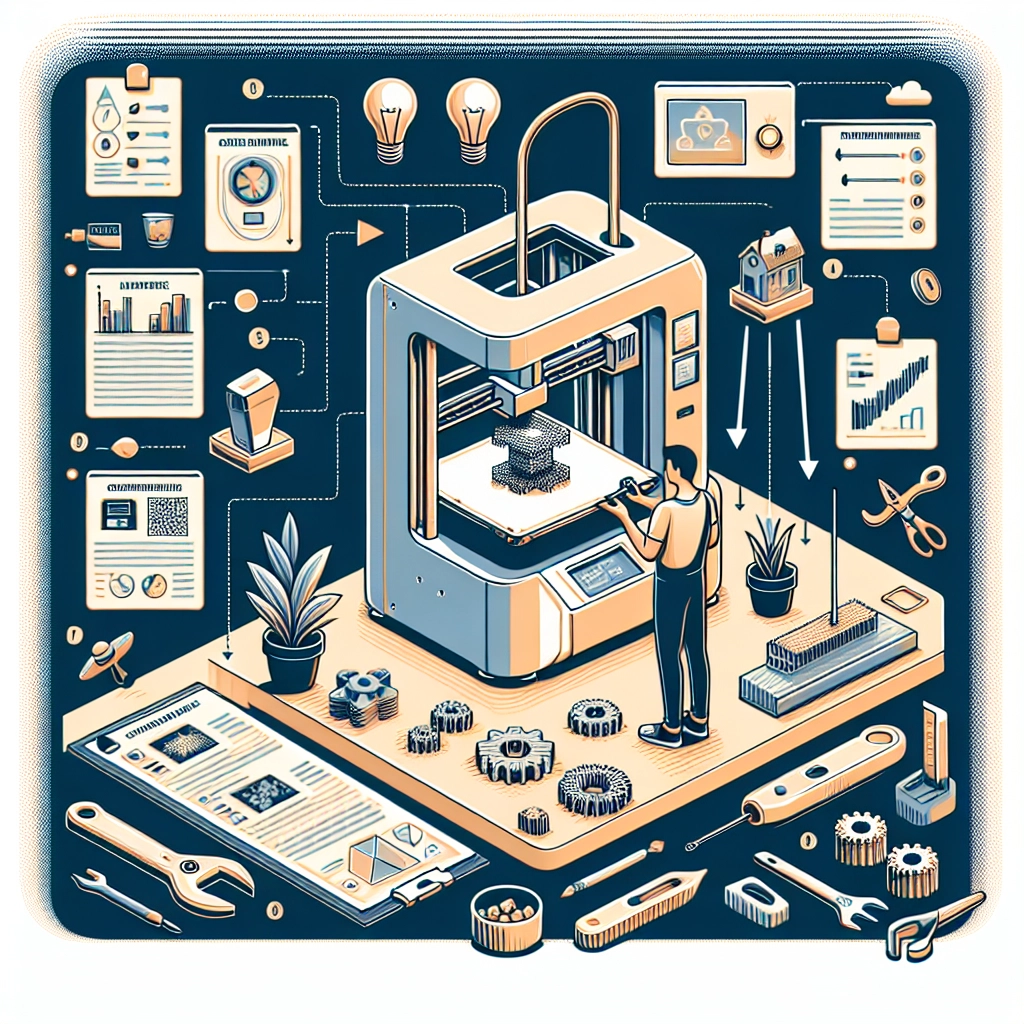
Best Practices for 3D Printing on a Creality Printer
If you’re diving into the world of 3D printing, the Creality printers are a great choice for hobbyists and professionals alike. With a reputation for reliability and affordability, these printers can help you turn your creative ideas into tangible objects. However, to get the most out of your Creality printer, some best practices can significantly enhance your printing experience. Let’s explore these tips and tricks that can help you print like a pro!
Calibrate Your Printer
Before you print anything significant, it’s crucial to calibrate your printer. Proper calibration ensures that layers stick well and that the final print comes out as intended.
-
Bed Leveling: Start with leveling your print bed. An uneven bed can lead to adhesion issues or printing errors. Use a piece of paper to help gauge the optimal distance between the nozzle and the bed. Most Creality printers come with a simple leveling guide, but you can also check out online tutorials for more detailed instructions.
-
Extruder Calibration: Make sure your extruder is calibrated accurately. This step ensures that the correct amount of filament is being dispensed. You can do this by measuring a specific length of filament and seeing how much your printer actually feeds.
Choose the Right Filament
Creality printers are compatible with a variety of filaments, including PLA, ABS, PETG, and more. Understanding the characteristics of each material can go a long way:
- PLA: Ideal for beginners, it’s easy to print with, biodegradable, and comes in a wide range of colors.
- ABS: Best for creating durable parts, but it requires a heated bed and good ventilation due to fumes.
- PETG: A great choice for objects that need to be tough and resistant to heat.
Always store your filaments properly. Keep them in a dry environment to prevent moisture absorption, which can lead to printing problems.
Optimize Your Print Settings
Let’s talk print settings! Most Creality printers come with a slicer, such as Cura, but customizing these settings can lead to better results.
-
Layer Height: For finer details, lower the layer height. A value of 0.1mm is common for high-detail prints, while 0.2mm to 0.3mm is better for faster but less detailed prints.
-
Print Speed: Slower speeds usually result in higher-quality prints. A speed of 50mm/s is often a sweet spot, but feel free to experiment.
-
Infill and Walls: Depending on what you’re printing, adjust the infill percentage and the number of wall layers. For functional parts, a higher infill percentage offers strength, while decorative items can get away with less.
Monitor Your Prints
Keep an eye on your prints, especially when working on long jobs. If you notice any issues, like warping or delamination, it’s better to catch them early. A camera setup can help you remotely monitor your printer when you’re away.
Post-Processing
After your print has completed, some post-processing can enhance the final product. Here are some simple yet effective techniques:
- Remove Supports: Carefully remove any supports or rafts. A pair of needle-nose pliers or a crafting knife can help with this.
- Sanding and Painting: Sanding your print can give it a polished look. For a DIY project, consider painting your print with acrylic paints. Just ensure the paint is compatible with the filament used.
Community and Resources
One of the best aspects of using a Creality printer is the vibrant community surrounding it. Online forums, social media groups, and YouTube channels are filled with resources, tips, and troubleshooting insights. Don’t hesitate to reach out or look up tutorials to enhance your skills further.
Experiment and Learn
3D printing is as much about creativity as it is about technology. Don’t be afraid to make mistakes along the way, as they are often the best teachers. Experiment with different designs, settings, and materials. Take inspiration from the vast array of online creations and adapt them.
Using these best practices for your Creality printer can launch you into a world of unlimited creativity and functionality. As you gain experience, you’ll find your unique rhythm and style in 3D printing. Just remember: every print is a new opportunity to learn and innovate. Happy printing!