


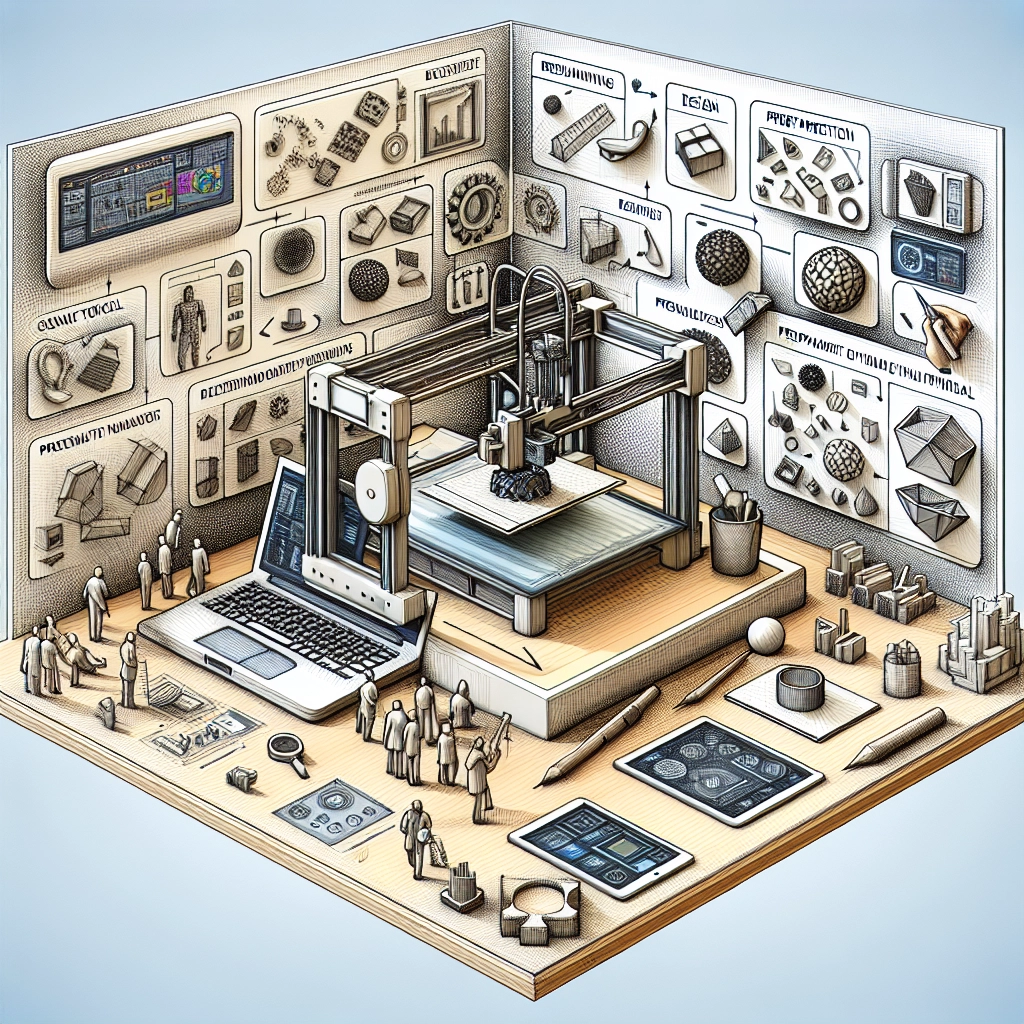
Essential Software for 3D Printing: From Design to Print
The world of 3D printing has exploded in recent years, bringing together designers, engineers, and hobbyists in a vibrant community of creators. Whether you’re crafting intricate jewelry, prototyping your next invention, or simply printing cool artistic pieces, having the right software can make all the difference. So let’s dive into the essential software you’ll need to take your 3D printing journey from design to a successful print.
1. Design Software
Tinkercad
If you’re just stepping into the realm of 3D design, Tinkercad is a fantastic starting point. This browser-based software is incredibly user-friendly, allowing beginners to create 3D models without needing to dive deep into complex features or programming languages. With a simple drag-and-drop interface, you can easily combine basic shapes to create more complex models. It’s perfect for quick designs and prototyping, and it even offers features for basic code-based modeling.
Blender
For those ready to take their 3D modeling skills up a notch, Blender is a powerhouse. It’s free, open-source software that boasts a comprehensive suite of design tools. From modeling and sculpting to animation and rendering, Blender covers all the bases. Yes, it has a steeper learning curve compared to some beginner programs, but the possibilities it offers are practically endless. Plus, there’s a massive community out there, so endless tutorials and resources are available for you to tap into.
Fusion 360
If your focus is on engineering and precise modeling, Autodesk’s Fusion 360 should be on your radar. This software is geared more towards professionals, featuring tools for product design and engineering collaboration. Fusion 360 excels in creating parametric models, which means you can easily modify existing designs by changing parameters without having to start from scratch. While it’s more complex, professionals swear by its functionality for making intricate designs and collaborative projects.
2. Slicing Software
Once your design is ready, you need to prepare it for printing, and that’s where slicing software comes in. This software takes your 3D model and converts it into instructions (G-code) that your printer understands.
Cura
Cura is one of the most popular slicing software options out there, boasting a robust set of features that cater to both beginners and advanced users. It’s compatible with various printers and offers customizable settings for different materials and print qualities. The intuitive interface allows you to quickly adjust the model settings, and you get a visual preview of the print layers, which can help you troubleshoot potential issues before they arise.
PrusaSlicer
Developed by the folks behind the renowned Prusa 3D printers, PrusaSlicer is another fantastic option that’s worth considering. It shines with its advanced slicing features, allowing for fine-tuning of your print settings. Whether you’re working on multi-material prints or need to use different filaments, PrusaSlicer has you covered. And for those who appreciate community feedback, it includes a plethora of customizable presets based on user experiences.
3. Printer Management Software
To keep your printing experience smooth, you might want to look into printer management software.
OctoPrint
OctoPrint takes remote printing to a whole new level. It’s an open-source solution that allows you to control and monitor your 3D printer from anywhere via a web interface. With OctoPrint, you can manage multiple printers, upload models, start or stop prints, and monitor the real-time status of your printer right from your device. It’s an absolute game-changer, especially for users of multiple printers or those wanting to monitor their prints while they’re away.
AstroPrint
Similar to OctoPrint, AstroPrint also offers cloud-based management, enabling you to control your printer remotely. One of its coolest features is the ability to slice models in the cloud, reducing the workload on your local machine. It’s perfect for those who prefer a more streamlined, hands-off approach to printing.
4. File Repair Tools
Designing 3D models can sometimes lead to unexpected errors, but fear not! File repair tools can help fix these issues.
Meshmixer
Meshmixer is an excellent tool for cleaning up and repairing 3D models. Whether you need to fix holes, smooth out surfaces, or prepare models for support, Meshmixer has it all. It’s also great for combining multiple models into one, which can save you time when preparing your prints.
Netfabb
For a more professional solution, Autodesk’s Netfabb provides powerful tools for repairing and optimizing your STL files. While it tends to cater to more serious users or professional applications, its robust set of tools can help ensure your models are print-ready.
Navigating the world of 3D printing software can feel overwhelming given the myriad of options available. From design and slicing to printer management, each piece of software plays a vital role in transforming your creative ideas into tangible objects. So whether you’re a hobbyist, a budding entrepreneur, or a seasoned pro, exploring and familiarizing yourself with these essential tools will undoubtedly enhance your 3D printing experience. With the right software at your fingertips, the only limit is your imagination! Happy printing!