


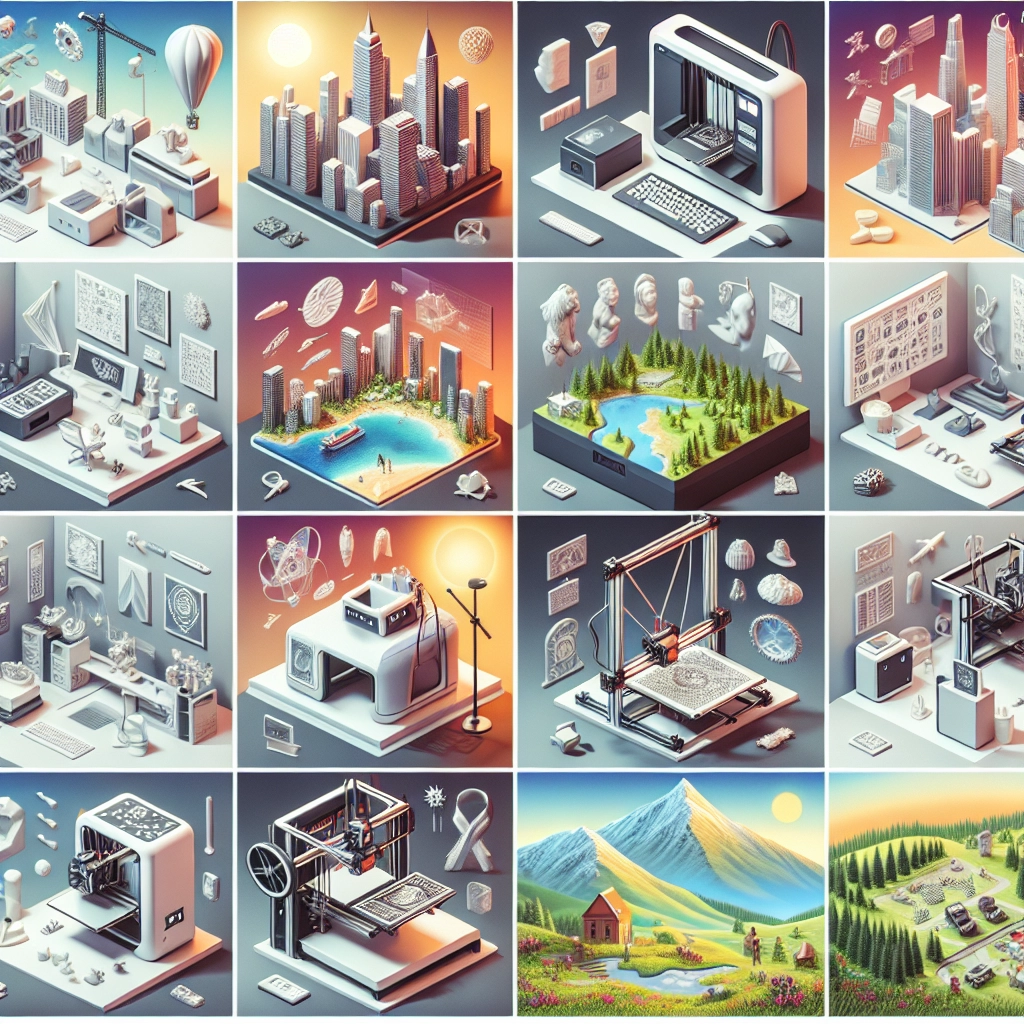
Best Practices for 3D Printing in Different Environments
3D printing is an exciting realm that has transformed the way we think about design, manufacturing, and prototyping. Whether you’re a hobbyist crafting your latest project or a business looking to streamline operations, understanding how to optimize your 3D printing process in various environments is essential. From home garages to large corporate settings, let’s dive into some best practices that can help you get the most out of your 3D printer, no matter where you’re operating.
Home Sweet Home
When you’re printing at home, you might be wrestling with space constraints or finding a balance between noise and family dynamics. Here are some best practices for home users:
-
Choose the Right Location: Designate a clean, well-ventilated area free from dust. This could be a spare room, basement, or garage. Ensure your printer is on a sturdy table that minimizes vibrations.
-
Temperature Control: 3D printers, especially filament-based ones, are sensitive to temperature. If you’re in an area with fluctuating temps, consider investing in a small space heater or air conditioner to maintain a stable environment. Ideally, keep the temperature between 20°C to 25°C (68°F to 77°F).
-
Noise Management: 3D printers can be noisy, which might disrupt family time or neighbors. Using acoustic panels or even placing the printer on a rubber mat can help dampen sound. Some users have great success building a soundproof enclosure.
-
Safety First: While the materials used in 3D printing are generally safe, it’s a good idea to print in a well-ventilated area. If your filament emits fumes, consider using a carbon filter or an exhaust fan to keep the air fresh.
Educational Environments
3D printing is becoming a staple in classrooms and educational settings. To promote learning and creativity while ensuring safety and efficiency, consider these practices:
-
Structured Guidelines: Create a printing policy that outlines acceptable use, safety, and maintenance. This can help students understand the responsibilities that come with using the technology.
-
Hands-On Learning: Encourage students to engage in the entire process—from design to execution. Utilize software that is intuitive for young minds to grasp, or hold workshops to teach basic 3D modeling skills.
-
Monitor Prints: Set up a schedule for print monitoring to ensure that everything goes smoothly. Assign different students to check the print at regular intervals, promoting both responsibility and teamwork.
-
Create a “Print Wall”: Display successful creations around the classroom to inspire others. This not only showcases students’ work but also fosters a sense of community and pride in their accomplishments.
Industrial Settings
In commercial or industrial environments, efficiency, precision, and bulk production are often key. Here are some practices specific to these larger setups:
-
Invest in Quality Hardware: Higher-end 3D printers designed for industrial use generally offer better precision and reliability. Look for printers that can handle your required materials and scale of production.
-
Streamlined Workflow: Integrate your 3D printing processes with other production lines. This could mean automating material supply or scheduling prints alongside other manufacturing tasks to improve overall efficiency.
-
Maintenance Schedule: In production-heavy settings, regular maintenance is vital. Create a rigorous maintenance schedule for cleaning and calibrating your printers to prevent downtime.
-
Employee Training: Ensure all personnel are properly trained not only in operational procedures but also in troubleshooting. Familiarizing them with the 3D printing process will help identify and resolve issues more swiftly.
Outdoor and Uncontrolled Environments
For those who venture into outdoor or uncontrolled environments for projects or community events, some adaptations are in order:
-
Portable Printers: If you’re on the go, invest in a portable 3D printer. Look for models that can easily be transported without disassembly.
-
Weather Protection: Secure your machines in a tent or shelter to protect them from sun, rain, or wind. A simple rain cover or a portable shed can work wonders.
-
Battery Backup: When you’re in an area without power, consider using a printer that can operate off battery power. Keeping a portable generator on hand can also keep things running smoothly.
-
Keep Materials Dry: Filament is particularly susceptible to moisture. Always store your materials in sealed containers with desiccants to maintain their integrity.
Each of these environments presents unique challenges and opportunities with 3D printing. By understanding and adapting to your surroundings, you can enhance not just the quality of your prints but also the joy and satisfaction that comes with creating. Whether you’re at the comfort of home, the collaborative atmosphere of a classroom, or the precision-driven site of an industrial operation, the right practices will ensure that 3D printing remains a vibrant part of your journey. Dive into your next project with the knowledge and framework to succeed!