


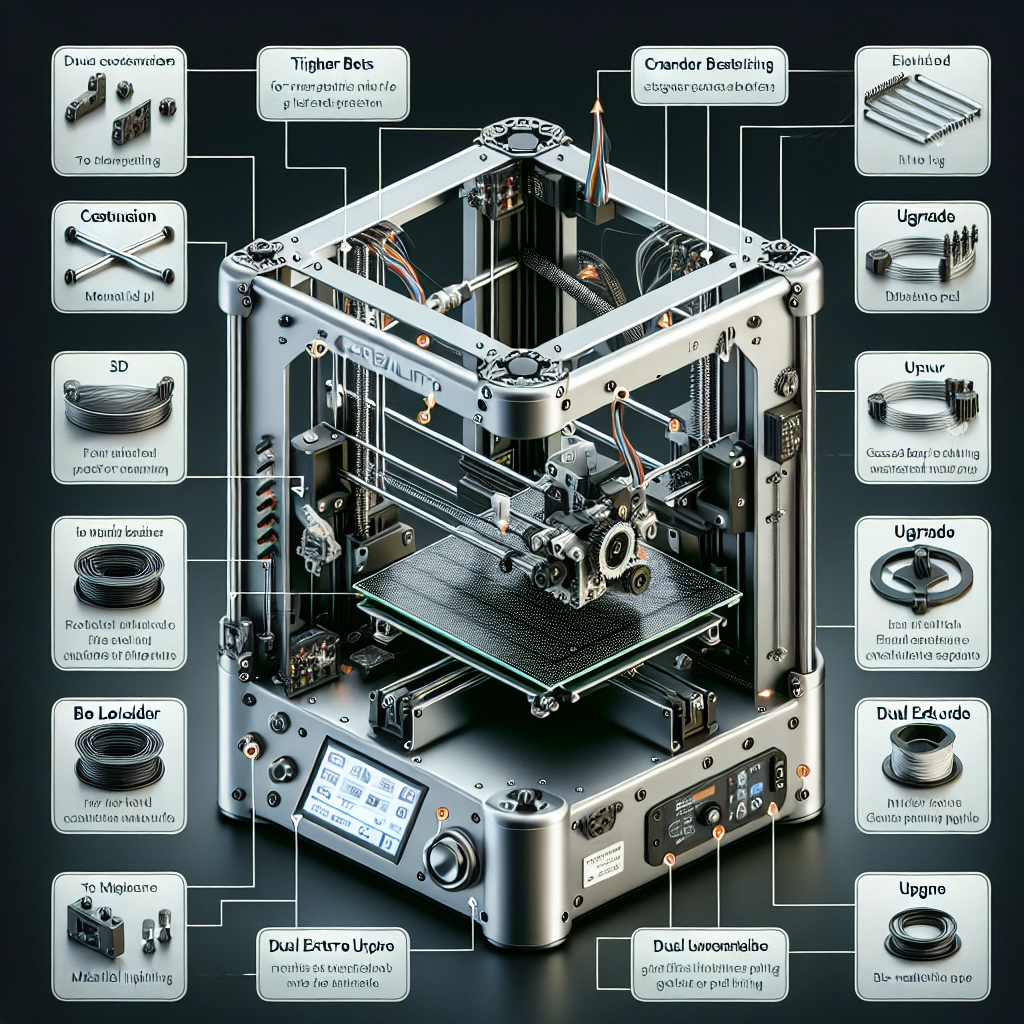
Customizing Your Creality 3D Printer: Tips and Tricks
Whether you’re a veteran maker or just dipping your toes into the world of 3D printing, customizing your Creality printer can be a game changer. Not only can it enhance the performance of your machine, but it can also open the door to a more enjoyable and efficient printing experience. In this blog post, we’ll explore some handy tips and tricks for personalizing your Creality 3D printer, helping you get the most out of your printing adventures!
Upgrade Your Nozzle
One of the simplest yet most effective modifications you can make is switching out the stock nozzle. Many Creality printers come equipped with a standard brass nozzle, which works perfectly fine. However, if you’re looking to experiment with different materials or improve your prints, you might want to consider nozzles made from hardened steel or even ruby-tipped nozzles for added durability.
Changing the nozzle diameter can also have a huge impact on your print quality and speed. A smaller diameter (0.2mm or 0.4mm) will allow for finer details, while a larger one (0.8mm or 1.0mm) can significantly decrease printing time for larger models. Just remember to adjust your slicing settings accordingly!
Fine-Tune Your Bed Leveling
A well-leveled bed is crucial for ensuring that prints stick properly and come out beautifully. If your Creality printer is equipped with manual bed leveling, consider upgrading to an auto-bed leveling sensor like a BLTouch. This little gadget takes away the guesswork and allows for more precision in ensuring your bed is just right.
Even without an auto-leveling setup, taking the time to manually calibrate your print bed can drastically reduce print failures. Don’t rush through this process; a few minutes spent leveling now can save hours in wasted filament later.
Upgrade Your Firmware
One of the underappreciated ways to customize your printer is by updating or changing the firmware. Most Creality printers come with standard firmware, which is perfectly functional but may not offer all the features you might find useful. Consider installing a custom firmware like Marlin, which provides extensive features and options tailored for the world of 3D printing.
Not only can you enable features like linear advance and thermal runaway protection, but it can also optimize your printer’s performance. Just be sure to follow the installation instructions carefully to avoid any mishaps!
Explore Different Filament Types
While standard PLA and ABS are great starting materials, don’t be afraid to explore a wide variety of filaments available on the market. From flexible TPU to metallic composites, the world of filament is vast and exciting.
For those looking to customize even further, consider blending filament types or experimenting with colors and finishes. This can take your prints from standard to stunning and allows for unique designs that reflect your personality and style.
Tweak Your Print Settings
Don’t shy away from fine-tuning your slicing software! Your printer’s default settings might get the job done, but experimenting with parameters like layer height, print speed, and infill density can lead to significant improvements in quality and efficiency.
For instance, if you’re printing intricate designs, reducing the layer height can produce a finer finish. Conversely, if you’re printing a big object that’s more functional than decorative, cranking up the infill density may yield surprising improvements in stability.
Lighting Up Your Work Area
While not a technical upgrade, enhancing the overall look and feel of your workspace can greatly improve your 3D printing experience. Consider adding ambient lighting or even a dedicated spotlight over your printer. Not only does this make it easier to monitor prints in progress, but it also elevates your workspace aesthetics. Plus, you might just impress your friends when they see your setup!
Get Community Involvement
Lastly, don’t overlook the power of community! Whether through online forums, social media groups, or local maker spaces, surrounding yourself with fellow enthusiasts can provide a wealth of knowledge and support. Sharing tips, tricks, and experiences can inspire you to try new modifications, improve your skills, and ultimately become a better maker.
Customizing your Creality 3D printer can lead to exciting new possibilities. From enhancing performance with hardware upgrades to exploring creative new materials, the journey doesn’t just stop with unboxing your printer. Each tweak and modification can teach you more about the art and science of 3D printing, making it not just a hobby, but a rewarding experience. So gear up, implement these tips, and watch your creativity soar! Happy printing!