


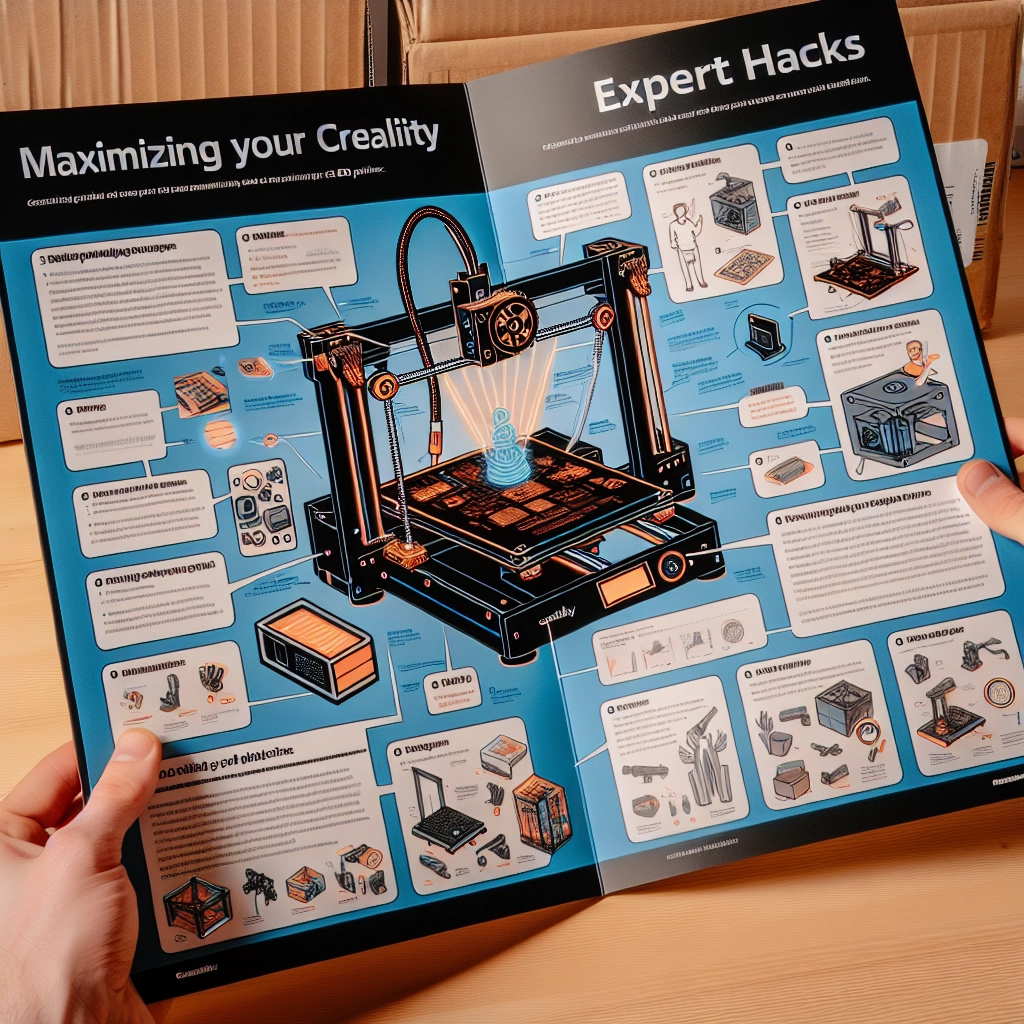
Maximizing Your Creality 3D Printer: Expert Hacks
If you’ve recently joined the exciting world of 3D printing with a Creality printer, you’re probably reveling in the joy of creating something from almost nothing. Whether you’re cranking out prototypes, custom models, or even toys for the kids, there’s always room for improvement. There’s a plethora of expert tips and tricks that can take your 3D printing game to the next level. Buckle up, because we’re diving into some fantastic hacks to maximize your Creality 3D printer experience!
Fine-Tuning Your Printer Settings
Initial Calibration
Getting the right settings can make a world of difference. Start by calibrating the bed level and ensuring your nozzle height is spot on. If the first layer isn’t adhering properly, you might end up with a spaghetti mess instead of a masterpiece. A good rule of thumb is to use a piece of paper – if you can slide it under the nozzle with a little friction, you’re golden!
Layer Height and Speed Adjustments
Experimenting with layer height can affect the finish and strength of your prints. A lower layer height offers greater detail but increases print time. Conversely, a higher layer height will speed things up but might compromise quality. Most Creality models can handle speeds anywhere from 40 to 100 mm/s, but if you’re experiencing issues, try dialing it back to see how it affects your results.
Upgrade Your Hardware
Nozzle Changes
Upgrading your nozzle can yield great results. Standard nozzles work well for most prints, but if you’re looking to experiment, try out different sizes. A larger nozzle, like a 0.8mm, lets you print quicker and fill bigger areas, while smaller nozzles, like a 0.2mm, bring the detail.
Silicone Socks and Tubing
Installing silicone socks on your hotend helps maintain temperature consistency and protects the element from filament residue. It can also make cleaning easier! Likewise, consider upgrading your PTFE tubing for smoother filament feeding, reducing clogs and improving print quality.
Filament Fun
Experiment with Different Materials
Creality printers can handle a variety of filaments, from PLA and ABS to more exotic materials like PETG or TPU. Each filament has unique properties, so don’t hesitate to experiment! Always check the manufacturer recommendations for temperature settings, and you might just find the perfect filament for your next project.
Dry Storage
Filament absorbs moisture, which can lead to oozing and popping during printing. Store your filaments in airtight containers with silica gel packets to keep them dry. This simple trick can significantly improve your prints’ quality and consistency.
Software Savvy
Slicing Software
Using the right slicing software can transform your prints. While many stick to Cura, don’t hesitate to explore others, like PrusaSlicer or Simplify3D. These programs often come with advanced features that allow for fine-tuning beyond what’s available in standard options. Experimenting with settings like supports, raft, and infill can lead to significantly better results.
Custom Settings Profiles
Once you’ve dialed in your settings for a particular filament type or print style, save those profiles! This way, you can skip the troubleshooting phase every time you start a new print. It’s all about enabling that workflow – and who doesn’t want to save time?
Print Preparation
Cura’s “Brim” and “Raft” Features
For models that tend to warp, like ABS, using Cura’s brim or raft options can add stability. A brim adds a thin ring around your print base, while a raft includes a whole base layer. Experiment with these to see what works best for your model and material.
Cooling Fans
While some filaments, like PLA, benefit from a lot of cooling, others can struggle if cooled too quickly. Understanding the cooling needs of each filament can help you avoid warping or stringing during prints. If you’re noticing failures, adjusting your fan speed or even adding additional cooling fans could be a game-changer.
Troubleshooting Woes
When things don’t go to plan, don’t panic! Get comfortable with troubleshooting. Whether it’s a clog, warping, or layer shifting, there are abundant resources online. The 3D printing community is vast and supportive – joining forums or groups on social media can help you find solutions and tips from fellow enthusiasts.
Bring It All Together
Stepping into the world of 3D printing offers endless possibilities, especially with a reliable machine like a Creality printer. By implementing these expert hacks, you can ensure your prints not only look great but stand the test of time. Not every print will be flawless, and that’s okay. Each failure brings experience and enhances your skills. So gather your materials, calibrate your printer, and let your creativity soar – exciting projects await!