


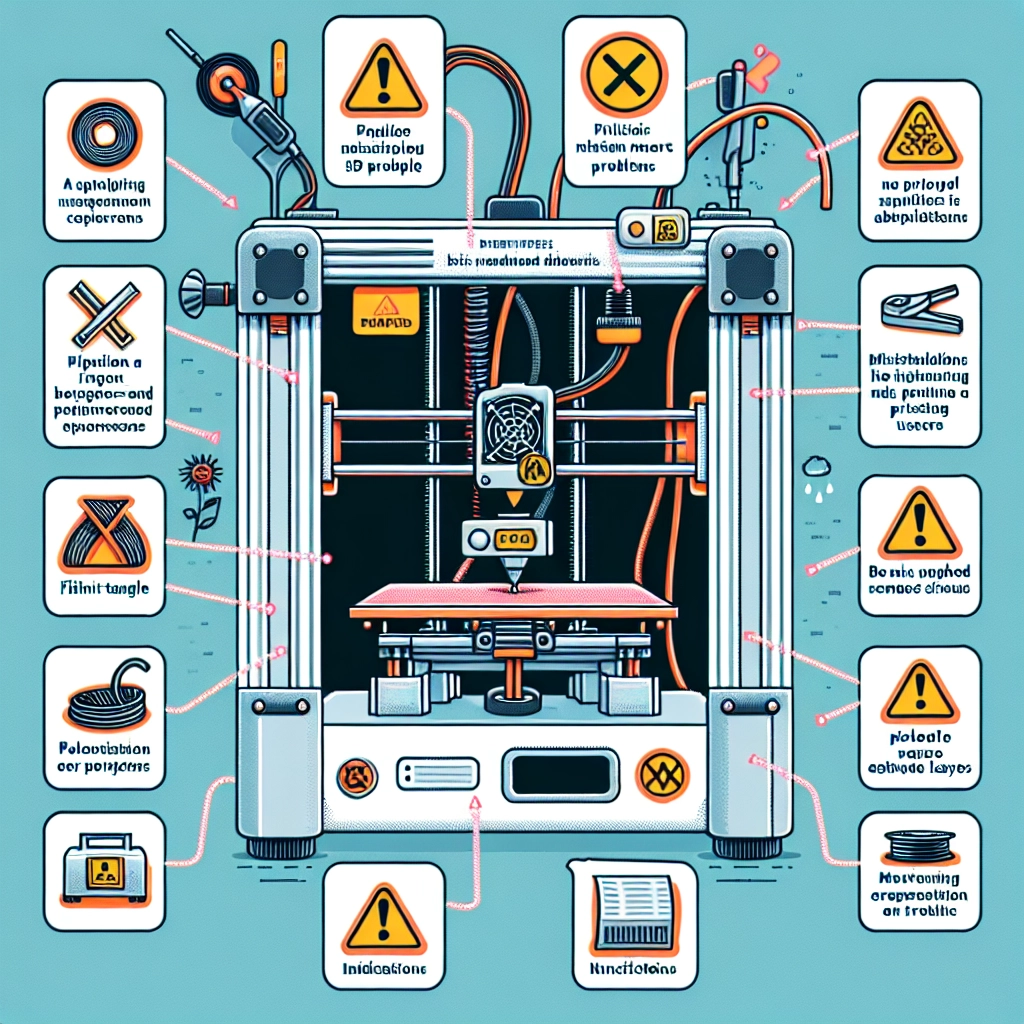
Troubleshooting Common 3D Printing Problems: A Guide for Beginners
Ah, the world of 3D printing! It’s an exciting blend of creativity, technology, and a bit of alchemy when you think about it. You press “start,” and a masterpiece emerges layer by layer, but what happens when that masterpiece doesn’t quite come out as planned? Don’t worry! Every 3D printer owner has faced troubles at one point or another. The good news is, most common problems are solvable with a bit of troubleshooting. Let’s dive into some of these issues to help you navigate the 3D printing journey successfully.
The Filament Won’t Stick to the Build Plate
One of the most frequent hiccups beginners face is adhesion issues. If your print is curling up or detaching mid-print, this can be pretty frustrating. Here are some tips to help get that filament to stick:
-
Clean the Build Plate: Dust and grease can hinder adhesion. Try wiping the build plate with isopropyl alcohol to ensure it’s squeaky clean before starting a print.
-
Level the Build Plate: An unlevel build plate can cause issues right from the start. Use the leveling process that comes with your 3D printer, and make sure it’s balanced and perfectly aligned.
-
Adjust Temperature Settings: Different filaments require specific temperature settings for optimal adhesion. If the extruder is too hot or too cold, it could lead to poor adhesion. Make sure you’re following the recommended settings for your type of filament.
The Print is Warping
Warping typically occurs when the edges of your print lift off the build plate, often seen with ABS prints. This can be caused by rapid cooling. Here are a few tricks to combat warping:
-
Utilize a Heated Bed: If your printer has a heated bed, make sure you’re using it! Keeping the build surface warm helps to prevent warping as it stabilizes the temperature of the print.
-
Enclose Your Printer: Adding an enclosure helps maintain a consistent temperature around the print and reduces drafts which can lead to cooling too fast.
-
Use Brims or Rafts: Adding a brim or raft (additional material printed around the actual object) can really help in holding those corners down and combating warping.
Layer Separation
If you notice the layers of your print are separating or the overall print feels weak, there are a few possible culprits:
-
Check Extrusion Settings: An inconsistency in extrusion can lead to poor layer adhesion. Ensure the extrusion multiplier is set correctly, and consider running a calibration test to fine-tune it.
-
Increase Printing Temperature: If all else seems normal, try increasing the print temperature slightly. This extra heat can improve layer bonding significantly, especially with certain materials.
-
Print Speed Adjustments: Sometimes slowing down your print speed can make a world of difference. A slower speed allows for more time for the layers to adhere properly.
Stringing and Oozing
Found little strings of filament all over your beautifully printed object? That’s known as stringing, and it happens when excessive molten filament oozes out of the nozzle. Here’s how to tackle it:
-
Retraction Settings: A common fix is tweaking the retraction settings, which pulls the filament back into the nozzle when the print head moves, reducing ooze. Experiment with increasing the retraction distance or speed.
-
Reduce Printing Temperature: Sometimes reducing the print temperature can help with stringing. Just like we discussed earlier, too much heat can contribute to filament oozing.
-
Optimize Travel Movements: Adjusting travel movements in your slicer settings can also minimize the distance the nozzle travels over open areas, which in turn reduces stringing.
Final Thoughts
3D printing can sometimes be a bit of a rollercoaster, right? From getting the print to stick just right to fine-tuning settings to avoid pesky stringing, the journey is full of learning opportunities. Every problem you encounter is just a chance to improve and become more adept with your printer. Don’t get discouraged if things don’t go perfectly every time. With each print, you’re honing your skills and building your knowledge base.
Remember to keep notes on what works and what doesn’t, and remember that every experienced 3D printer user has navigated the same challenges. Happy printing!