


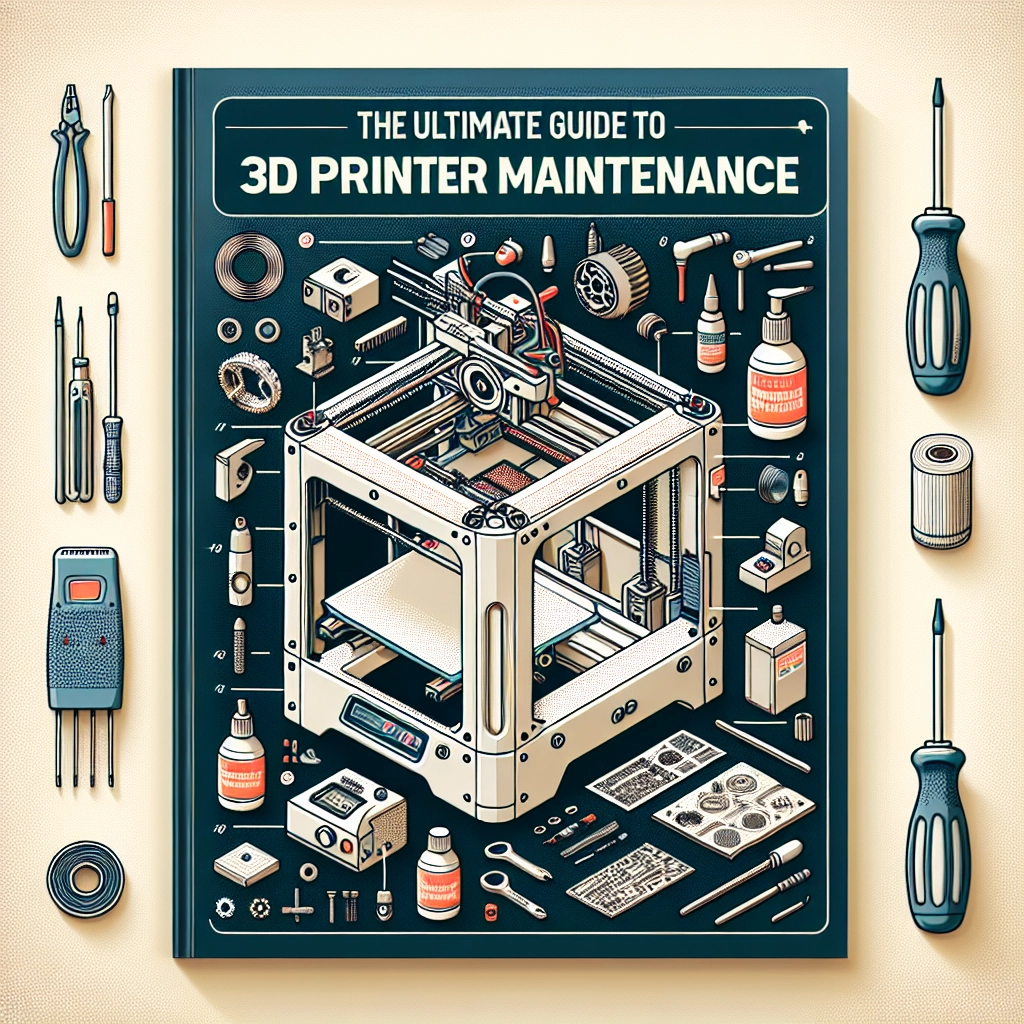
The Ultimate Guide to 3D Printer Maintenance
In the realm of 3D printing, it’s easy to get lost in the excitement of creating intricate designs and digital wonders. However, just like any other machine, your 3D printer requires a bit of TLC to keep it humming along smoothly. Whether you’re a newbie or a seasoned pro, understanding routine maintenance can help you avoid frustrating mishaps, prolong the life of your printer, and ensure top-notch prints every time. So, let’s dive into the ultimate guide for keeping your 3D printer in tip-top shape!
1. Keep it Clean
One of the simplest yet most important aspects of 3D printer maintenance is cleanliness. A clean printer will not only produce better-quality prints but will also reduce the likelihood of mechanical failures. Here’s how to keep it dust-free:
-
Regular Dusting: Use a soft cloth to wipe down the exterior of your printer regularly. Make it a habit to do this once a week or as needed, depending on your workspace conditions.
-
Nozzle Checks: The nozzle is where the magic happens, but it can also be a hotspot for clogging. After every few prints, take a moment to inspect the nozzle for residue buildup. A little brush or a soft cloth can help remove any filament debris. If you notice frequent jams, consider soaking it in cleaning filament or using a needle to carefully unclog any blockages.
-
Build Plate Care: The build plate can accumulate grease, dust, and leftover filament over time. Clean it with isopropyl alcohol or warm soapy water (be sure to consult manufacturer guidelines). A clean plate ensures better adhesion for your prints.
2. Lubricate Moving Parts
3D printers have several moving components that require lubrication to operate smoothly. Neglecting to lubricate can lead to increased wear and tear over time. Here’s a quick guide:
-
Linear Rails and Rods: Use a light machine oil or a specific lubricant recommended for your printer model. Apply it sparingly with a cloth, and occasionally move the axes back and forth to help distribute the lubricant evenly.
-
Lead Screws: These need lubrication too! A dab of grease every month can keep your Z-axis operating smoothly and help maintain print quality.
3. Check Belts and Tension
The belts are critical for maintaining accurate movement, and over time they can stretch or wear out. Here’s how to keep them in check:
-
Inspect for Wear: Regularly check the belts for fraying or signs of wear and tear. If something looks off, it’s better to replace it sooner rather than later to avoid print failures.
-
Tightening: A loose belt can cause layers to shift during printing, leading to unsatisfactory results. Make sure your belts are taut but not too tight; they need to have a little give to avoid excessive tension which could lead to further damage.
4. Regular Software Updates
While maintenance often focuses on the physical machine, don’t forget the software side! Manufacturers often release updates that can improve performance, add features, or fix known bugs. Make it a routine to check for software updates at least once a month. This will also help you get the most out of your printer.
5. Calibration is Key
A well-calibrated printer is a happy printer. It might feel tedious, but regular calibration can dramatically affect print quality. If you begin to notice issues like uneven layers or warping, it’s definitely time to recalibrate.
-
Bed Leveling: Ensure your print bed is level before each session. Some printers have automatic bed leveling, but if yours doesn’t, take the time to do it manually.
-
Extruder Calibration: Over time, slight gaps can emerge in how much filament is actually extruded versus what you’ve set in the software. A quick test with a calibration cube can tell you if your extruder is spot-on or if adjustments are necessary.
6. Store Filament Properly
Filament can be affected by moisture, light, and temperature, so take care to store it correctly. Use airtight containers with desiccant packets and keep them in a cool, dark place to ensure that your materials remain in prime condition.
Caring for your 3D printer doesn’t have to be daunting! Following these simple maintenance tips can turn your printing experience into a much more enjoyable and productive one. Remember, regular upkeep not only enhances print quality but also minimizes the chances of frustrating failures when you least expect them. In the world of 3D printing, a little maintenance can lead to an abundance of creativity and innovation, allowing you to focus on what you love most—bringing your ideas to life!