


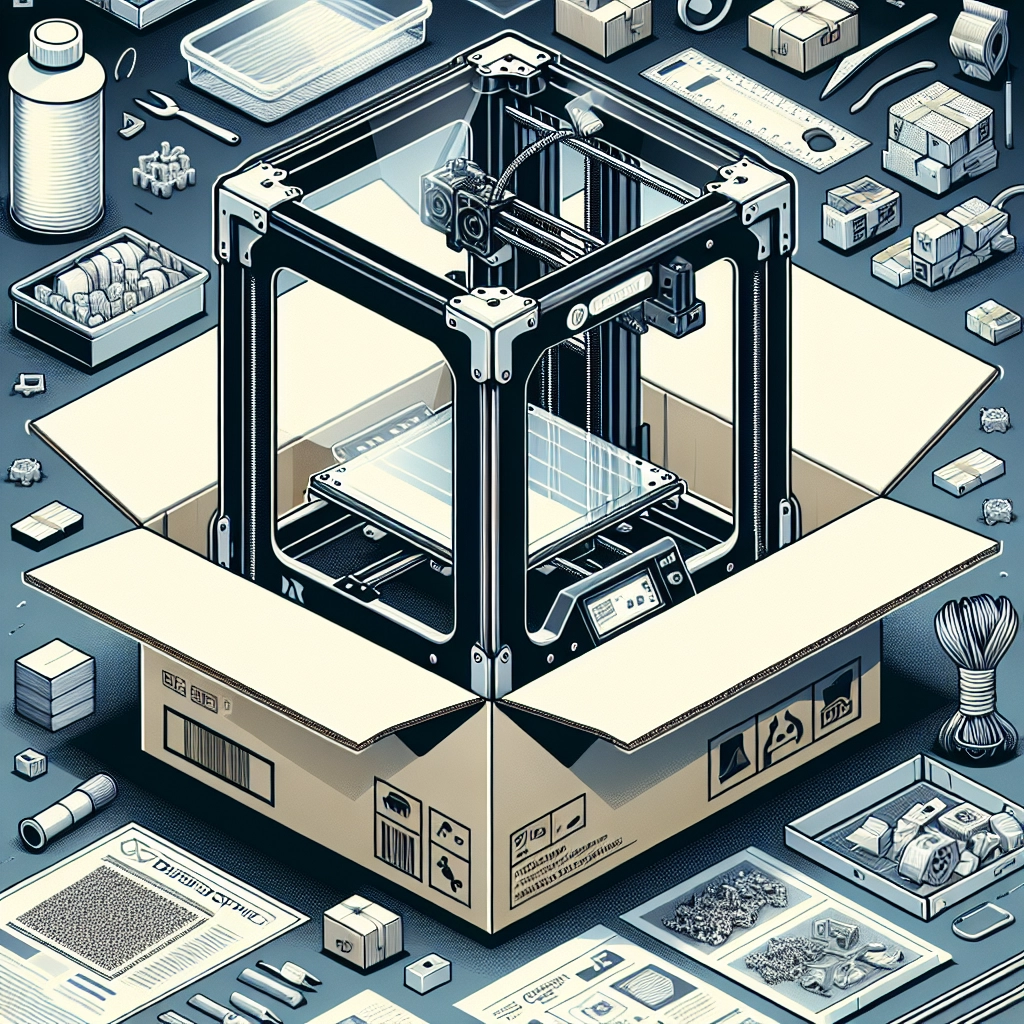
Unboxing the Latest Creality 3D Printer: What to Expect
If you’re an enthusiast in the DIY world or a curious newcomer to 3D printing, nothing can be more exhilarating than unboxing a brand-new printer straight from Creality. They’ve made quite the name for themselves in the 3D printing community, known for their solid engineering, affordability, and einvaluable feature set. So, let’s dive into what you can expect when that shiny box arrives at your doorstep.
The Excitement of the Unboxing Experience
First off, let’s talk about that feeling you get when you rip open the packaging. It’s like getting a present on your birthday—even if you already know what’s inside! Creality takes great care in the way they package their printers. Expect plenty of foam padding and protective layers to ensure that everything arrives in pristine condition.
As you open the box, take a moment to appreciate the neat layout. Creality usually includes a well-organized assortment of tools, spare parts, and instructions in a dedicated compartment. This thoughtful touch goes a long way, especially if you’re not a seasoned pro.
Assembly Made Easy: A Beginner’s Guide
After you peel back the layers of protective material, it’s time to make sense of all the pieces. Depending on the model you purchased, assembly instructions vary but are generally straightforward. Some Creality printers come semi-assembled, meaning you may only need to attach a few components like the gantry or the print bed.
For those who enjoy DIY tasks, the assembly can be part of the fun. You’ll often find labeled parts and user-friendly manuals, some even with illustrations or QR codes that link to video guides. Just remember to keep your tools handy! Basic items like a screwdriver and some Allen wrenches are often included, but having your own set is a good idea too.
Don’t rush through this step; taking your time ensures that everything fits snugly together, and you hit the ground running when it’s time to create your first print.
The First Setup: Getting Started
Once assembled, it’s time for the electrifying moment—the first setup! This step can be exhilarating but also a bit intimidating, especially for beginners. Creality is excellent about providing clear instructions for leveling the print bed, which is crucial for successful printing. Many newer models even come with features like auto-bed leveling, taking the guesswork out of this process.
Before diving into your first print, you’ll want to connect the printer to your computer (or Wi-Fi, if supported) and install the required slicing software. Programs like Cura or Creality’s own slicer will be your best friends, allowing you to convert 3D models into print files. Most folks love browsing repositories like Thingiverse or MyMiniFactory for designs to print.
What to Expect When You Hit Print
Once everything is set up, you’ll want to grab a spool of filament and load it into the printer. Creality’s printers usually have a user-friendly interface, whether it’s a touchscreen or an LCD screen with buttons. Select your file, hit print, and voilà, your journey into 3D printing begins!
Keep an eye on the initial layers—this is where most issues can arise. A well-leveled bed and the correct temperature settings will help you achieve that perfect first layer. A lot of users find it rewarding just to see an object slowly come to life!
Customization and Upgrades
One of the beauties of owning a Creality printer is its potential for customization. The 3D printing community is filled with enthusiasts who swap parts and upgrade their machines for better performance or features. You might feel inspired to try adding a larger print bed, upgrading the extruder, or even installing a new nozzle type for different materials.
You can find countless forums and online groups dedicated to troubleshooting and exploring new upgrades. These communities are welcoming and can help you troubleshoot any initial hiccups, or suggest mods that they’ve found particularly useful.
The Journey Awaits
In the end, unboxing a Creality printer is just the beginning of a creative adventure. Whether you’re looking to print miniatures, functional parts, or art pieces, this is the fountain of creativity that can change how you see the world around you.
So, as you start printing, remember to enjoy the learning curve. Each successful print brings with it a sense of accomplishment, while each failure is an opportunity for growth. Embrace the challenges and discoveries; who knows what you’ll create next? Happy printing!