


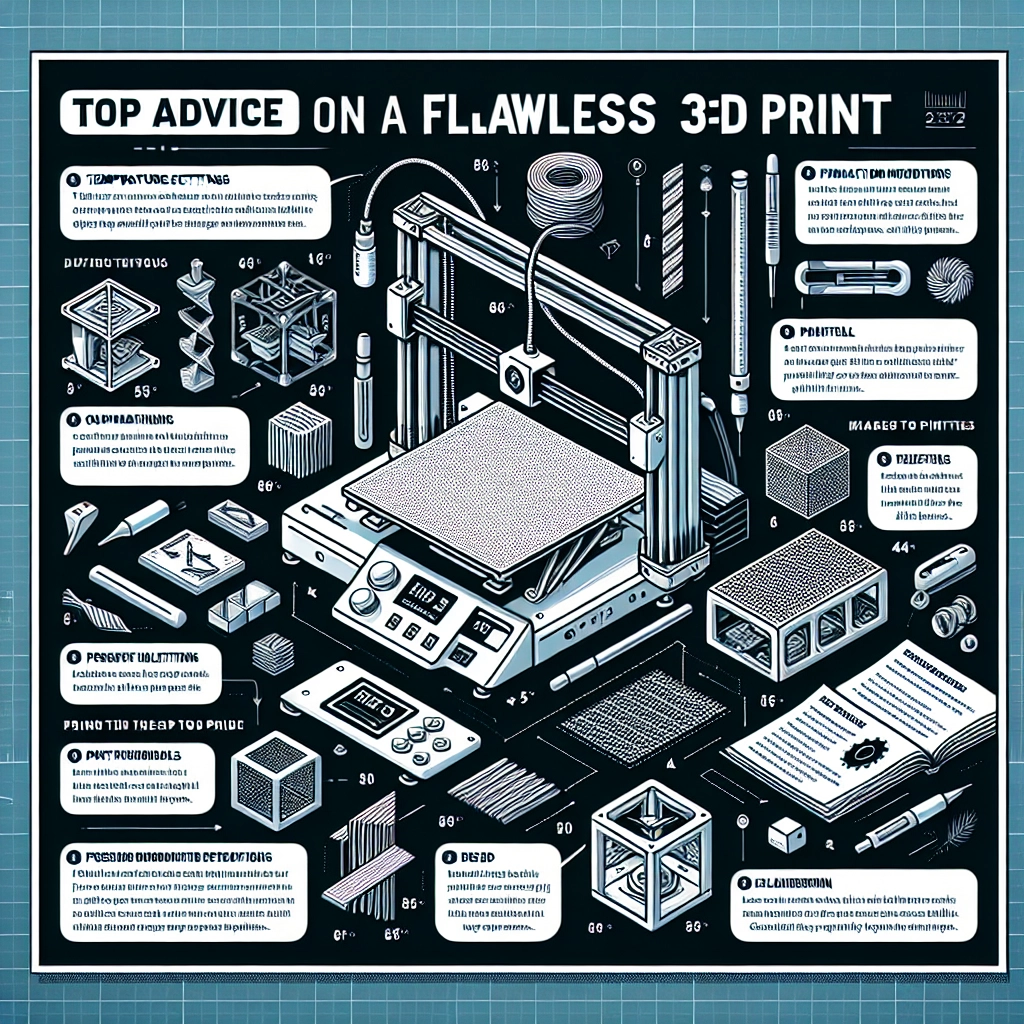
How to Create a Perfect 3D Print: Tips and Tricks
3D printing is truly a wonder of modern technology, allowing us to transform digital designs into tangible objects. Whether you’re an enthusiast looking to expand your hobby or a beginner just stepping into this exciting world, it’s essential to craft your prints with care. Let’s explore some tried-and-true tips and tricks that can help you achieve that perfect print every time.
Start with a Solid Design
Before you even set your printer up, the most crucial step is to ensure you have a solid design. Whether you’re using software like Tinkercad, Fusion 360, or Blender, make sure your model is high-quality and well-optimized for 3D printing. A few key things to keep in mind include:
- Manifold Geometry: The design must be ‘watertight’—meaning there shouldn’t be any holes or gaps in the surface.
- Scaling: Double-check the proportions and dimensions. It’s best to print with real-world measurements to ensure it fits your intended purpose.
- Understands Overhangs: If your design has overhangs, think about adding support structures or modifying the angle of these areas to minimize potential print failures.
Choose the Right Filament
With a myriad of filaments available, it’s easy to get overwhelmed. However, choosing the right filament for your project is essential to achieving optimal results. Here are some popular options:
- PLA (Polylactic Acid): Great for beginners due to its ease of use, minimal warping, and vibrant color options.
- ABS (Acrylonitrile Butadiene Styrene): Offers excellent durability but can be trickier to work with due to warping and fumes. A heated bed is a must for ABS!
- PETG (Polyethylene Terephthalate Glycol): A fantastic middle ground between PLA and ABS, providing flexibility, strength, and ease of use.
Optimize Printer Settings
Your printer’s settings play a significant role in the quality of your prints. Here are some key settings you should consider adjusting:
- Layer Height: A lower layer height (like 0.1mm) results in higher detail but takes more time to print. For faster prints, a height of 0.2mm is generally workable.
- Print Speed: Slower print speeds typically offer better detail and adhesion. A good range to start with is between 40-60 mm/s, depending on the filament used.
- Temperature: Each filament has its ideal printing temperature. Always refer to the manufacturer’s guidelines, and don’t hesitate to do a test print if the temperature is tricky to gauge.
Bed Adhesion Matters
One of the most common problems in 3D printing is ensuring that your first layer adheres well to the print bed. Here’s how you can boost your bed adhesion:
- Level Your Bed: Ensuring the print bed is perfectly leveled avoids issues like poor adhesion or warping.
- Use Adhesives: Applying a layer of glue stick, tape, or even hairspray can help your print stick better. Some people have even had success with using a dedicated 3D printing adhesive.
- Brim or Raft: Consider using a brim (a few extra lines around the print’s edges) or a raft (a thicker base layer) for added stability, especially on larger prints or tricky designs.
Monitor Your Print
Once you start a print, it can be tempting to walk away. However, keeping an eye on the process, especially if you’re new, can save you time and filament. Watch for issues like filament jams, warping, or poor adhesion during the first few layers. If something goes wrong, you can often catch it early enough to troubleshoot.
Post-Processing – The Finishing Touch
After your print is complete, a little post-processing can go a long way in enhancing your final product. Sanding down rough edges, applying a primer, and painting can transform your print into a polished piece. For more complex finishing, consider using acetone vapor for smoothing (specifically on ABS prints).
3D printing is an incredible journey filled with experimentation and learning. Each print may not be perfect, but with time, you’ll develop a sense for what works and what doesn’t. Arm yourself with patience, be willing to make adjustments, and remember: even seasoned pros encounter unexpected challenges. The sky’s the limit—happy printing!