


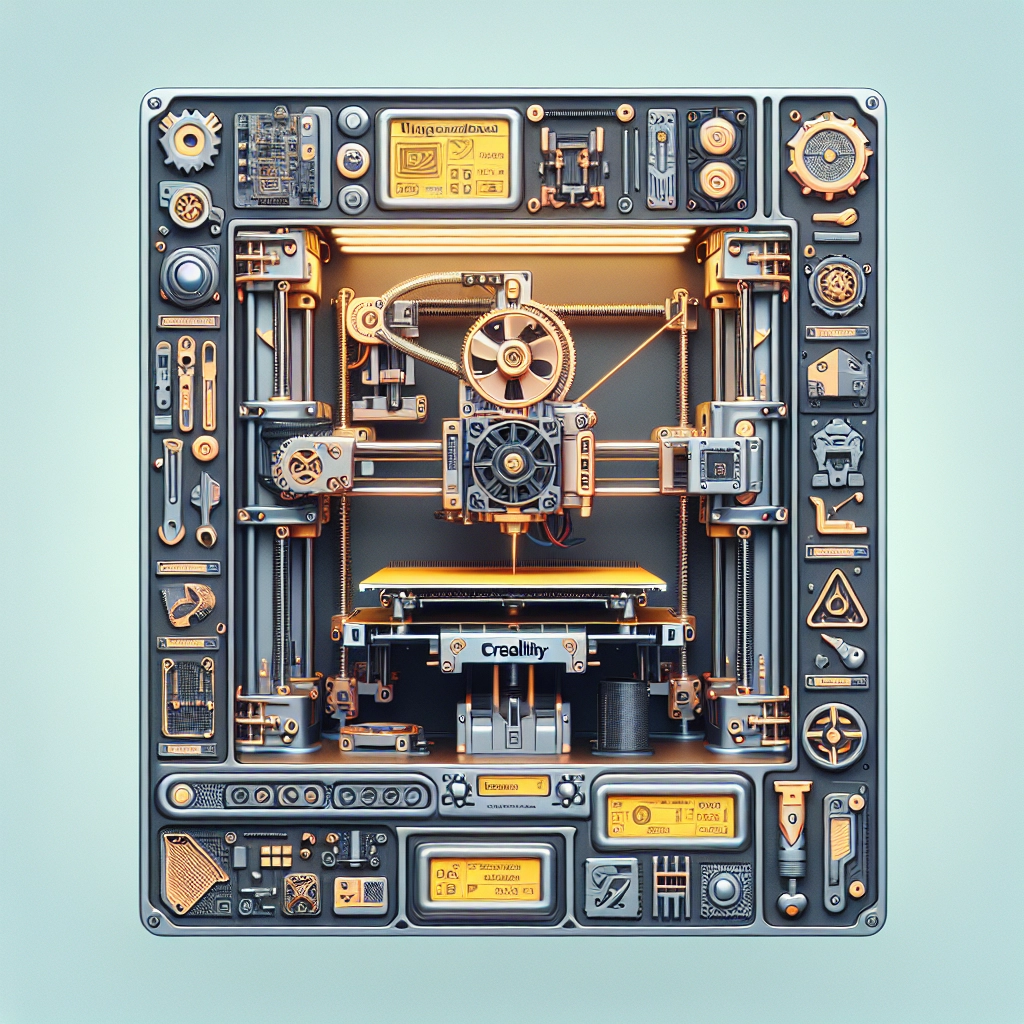
Upgrading your Creality printer can take your 3D printing game to a whole new level. Whether you’re a seasoned maker or a newbie just starting out, a few simple modifications can significantly enhance your printer’s performance, improve print quality, and expand your capabilities. Let’s take a closer look at some effective upgrades that breathe new life into your Creality printer.
1. Upgrade the Hotend
The hotend is crucial for ensuring consistent filament flow and quality prints. If you’re still using the stock hotend, you might want to consider upgrading to an all-metal hotend. These types handle higher temperatures much better, which allows you to print with a wider range of materials, including high-temperature filaments like Nylon and PETG. Say goodbye to clogs and hello to smooth, uninterrupted printing!
2. Add an All-Metal Extruder
Stock extruders can sometimes struggle with certain filament types, leading to under-extrusion or just plain headaches during printing. Switching to an all-metal extruder not only enhances durability but also provides better grip on the filament. Look for models that offer a gear ratio of 3:1 or higher; this increased leverage helps push materials more effectively, especially softer filaments.
3. Install a Glass Bed
The print surface you use can significantly affect adhesion and finish quality. Many users love upgrading to a glass bed, which provides a perfectly flat surface that can help with adhesion. Glass beds are incredibly easy to clean, and with a bit of adhesive spray, they can create a strong bond with your prints, reducing the chances of warping or lifting. Plus, they give an awesome finish to your prints!
4. Build Up Your Enclosure
If you haven’t already, consider building or buying an enclosure for your printer. An enclosure helps maintain a consistent ambient temperature, reducing warping, especially for larger prints or when using temperature-sensitive materials. It also keeps dust and debris away from your printer, ensuring that you get clean prints every time. Some enclosures even incorporate fans or LED lighting for added convenience!
5. Upgrade Your Firmware
Creality printers often come with basic firmware that may not take full advantage of your machine’s capabilities. Upgrading to a custom firmware like Marlin can unlock various features and tweaks that could improve performance. With the right firmware, you can enable advanced features like linear advance for better extrusion control, or even add mesh bed leveling for slick, consistent first layers.
6. Improve Cooling with Better Fans
Fans play a pivotal role in keeping your prints consistent and avoiding overheating issues. Stock cooling fans often leave a little to be desired when it comes to performance. Upgrading to more powerful, quieter fans can lead to faster cooling, reducing the chances of stringing or blobbing in your prints, especially with material that requires good layer adhesion.
7. Consider Upgrading the Frame
For enthusiasts looking to take things up a notch, consider reinforcing or upgrading the printer frame itself. A sturdy frame reduces vibrations during printing, which leads to a higher print quality. This is particularly beneficial if you’re experimenting with high-speed printing. An upgraded frame can also open the door to future enhancements, like BLTouch auto-bed leveling systems.
8. Install Silent Stepper Drivers
Stepper motor noise can be an annoyance, especially in a home or office environment. Investing in silent stepper drivers can dramatically reduce the noise produced by your printer during use. Not only does this make for a more pleasant working environment, but it can also improve precision, as less vibration means more accuracy.
9. Give Your Software a Boost
Don’t forget about your slicing software! Upgrading to a better slicing tool can optimize your print settings for superior results. Programs like PrusaSlicer or Simplify3D offer advanced features like adaptive layer height and customizable support options, which could enhance the quality of your prints significantly.
By combining these upgrades, even hobbyist printers can achieve professional results, transforming the 3D printing experience into something truly enjoyable and rewarding. Just remember that with any modification, it’s important to do thorough research and understand the implications of each upgrade.
When you pour your creativity into enhancing these machines, you’ll not only improve their functionality but also gain a deeper appreciation for the art of 3D printing itself. Embrace the journey, experiment, and watch as your Creality printer becomes a true workhorse tailored perfectly to your needs!