


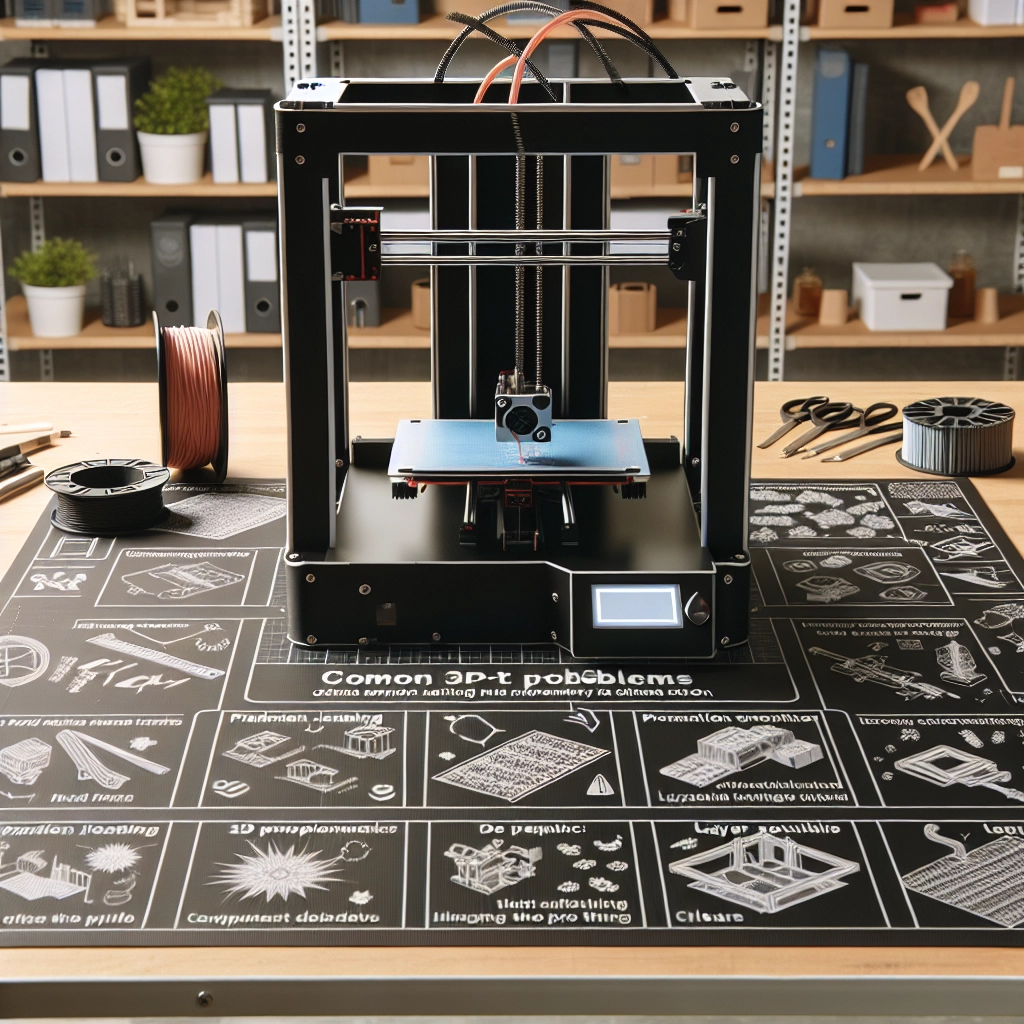
3D Printer Troubleshooting: Common Problems and Solutions
So, you’ve got a shiny new 3D printer and dreams of bringing your imaginative designs to life. But what happens when it doesn’t cooperate? Fear not, fellow maker! Problems may arise, but with a bit of guidance, you can get your 3D printer back on track. Let’s dive into some common issues you might encounter and how to fix them in a jiffy.
1. Poor Adhesion to the Build Plate
One of the most frequent headaches for 3D printing enthusiasts is poor adhesion. You’ve set everything up, the printer is primed, and then – plop – your print fails to stick to the build surface. This can lead to distorted prints or failed projects altogether.
Solutions:
- Level the Bed: Ensure your print bed is perfectly level. A misaligned bed can make even the best prints fail to stick.
- Clean the Build Surface: Dust, oils, or residue can interfere with adhesion. Use isopropyl alcohol to clean glass beds or a recommended adhesive for specific surfaces.
- Use Adhesives: Some users swear by glue sticks, hairspray, or specialty adhesives designed for 3D printing to help. Just remember that less is more – you don’t need a thick layer!
2. Filament Jams
Imagine your print is halfway done and the filament suddenly grinds to a halt. It’s a scenario all too common in the world of 3D printing. Filament jams can occur for various reasons, including a blockage in the nozzle, improper filament storage, or simply a tired old spool.
Solutions:
- Check for Blockages: Remove the filament and inspect the nozzle for clogs. A thorough cleaning can often resolve this issue. Consider using a needle or a dedicated cleaning filament if things are really stuck.
- Filament Quality Matters: Always use high-quality filament and keep it in a dry place. Filament that absorbs moisture can lead to jams and poor print quality.
3. Inconsistent Print Quality
Nothing can be more frustrating than expecting a polished piece but finding something that looks like a hot mess. Inconsistent print quality can manifest as under-extrusion, blobs, or stringing, and can stem from several factors.
Solutions:
- Adjusting Temperature: The temperature at which you print can greatly affect quality. Experiment with slightly higher or lower temperatures to see what works best for the filament being used.
- Check Extrusion Settings: Ensure your slicer settings are accurately configured. Things like flow rate or layer height can affect how evenly the filament is laid down.
- Regular Maintenance: Keeping your printer clean and well-maintained goes a long way in producing consistent results. Don’t forget to regularly check belts and pulleys for wear and tear.
4. Strings and Oozing
If you’ve ever seen thin strands of filament hanging between parts of your print, you’re dealing with stringing – a common issue that’s usually more annoying than damaging. Occurring when the printer nozzle oozes filament while traveling, it can mar the surface of an otherwise perfect print.
Solutions:
- Retraction Settings: Adjust the retraction settings in your slicer software. Increasing the retraction distance or speed can help minimize oozing.
- Temperature Adjustments: Sometimes a simple decrease in temperature can also help reduce stringing. Experiment a bit and see what helps clear things up.
- Travel Speed: Increase the speed at which the printer moves when not printing. This can limit the oozing time.
5. Layer Separation
If you notice gaps or even complete detachment between layers of your print, you’ve encountered layer separation. This can result from various causes, including an insufficient print temperature or not enough layer adhesion.
Solutions:
- Increase Nozzle Temperature: A higher temperature can help with layer adhesion by ensuring that the filament melts adequately and bonds with the previous layer.
- Change Print Speed: Slowing down the print speed can allow more time for the layers to properly bond as they are being laid down.
3D printing can seem daunting at times, but with a little patience and know-how, you can tackle most issues that come your way. Troubleshooting isn’t just about fixing problems; it’s part of the learning journey! Each hiccup helps you become more adept with your machine, allowing you to understand it better and get the most out of your projects. So, embrace those troubleshooting moments—they’re all part of becoming a skilled 3D printing pro. Happy printing!