


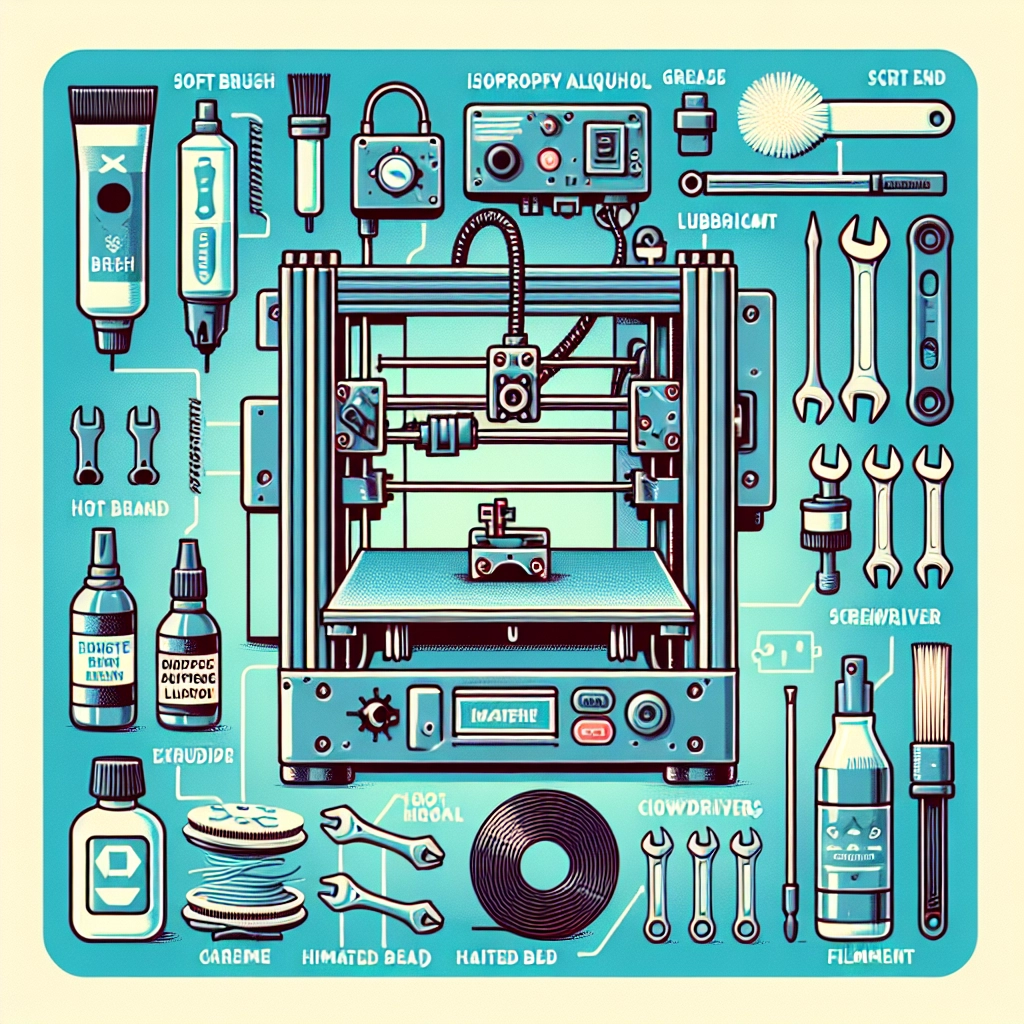
Caring for Your 3D Printer: Essential Maintenance Tips
3D printing has transformed how we create everything from prototypes to custom toys and even parts for household repairs. If you’re one of the lucky folks who own a 3D printer, you know how exciting it can be to watch your designs come to life layer by layer. But with great power comes great responsibility! Just like any other piece of technology, your 3D printer needs regular maintenance to keep it running smoothly and to ensure your creations turn out well. So let’s dive into some essential maintenance tips to keep your 3D printer in tip-top shape.
Cleanliness is Key
One of the simplest yet most important things you can do is keep your 3D printer clean. Dust, filament debris, and even residue from previous prints can accumulate over time and lead to issues ranging from poor adhesion to mechanical malfunctions.
Start by regularly cleaning the build plate. Depending on the material you’re using, a quick wipe down with isopropyl alcohol can help remove leftover filament bits and improve adhesion for future prints. For the printer’s exterior, a damp microfiber cloth is usually sufficient—just make sure the printer is turned off and unplugged first!
Additionally, consider cleaning the nozzle. A clogged nozzle can wreak havoc on your print quality. You can do this with a simple heat-and-pull method: heat the nozzle to the appropriate temperature for the filament you last used, then gently pull the filament out. If you’re still having trouble, a needle or acupuncture pin can help clear any stubborn clogs.
Lubrication and Motor Maintenance
Most 3D printers have moving parts that need lubrication from time to time. The lead screws, for instance, can gather dust and debris, leading to increased wear and tear over time. A small amount of lubrication appropriate for your printer’s materials can keep those screws running smoothly.
Be sure to check the manufacturer’s recommendations. Some printers prefer a dry lubricant, while others may benefit from a silicone-based option. Apply a little, then wipe away any excess—too much can attract even more dust.
Also, don’t forget the stepper motors. If they’ve been making strange sounds or your prints have started to skip layers, it might be time to check the connections and tighten any loose screws.
Calibration Is Your Friend
Regular calibration is critical for ensuring accurate and high-quality prints. From the first layer of a print to the last, everything is affected by how well calibrated your printer is. A misaligned print bed can lead to all sorts of headaches, including uneven surfaces and failed prints.
Make calibration a part of your maintenance routine. A simple bed leveling every few prints can go a long way. There are lots of guides available online depending on your printer model, so don’t hesitate to look for one that fits.
Also, check the extruder’s calibration. It’s about ensuring your printer is pushing the right amount of filament through the nozzle. Over-extrusion can lead to messy prints, while under-extrusion can result in weak or brittle structures.
Stay Updated on Firmware
Technology is always evolving, and 3D printers are no exception. Firmware updates can bring about performance enhancements, bug fixes, and new features. Regularly checking for updates and implementing them can keep your printer running optimally and improve print quality.
It’s generally straightforward to update your printer’s firmware, but if you’re unsure how to do it, don’t hesitate to refer to the user manual or search online for guides specific to your model.
Filament Storage
Filament might be the lifeblood of your 3D printing projects, but storing it improperly can lead to moisture absorption and degradation. Make sure you store your filaments in a cool, dry place, ideally in airtight containers with desiccants. If you’re using hygroscopic materials like nylon or PVA, consider investing in a filament dryer to keep them in prime condition.
Even a simple resealable bag can make a huge difference for your filament’s longevity.
Regularly Inspect for Wear and Tear
Lastly, keep an eye out for parts that may need replacing. Belts can loosen over time and will need periodic adjustments. Rollers, brackets, and other components should be checked and replaced as necessary, as they can affect the precision of your prints.
Developing a checklist for periodic maintenance tasks can help you stay on top of this. You can include tasks like checking belt tension, cleaning fans, and inspecting wiring for wear.
By taking the time to care for your 3D printer and performing these essential maintenance tasks, you not only ensure that it remains in great working condition but also enhance your overall printing experience. Happy printing!