


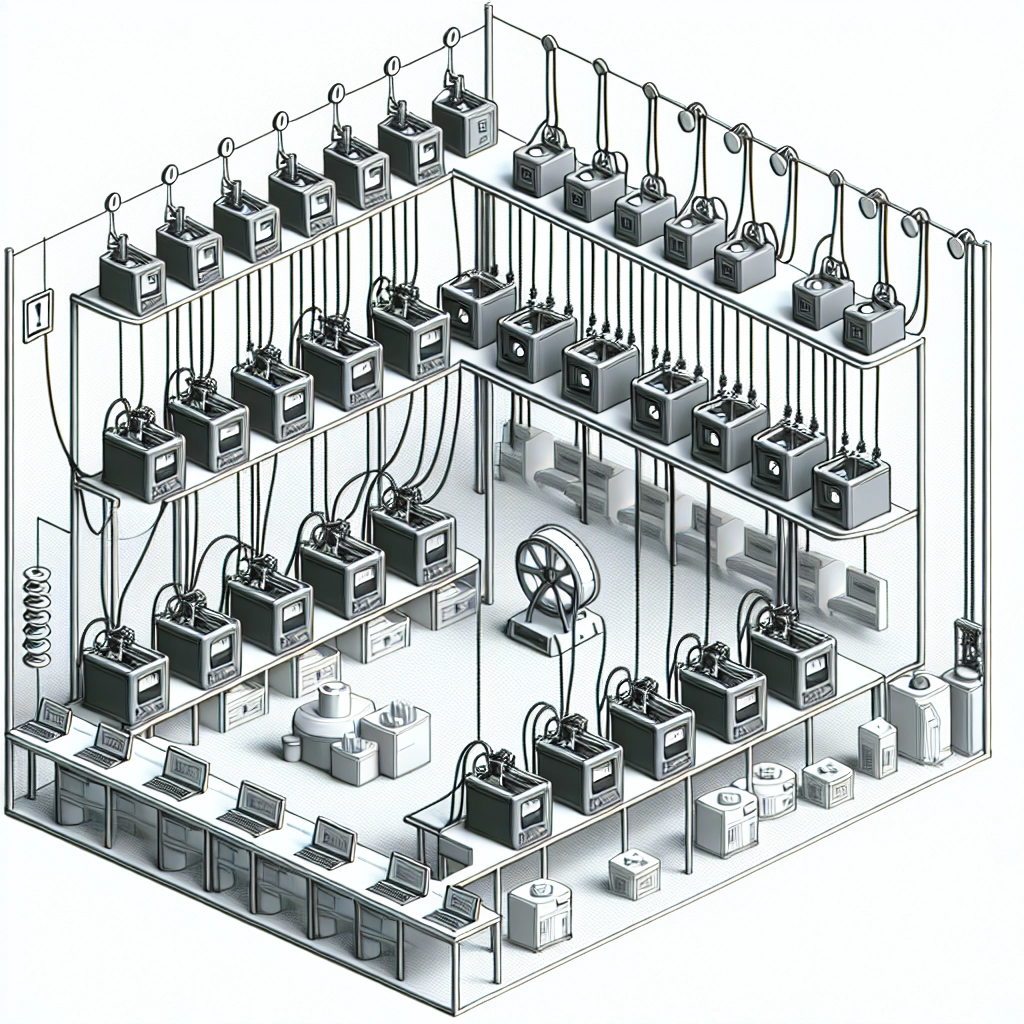
Daisy-Chaining Your 3D Printers: A Smart Way to Optimize Production
The world of 3D printing is fascinating, transforming ideas into tangible products right before our eyes. As we continue to embrace this technology, manufacturers and hobbyists alike are always on the lookout for ways to streamline production and enhance efficiency. Have you ever considered daisy-chaining your 3D printers? This innovative approach can optimize your production workflow, making it easier to scale up your operations and improve overall output.
What is Daisy-Chaining?
Daisy-chaining is a configuration where multiple devices are connected in series, allowing them to communicate and operate seamlessly as a single unit. In the context of 3D printers, this means linking several machines together, often controlled through a single computer or server. Imagine having multiple printers working on different parts of a large project simultaneously. Pretty cool, right?
By integrating your printers in this way, you can significantly reduce idle time, enhance productivity, and improve your project’s turnaround time. But how exactly can daisy-chaining benefit you?
Increased Efficiency
One of the most significant advantages of daisy-chaining your 3D printers is the boost in efficiency. You can allocate different prints to different machines, depending on their speed, capabilities, and material compatibility. With multiple printers running simultaneously, you can complete larger projects or multiple smaller tasks much quicker than if you were using a single printer.
Imagine you have a large-scale prototype or a series of models to produce. Instead of waiting for one printer to finish each component, you could set up multiple machines to work on different pieces at the same time. This parallel production greatly minimizes total project time and can be a game-changer in meeting tight deadlines.
Better Resource Management
In many industries, resources like filament and power management can be critical factors. When managing several printers, daisy-chaining can help you keep an eye on your resources more efficiently. By monitoring several machines from a centralized location, you can quickly notice discrepancies. For instance, if one printer starts using more filament than expected or runs into an error, you can easily switch jobs between machines to prevent excessive waste.
Plus, consolidating your equipment allows for better maintenance tracking. Instead of juggling maintenance schedules for multiple printers spread across the workshop, you can streamline servicing by keeping all machines linked and monitored from one system. This approach allows you to plan maintenance without disrupting production.
Enhanced Workflow
Daisy-chaining creates a smoother workflow, as it can help minimize the back-and-forth typically required when managing multiple printers. With one interface or software solution to control all your printers, you can quickly send print jobs to different machines, monitor progress, and address issues as they arise—all from a single dashboard.
Many software solutions allow you to set priority print jobs, schedule tasks, and, by using the cloud, even monitor your printers remotely. This level of flexibility makes it easier to adapt to changing demands, whether that means increasing production overnight or adjusting to last-minute design alterations.
Scalability and Future Growth
Perhaps one of the most intriguing aspects of daisy-chaining your 3D printers is the ability to scale your production rapidly. Suppose you’re a small business that’s just starting but has ambitious growth plans. Integrating multiple printers now, even if you have just a few, sets the stage for scalability. As your production needs grow, you can easily add more printers to the daisy chain without significant infrastructure changes.
Implementing such setups can also complement automation and robotics. With smart assistants or robotic arms on the floor working hand-in-hand with your daisy-chained printers, there’s no limit to how efficiently you can create products.
Final Thoughts
Daisy-chaining your 3D printers isn’t just a clever way to optimize production; it’s a strategic move for those looking to scale their operations effectively. By harnessing the power of multiple printers working in unison, you can not only boost your production efficiency but also enjoy better resource management and streamlined workflows. As the 3D printing world continues to evolve, being ahead of the curve means embracing technologies and strategies like daisy-chaining that position you for future success. So, if you haven’t already, it might be time to take a closer look at how you can integrate this approach into your 3D printing operations—the possibilities are endless!