


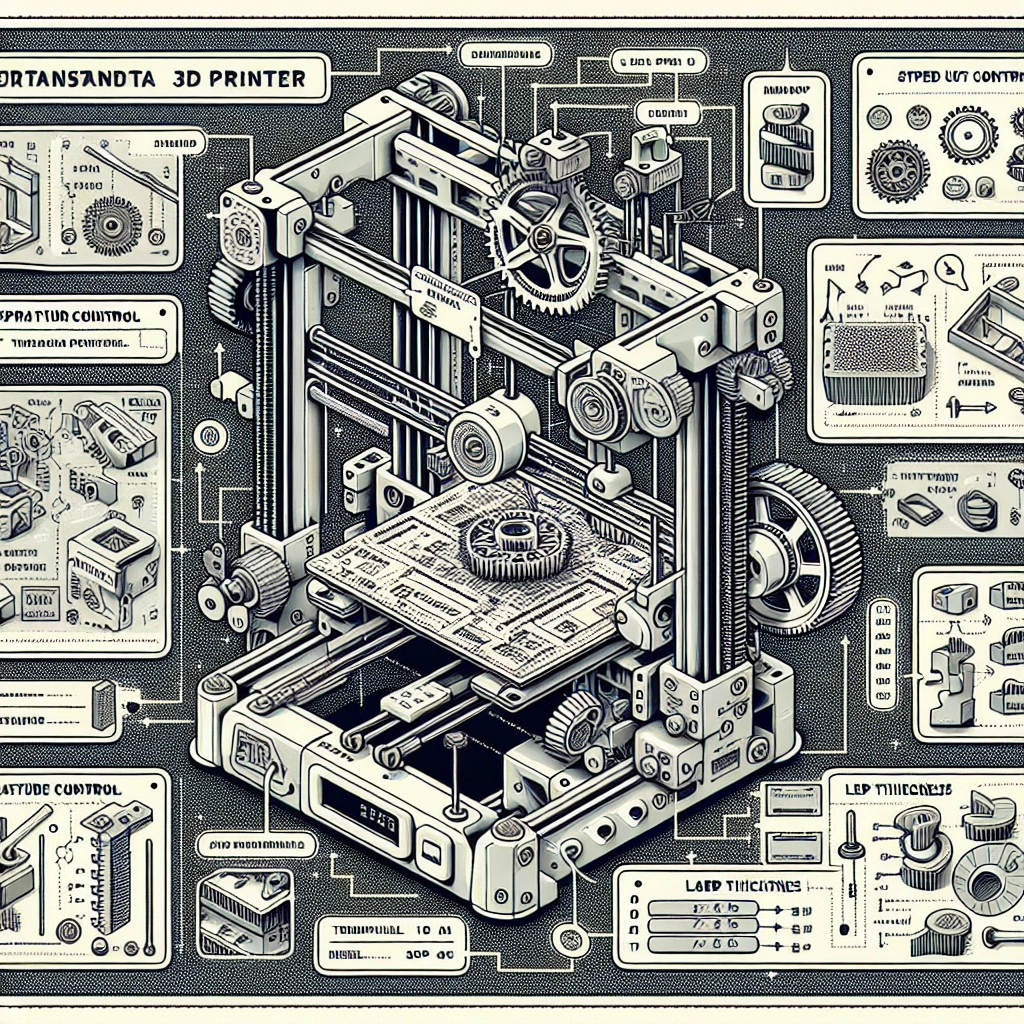
Understanding 3D Printer Settings: A Guide for Optimal Results
3D printing has surged in popularity over the past few years, and for good reason! It offers an exciting way to turn digital designs into tangible objects, whether you’re a hobbyist, a designer, or just looking to add some creativity to your life. But if you’ve recently unboxed a shiny new 3D printer or are thinking about diving into this techy world, you might find yourself facing a steep learning curve when it comes to settings. Fear not, dear reader! Let’s break down the essential 3D printer settings to help you achieve those stunning results you’ve been dreaming of.
Understanding the Basics: Filament
Before we dive into the nitty-gritty of settings, let’s talk about filament. The material you choose can significantly impact your print’s quality. Common types are PLA, ABS, and PETG, each with its pros and cons. PLA is great for beginners because it’s easy to work with and biodegradable. ABS is more durable but can warp in cooler conditions, while PETG serves as a middle ground; it’s strong and flexible but slightly trickier to print. Make sure to select a filament based on your project’s needs!
Layer Height: The Trade-Off Between Detail and Speed
Layer height is one of the most crucial settings in 3D printing. It determines how thick each individual layer of your print will be. Generally, lower layer heights (like 0.1mm) give you finer detail for intricate models, while higher heights (like 0.3mm) can speed up the printing process, making them ideal for less detailed prints. However, going for the lowest height can also push your print time to several hours (or longer). So, consider your priorities: Quality vs. Time.
Print Speed: Finding the Sweet Spot
Next up is print speed. This setting dictates how fast the print head moves while laying down the filament. It’s tempting to crank up this number to get your project printed in a flash, but beware! Printing too quickly can lead to messy, malformed objects. A good starting point is around 50-60 mm/s. From there, you can experiment to see what works best for your printer and filament type. Just remember, faster isn’t always better!
Temperature Settings: A Delicate Dance
Temperature settings can make or break your print’s success. Most filaments come with recommended printing temperatures, typically found on the spool or manufacturer’s website. For instance, PLA often prints well at around 180-220°C, while ABS might need a hotter range of 210-250°C. If the temperature is too low, your print might not stick together, while too high can cause clogs and unwanted strings of plastic. A bit of tinkering and closely observing the results will help you hone in on the perfect temperature.
Bed Adhesion: The Foundation of Success
Ensure your print doesn’t go sliding off during those crucial first layers! Various methods are available for bed adhesion, including using a heated bed, painter’s tape, glue stick, or specialized 3D printing adhesive. Heated beds can prevent warping, especially important when working with ABS filaments. Experiment with different adhesives based on what you’re printing and your printer’s surface type.
Cooling: Keeping Things Chill
Cooling fans are not just a trendy accessory; they play a vital role in print quality! Many filaments benefit from active cooling after the first few layers, as this helps prevent warping and ensures clean lines. If you’re printing with PLA, for instance, it’s typically best to have your cooling fan on during the print. Experimenting with fan speeds can yield different results, so don’t hesitate to make slight adjustments.
Supports and Rafts: Extra Help When Needed
Sometimes, a print needs a bit of extra support! For models with overhangs or intricate designs, consider adding supports in your slicing software. These temporary structures can be removed post-printing but assist in holding up your design during the printing process. Alternatively, if your print doesn’t have a flat base, using a raft can create a stable platform, enhancing overall adhesion.
Conclusion: Experiment and Enjoy!
As with most things in life, practice makes perfect! Navigating the 3D printing settings might seem daunting at first, but experimentation is key. Don’t be afraid to tweak the various settings based on the filament, model, and desired quality of your final product. Enjoy the process of creating and let your creativity soar! Each print will teach you something new, and before you know it, you’ll be a pro at 3D printing, delivering beautiful creations that are as unique as you are. Happy printing!