


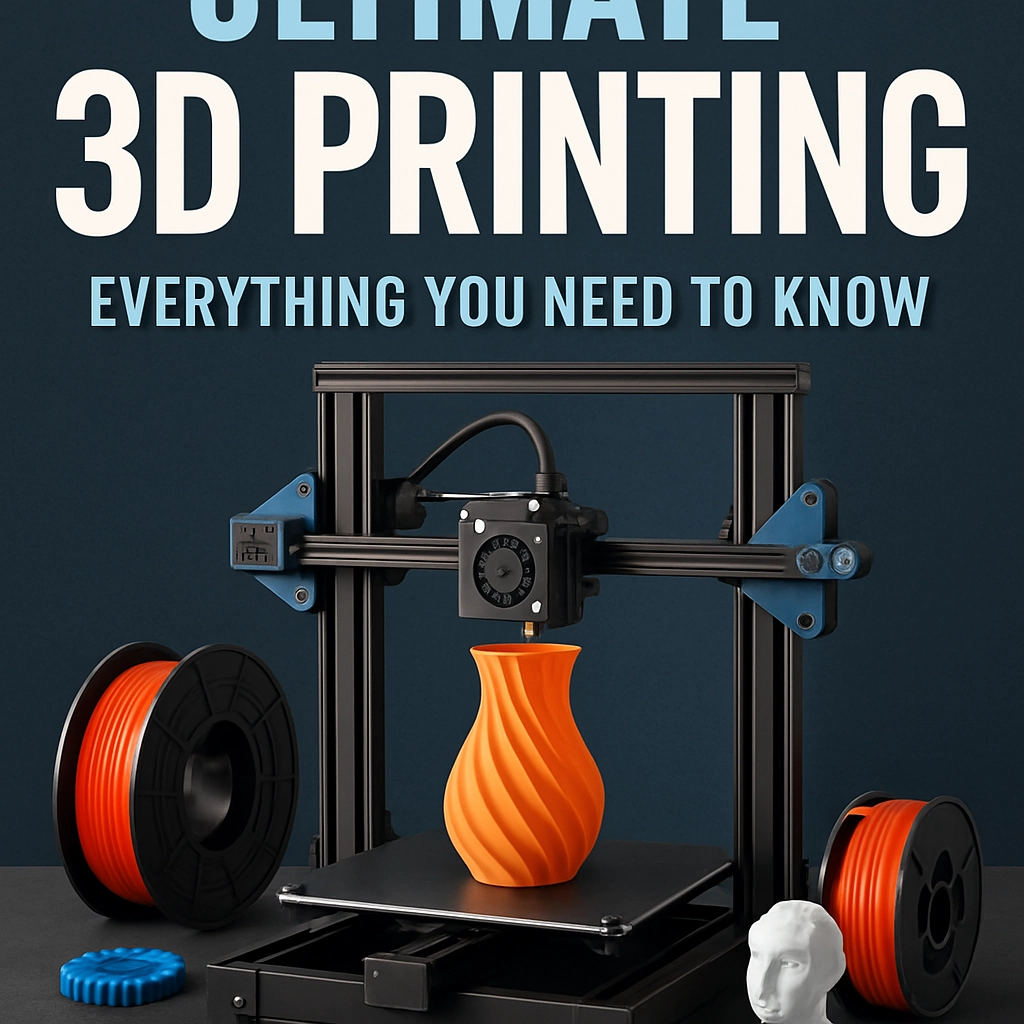
The Ultimate Guide to 3D Printing: Everything You Need to Know
If you’ve wandered into a tech store or scrolled through Instagram recently, you’ve probably heard the buzz about 3D printing. It’s not just a gadget for engineers and designers anymore; it’s becoming a viable hobby for anyone with a dash of creativity. Whether you’re an artist looking to bring your visions to life or a DIY enthusiast aiming to make custom parts, 3D printing could be your new best friend. So, let’s dive into this fascinating world and explore everything you need to know!
What is 3D Printing?
At its core, 3D printing (or additive manufacturing, if you want to sound extra techy) is a process of creating three-dimensional objects from a digital file. Unlike traditional manufacturing techniques that often involve cutting or molding materials, 3D printing builds objects layer by layer. It’s a bit like using a hot glue gun to create a sculpture, but way cooler and with a lot more precision!
The Basics of 3D Printing Technology
There are several methods of 3D printing, but here are three of the most common:
-
Fused Deposition Modeling (FDM): This is the most popular method, especially for home printers. FDM printers extrude melted plastic through a nozzle, layering material until the object is complete. It’s relatively easy to use and can work with a variety of materials, making it perfect for beginners.
-
Stereolithography (SLA): This method uses a UV laser to cure resin layer by layer. SLA printers can produce incredibly high-detail items, making them a favorite for designers and jewelers. However, they tend to be more expensive and require more post-processing.
-
Selective Laser Sintering (SLS): SLS uses a laser to fuse powdered materials, typically nylon or metal, into solid structures. This method is mainly used in industrial applications but is slowly making its way into the consumer market.
Getting Started with 3D Printing
Choosing Your Printer
If you’re just dipping your toes into the 3D printing waters, selecting the right printer can feel overwhelming. Here are a few tips to narrow down your options:
- Budget: Determine how much you’re willing to spend. Entry-level FDM printers can start around $200, while high-end SLA printers can run into the thousands.
- Print Size: Consider the types of projects you want to work on. Smaller projects can be accomplished with compact printers, but larger items will need a bigger build area.
- Material Compatibility: Different printers work with different materials. If you’re hoping to experiment beyond standard plastics, make sure the printer you choose can handle materials like flexible filaments or resins.
Software Basics
Next up is software! For your 3D printing journey, you’ll need two main types of software:
-
3D Modeling Software: This is where you’ll design your object. Popular options include TinkerCAD (great for beginners), Fusion 360 (perfect for more advanced users), or Blender (ideal for artistic projects).
-
Slicing Software: Once your model is ready, you need slicing software to convert it into a format your printer can understand. This software chops your model into layers and generates the necessary G-code. Some common slicing tools are Cura and PrusaSlicer.
Printing Your First Object
Now that you have your printer and software, it’s time to print! First, find a design that intrigues you. Websites like Thingiverse and MyMiniFactory offer a plethora of free models to get you started. Remember to calibrate your printer before the first run, as well-adjusted settings can dramatically affect the outcome.
Watch as your creation comes to life layer by layer. It’s exhilarating to see something you’ve designed appear right before your eyes!
Troubleshooting Common Issues
Even seasoned 3D printers face hiccups along the way. Here are some common problems and quick fixes:
- Clogged Nozzle: If your printer stops extruding filament, it could be a clog. Cleaning out the nozzle with a thin wire can often solve this issue.
- Warping: If parts of your model lift from the print bed, try utilizing a heated bed or adding a brim in your slicer settings.
- Poor Bed Adhesion: Ensure your print bed is level and clean. A little painter’s tape or glue stick can help with adhesion.
The Possibilities Are Endless
3D printing opens up a world of creativity and innovation. From creating custom tools and replacement parts to crafting unique art pieces or even prototypes for business, the potential is extraordinary. As you continue to experiment, you’ll develop your own style and discover new techniques.
So whether you’re looking to unleash your artistic spirit or simply find a new hobby, 3D printing has something to offer everyone. Embrace the learning curve, connect with other enthusiasts online, and don’t be afraid to make mistakes along the way. Every layer you print gets you one step closer to mastering this incredible technology—happy printing!