


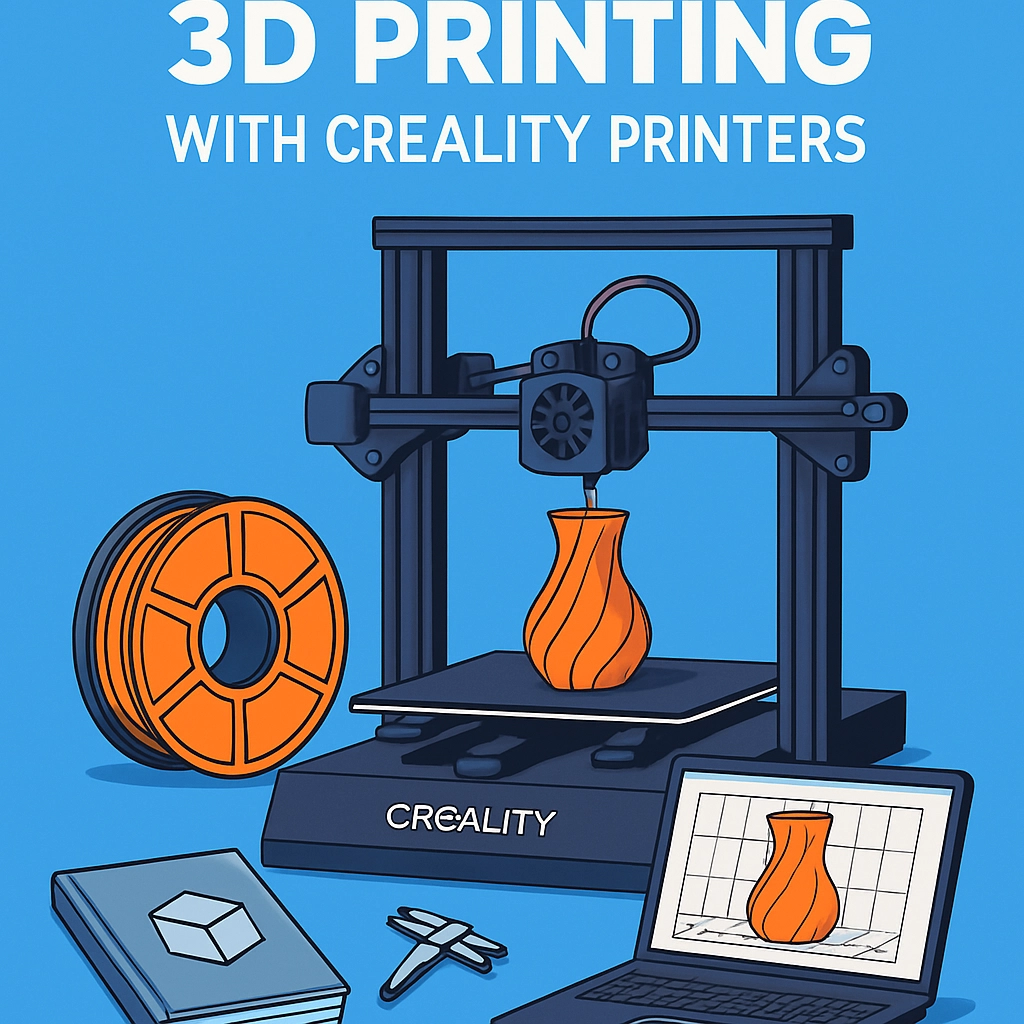
A Beginner’s Guide to 3D Printing with Creality Printers
Welcome to the fascinating world of 3D printing! If you’re a newbie looking to dive into this incredible technology, you’re in the right place. Today, we’ll explore why Creality printers are such a popular choice among hobbyists and creatives, how to get started on your 3D printing journey, and some tips to help you along the way.
Why Choose Creality?
In the vast sea of 3D printers available today, Creality stands out, particularly for beginners. Known for their reliability, affordability, and user-friendly designs, Creality printers are a favorite among both hobbyists and professionals. Models like the Ender 3 and CR-10 have garnered a massive following due to their impressive print quality and the support they offer to newcomers. Plus, their large online community means you’ll never be alone on your 3D printing adventure!
Getting Started with Your Creality Printer
Choosing the Right Printer
If you’re just starting, the Ender 3 is a fantastic option. It’s affordable, has a large print volume, and offers excellent print quality straight out of the box. On the other hand, if you’re willing to invest a little more, the CR-10 is a brilliant machine known for its larger build size.
Setup
Once you’ve chosen your printer, it’s time to set it up. Don’t worry; it’s not as intimidating as it sounds! Most Creality printers come partially assembled, so all you’ll need to do is follow the manual to complete the assembly. Make sure to take your time and double-check everything—you want your printer to be as stable as possible.
Once assembled, plug it in, and level the print bed. Proper bed leveling is crucial for getting good prints, as it ensures that the nozzle is at the right distance from the print surface. Don’t skip this step! Many online videos are available to guide you through the leveling process.
Software Tools
Before you start printing, you’ll need slicing software to convert your 3D model into G-code, which is the language your printer understands. Popular choices include Cura and PrusaSlicer. Both are user-friendly options for beginners.
With the software installed, you can start exploring the vast library of 3D models available online. Websites like Thingiverse and MyMiniFactory offer a treasure trove of free models ready for download. Whether you want to print a toy, or a functional tool, you’ll find something that sparks your interest!
Loading Filament
Creality printers typically use PLA (Polylactic Acid) filament, which is a great starting point for beginners. It’s easy to work with and doesn’t require a heated bed, making it perfect for your first prints. Simply load the filament into the printer following the loading instructions in your manual, and you’re good to go!
First Print – The Excitement Begins!
Now comes the moment of truth—let’s start printing! Import your 3D model into your slicing software, adjust the settings based on the complexity of your print, and slice it to generate the G-code. Transfer the G-code file to your printer using an SD card.
Once you start the print, it’s essential to keep an eye on it, especially for your first few attempts. Watch the filament flow and ensure everything is sticking well to the print bed. This might feel like a rollercoaster at times, but that thrill is part of the fun!
Troubleshooting Common Issues
Sometimes, things don’t go as planned—after all, that’s part of the learning process! Here are a few common issues and how to solve them:
-
Filament Not Sticking to the Bed: This can be resolved by ensuring your bed is leveled correctly and using adhesives like glue stick or painter’s tape to enhance adhesion.
-
Stringing: This happens when filament oozes from the nozzle during travel moves. Adjusting your retraction settings in the slicer can help solve this.
-
Under-extrusion: If you notice gaps in your prints, your nozzle might be clogged, or your filament isn’t feeding correctly. Cleaning the nozzle or checking the tension on the feeder can be the fix.
The Joy of Creation
3D printing isn’t just a technological marvel; it’s also an incredible way to unleash your creativity. Once you get the hang of it, you’ll be amazed at what you can create. From customizing household items to constructing intricate models, the possibilities are endless.
So, grab your Creality printer, and let your imagination run wild. Every print will be an opportunity to learn, adapt, and improve your skills. Who knows? You may discover a lifelong passion along the way! Happy printing!