


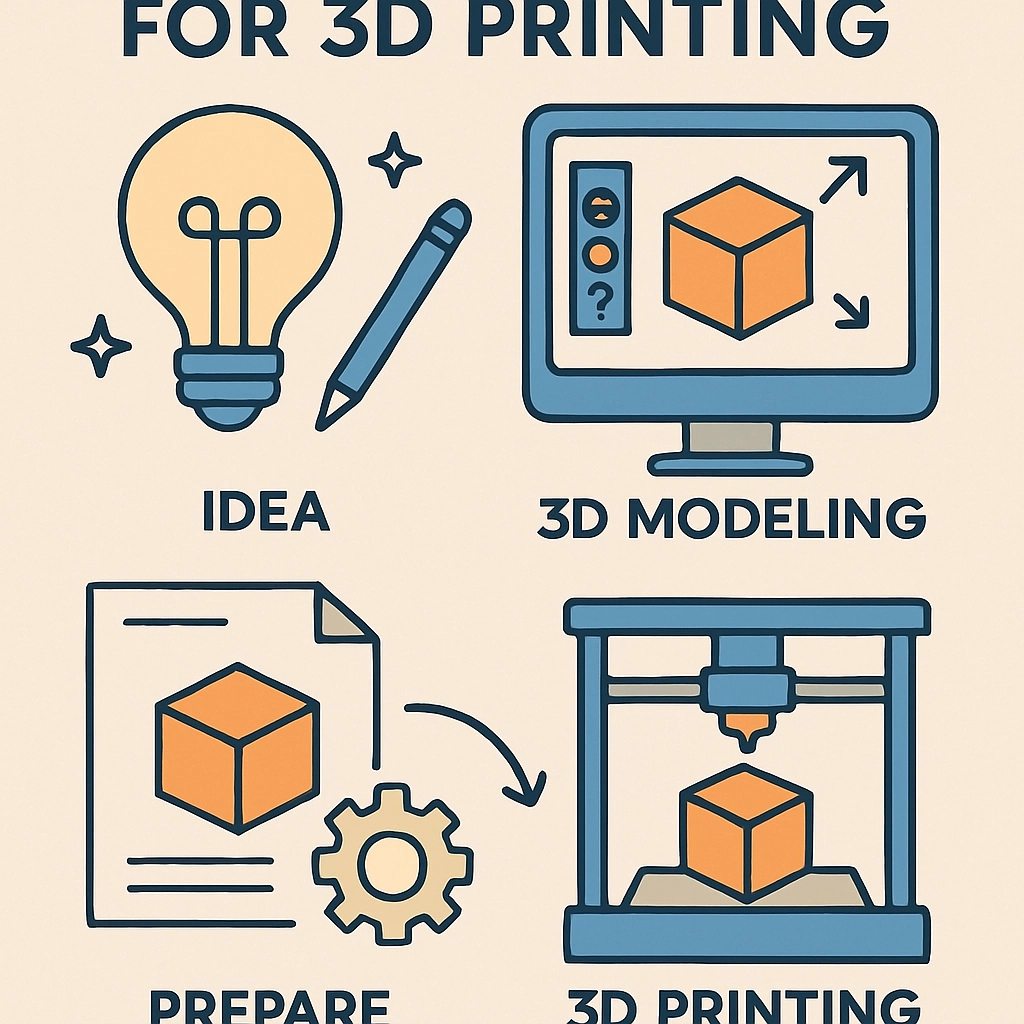
How to Design Your Own Models for 3D Printing
Have you ever looked at a 3D printed object and thought, "Hey, I could create something like that!"? If so, you’re in for a treat! Designing your own models for 3D printing can be an exhilarating journey that combines creativity with technology. Whether you’re wanting to make unique home décor, custom gadgets, or even toys, the possibilities are endless! But where do you start? Let’s dive into the world of 3D design and printing.
Understand the Basics of 3D Printing
Before you jump into designing, it’s important to have a basic grasp of what 3D printing entails. At its core, 3D printing builds objects layer by layer based on a digital model. Understanding how this process works will help you make better design choices. For example, is your model going to have overhangs? Will it need supports? A little knowledge can go a long way.
Choose the Right Software
The first step in creating your own 3D model is to select the right design software. There are plenty of user-friendly options available, catering to different skill levels. Here are a few popular choices:
-
TinkerCAD: Great for beginners, TinkerCAD is a free, browser-based application that uses a simple drag-and-drop interface. It’s user-friendly and perfect for creating basic shapes and models.
-
Fusion 360: If you’re looking for something a bit more advanced, Autodesk’s Fusion 360 allows for intricate designs and is equipped with various features for engineering and design professionals. It offers a free version for students and hobbyists.
-
Blender: This open-source software is fantastic for artistic and detailed 3D models. While it has a steeper learning curve, its versatility is impressive once you’re familiar with it.
Your choice will depend on your current skills and how complex you want your designs to be.
Sketch Your Ideas
Before you jump into your chosen software, take a moment to sketch out your ideas. Think about the dimensions, shapes, and functions of the object you want to create. This will provide you with a clear roadmap and help streamline the design process.
Once you’ve got a solid sketch, you can start to translate these ideas into your software. Keep in mind the relationship between your design and how it will be printed. For instance, thicker walls may be necessary for sturdier items, while intricate details might not translate well if they’re too fine.
Model Your Design
Now it’s time to put your ideas into action. Open your design software and start creating your model. Here are a few tips to keep in mind during this stage:
-
Keep it Simple: If you are a beginner, start simple. Think about basic shapes and gradually work your way up to more complex designs.
-
Utilize Templates: Many programs have built-in templates. These can be very helpful as they often include measurements and standardized shapes, allowing you to modify them for your needs.
-
Pay Attention to Dimensions: Make sure your dimensions fit your needs. If you’re refreshing a specific item, measure the existing one to ensure your model scales correctly.
-
Check for Errors: Many software packages come with tools to help you analyze your model for potential printing issues. Use these features to identify and fix problems before you send the model to the printer.
Prepare for Printing
Once your model is ready, it’s time to export your design in a format suitable for your 3D printer, typically STL or OBJ. Before printing, run your file through a slicer software, which converts the 3D model into instructions (G-code) that the printer understands.
Consider factors like print speed, layer height, and infill density. Each of these will dramatically influence the quality and durability of your final print.
Test and Iterate
Finally, it’s time to hit print! Depending on your printer and the complexity of your model, it might take anywhere from a few minutes to several hours. Once it’s done, take a moment to admire your creation—there’s nothing quite like holding something you’ve designed yourself!
And remember, designing is a learning process. Your first few prints might not turn out perfectly, and that’s okay! Learn from each attempt and keep tweaking your designs. You’ll get better and more confident as you go.
Designing your own 3D models can be a fulfilling and creative endeavor. With the right tools, a bit of patience, and a willingness to learn, you can bring your imaginative ideas to life. So dive in, start creating, and unleash the maker within!