


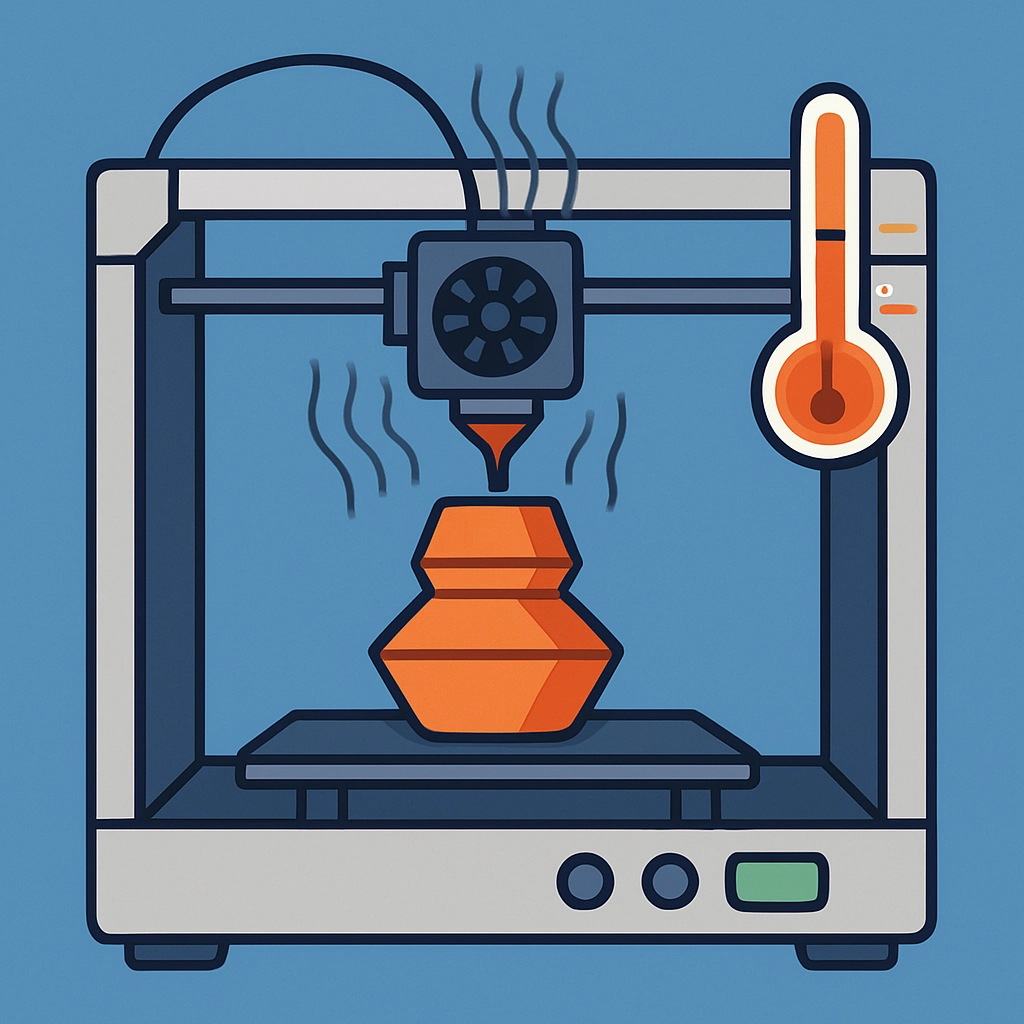
Understanding the Role of Temperature in 3D Printing
3D printing has revolutionized how we think about manufacturing and design. It opens up a world of possibilities, allowing creators to build everything from toys to prototypes to medical devices directly from a digital model. However, if you’ve ever dabbled in 3D printing—whether as a hobbyist or a professional—you know that getting the settings just right can be a bit of a science experiment. One of the most crucial factors in this equation? Temperature.
So, why is understanding temperature so important in 3D printing? Well, it all boils down to how materials behave when heated and cooled. Let’s take a closer look at different temperature settings in 3D printing and how they impact your prints.
Material Melting Points
Every 3D printing material, whether it’s PLA, ABS, PETG, or something else, comes with its own melting point. This is the temperature at which the material transitions from solid to liquid—a key factor in extrusion. If the temperature is too low, the material won’t melt properly and may clog your nozzle. Too high, and you run the risk of degrading the filament, resulting in weak spots or even smoke.
For instance, PLA typically requires a nozzle temperature range of about 180°C to 220°C, while ABS generally prints at a higher range, around 220°C to 260°C. Ignoring these specifications can lead to disastrous results, like poor adhesion to the build plate or layer separation in the finished product.
Bed Temperature Matters
Now, it’s not just the nozzle temperature that can make or break your print; the build plate temperature is equally critical. A heated bed serves several purposes. It helps improve adhesion, prevents warping, and allows for smoother prints, particularly with tricky materials like ABS, which is notorious for curling as it cools.
For example, while printing with ABS, setting your heated bed to around 100°C can help secure that first layer down. On the other hand, PLA often doesn’t require a heated bed; however, having it around 50-60°C can still improve first-layer adhesion.
Layer Cooling and Cooling Fans
Cooling isn’t just about heat; it’s the cool side of the temperature equation. Most 3D printers come equipped with cooling fans that help regulate the temperature of the extruded filament as it’s laid down. Depending on the material, the cooling process can be crucial.
PLA, for instance, responds very well to active cooling. Using fans effectively can help solidify the material quickly, allowing for more intricate designs and sharper details. Conversely, materials like ABS and Nylon don’t fare as well with aggressive cooling; they need time to solidify to prevent warping and shrinkage, meaning you might want to dial back those fans or turn them off entirely for specific prints.
Temperature and Print Speed
There’s an interesting relationship between temperature and print speed. Generally, if you increase your print speed, you may also need to up your temperature to ensure the filament can still flow smoothly through the nozzle. If you’re pushing out filament too quickly, but not applying enough heat, you can end up with inconsistent flow, resulting in gaps or under-extrusion in your prints.
On the flip side, lowering your print speed might make it necessary to decrease your temperature to prevent burning the filament and creating fumes. It’s all about finding that sweet spot through experimentation.
Final Thoughts
Understanding the role of temperature in 3D printing might seem like just one more detail to think about, but it’s crucial to executing successful projects. As you dive deeper into the world of 3D printing, remember that each material interacts uniquely with heat. Experimenting with different temperature settings can unlock a whole new level of creativity and precision in your prints.
So next time you fire up your printer, take a moment to double-check your temperatures. It might be the little tweak that leads you to printing perfection! Happy printing!