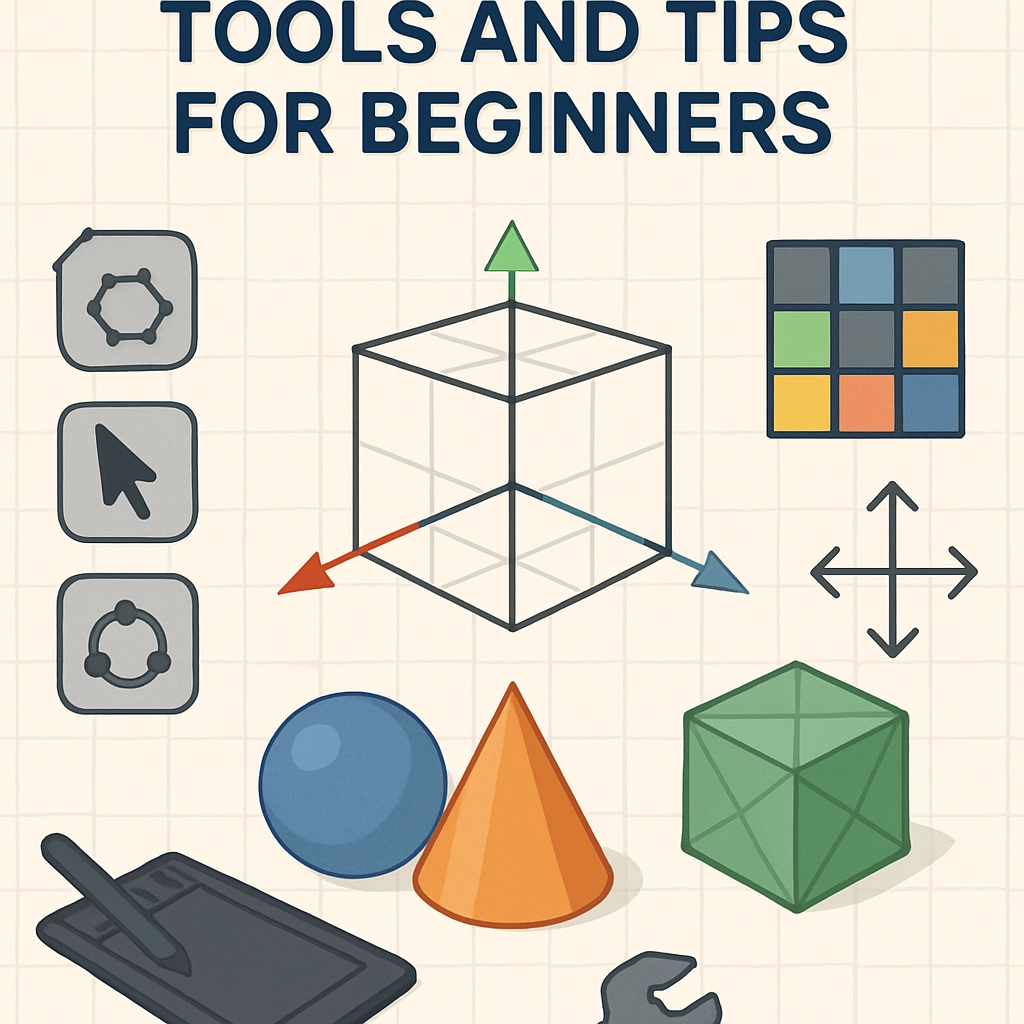

The Basics of 3D Modeling: Tools and Tips for Beginners
Welcome to the fascinating world of 3D modeling! Whether you’re looking to design video game characters, craft architectural visualizations, or whip up some unique sculptures, you’ve stumbled into a vibrant community that thrives on creativity and innovation. Don’t worry if you’re just starting out; the journey requires a mix of tools, techniques, and a good dose of patience. Let’s dive into the basics of 3D modeling and arm you with some essential tips to kickstart your creative adventure.
Understanding the Basics
At its core, 3D modeling is the process of creating a three-dimensional representation of an object using specialized software. It involves defining a shape in a virtual space, complete with dimensions, textures, and colors. Whether you’re crafting something as simple as a mug or as complex as an entire cityscape, you’ll want to grasp a few basic concepts:
-
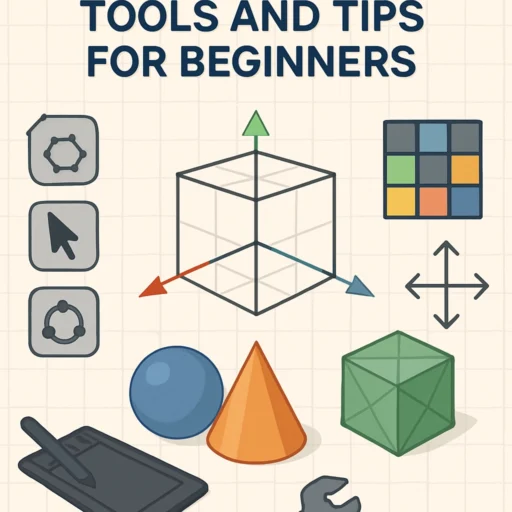
Vertices, Edges, and Faces: These are the building blocks of 3D models. A vertex is a point in space, edges connect vertices, and faces are flat surfaces made up of edges. Getting comfortable with how these elements interact can really encourage your modeling skills.
-
Polygons: Most 3D models are constructed using polygons, particularly the popular quad (four-sided) polygons. Understanding how to manipulate these shapes is key to achieving the details you want.
-
Textures and Materials: These give your model its surface appearance. Textures are images applied to a surface, while materials define properties like shininess or transparency.
Choosing the Right Tools
The first step in your 3D modeling journey is selecting the right software. Thankfully, there’s a wide range of options available, catering to all experience levels and budgets. Here are a few to consider:
-
Blender: An excellent choice for beginners and pros alike, Blender is open-source and free! It’s incredibly versatile, offering tools for modeling, animation, rendering, and more. There’s a vibrant community around it, making it easy to find tutorials and support.
-
Tinkercad: If you’re looking for something super-duper simple, Tinkercad is a web-based platform perfect for beginners. It uses a block-building approach, which makes starting out feel less intimidating and more fun.
-
SketchUp: Especially popular among architects and designers, SketchUp provides a straightforward way to create 3D models. It’s user-friendly, making it easy for beginners to grasp the basics of 3D space.
-
Maya: For those who might have a longer-term vision of working in the gaming or film industries, Autodesk Maya is a professional software that’s widely used in the industry. It’s not as beginner-friendly as some others, but there are plenty of resources to help you along the way.
Getting Started: Tips for Beginners
As you begin your modeling journey, keep these helpful tips in mind:
-
Start Simple: Don’t get ahead of yourself by diving into complex projects. Begin by modeling simple objects—think spheres, cubes, and basic household items. This will help you build a solid foundation.
-
Watch Tutorials: The internet is teeming with resources! From YouTube videos to dedicated forums, there are countless tutorials that can guide you through specific techniques and challenges. Don’t hesitate to follow along with these guides—they’re incredibly useful.
-
Practice Regularly: Like any skill, 3D modeling gets easier with practice. Try to model a little every day or dedicate certain days of the week to work on a project. Consistency is key.
-
Join a Community: Engaging with other modelers can be incredibly beneficial. Whether it’s through online forums, social media groups, or local meetups, sharing your work and getting feedback can inspire you and improve your skills.
-
Don’t Be Afraid to Fail: Everyone starts as a beginner, and mistakes are part of learning. Some of the best lessons come from failed 3D models. Embrace the creative process!
The Journey Ahead
3D modeling is a thrilling and rewarding endeavor. The skills you’ll develop not only allow you to bring your imaginative ideas to life but also open doors for career opportunities in fields like game development, animation, architecture, and more. So grab your modeling software, let your creativity flow, and don’t forget—every expert was once a beginner. Happy modeling!