


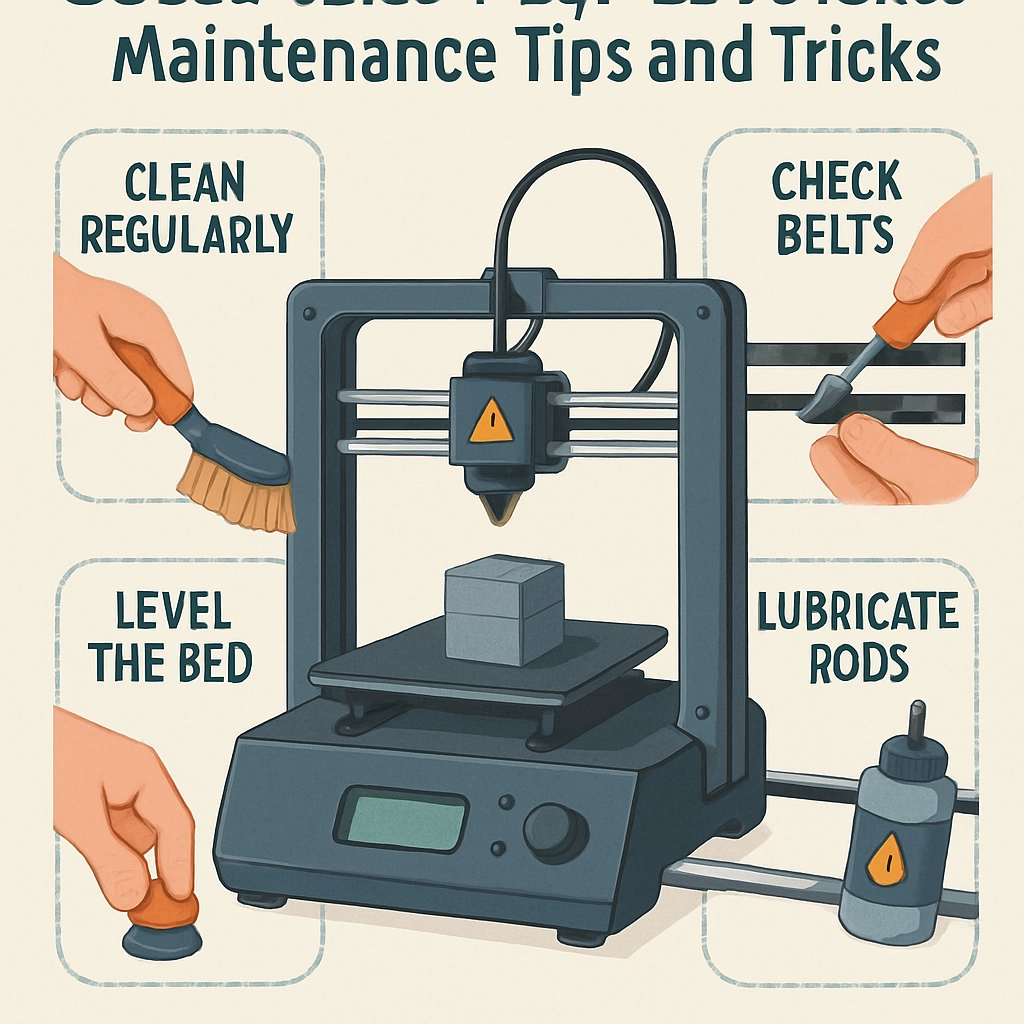
Maximizing Your 3D Printer’s Lifespan: Maintenance Tips and Tricks
Hey there, fellow makers! If you’re anything like me, your 3D printer is more than just a machine; it’s a trusty companion on your creative journey. From prototyping imaginative concepts to cranking out practical household items, a 3D printer is a gateway to endless possibilities. But, just like any other piece of tech, it needs a bit of TLC to keep it humming along beautifully. So, let’s dive into some easy-to-follow maintenance tips and tricks to help you maximize your 3D printer’s lifespan!
Cleanliness is Key
You know the saying, “A clean workspace is a happy workspace”? Well, the same goes for your 3D printer! Regular cleaning can prevent dust and debris from interfering with print quality. Start by gently dusting the exterior with a microfiber cloth. More importantly, check the build plate; it can accumulate residue from various filaments over time.
After a few prints, use isopropyl alcohol to wipe down the print surface, especially if you’re using materials like PLA or PETG that tend to leave behind sticky residues. If you’re dealing with flexible filaments, a little bit of warm soapy water should do the trick. Remember, a well-cared-for printer results in sharper prints!
Regular Lubrication
Many people forget the moving parts of a 3D printer; they’re just as important as the print head and build plate. The smooth movement of the axes relies on proper lubrication. Using a high-quality, lightweight machine oil can make the difference between a smooth glide and an unnerving screech!
Make it a habit to lubricate the rods and bearings every few months or after a significant number of prints. Keep an eye on how they’re moving—the smoother, the better. Listening to your machine can tell you if it needs a little oil-love!
Check the Belts and Pulleys
Over time, the belts on your 3D printer can stretch or, worst-case scenario, break. During your routine maintenance, give the belts a visual inspection. They should be tight but not overly so; you should be able to make a very slight indentation when pressing down on them. Slack belts can cause layer misalignment and other print defects, leading to frustration.
Also, give those pulleys and gears a quick look. If you notice any fraying on the belts or strange noises when operating, it’s time for a replacement or adjustment. This proactive approach can save you a lot of headaches down the road.
Calibration is Crucial
Regular calibration is an integral, albeit sometimes tedious, part of maintaining your 3D printer. Calibration ensures the print head is at the right distance from the build plate, which will not only improve adhesion but help prevent dreaded issues like warping. Most printers have calibration routines built-in, so don’t skip over them!
Also, pay attention to the leveling; a misaligned bed will wreak havoc on your prints. If your printer has manual leveling, consider investing in a good leveling tool or even going digital with an auto-leveling kit. It’s worth the investment!
Monitor Temperature and Filament Storage
Filament is to a 3D printer what gas is to a car, and just like fuel, it can go bad if not stored correctly. Moisture can wreak havoc on your filament, leading to bubbles, clogs, and subpar prints. Store your filaments in airtight containers and consider adding silica gel packs to absorb any humidity. This will not only preserve the quality of your filament but spare you from printer stress later.
Also, keep an eye on your printing temperatures. If you start noticing strange behaviors in your prints, like stringing or poor adhesion, it might be worth experimenting with your temperature settings. Each filament type may require a slight tweak, and keeping a record can help you nail it down the next time.
Keep Software Updated
Let’s not forget about the brains behind the operation—your 3D printer’s software. Just like your device’s operating system, keeping your printer’s firmware up to date ensures optimal performance and access to new features. Check the manufacturer’s website or your printer’s settings regularly for updates. It only takes a few minutes, and it can make a world of difference in print quality and reliability.
By incorporating these straightforward maintenance routines into your printing schedule, you’ll find yourself enjoying reliable prints for years to come. Taking care of your 3D printer isn’t just about keeping it operational; it’s about maximizing your creativity in the process. So roll up those sleeves and give your 3D printer the love it deserves—it will pay you back tenfold in beautifully crafted creations!