


How to Optimize Your 3D Printing Workflow
3D printing is an exciting frontier of technology, enabling creators, hobbyists, and engineers alike to turn digital models into tangible objects. However, if you’re knee-deep in filament and prints that didn’t quite turn out as planned, you know that not all 3D printing adventures go smoothly. Whether you’re a beginner just getting your feet wet or an experienced user looking to enhance your efficiency, optimizing your 3D printing workflow can save you time, money, and a whole lot of frustration. Let’s dive into some practical tips!
Start with Quality Models
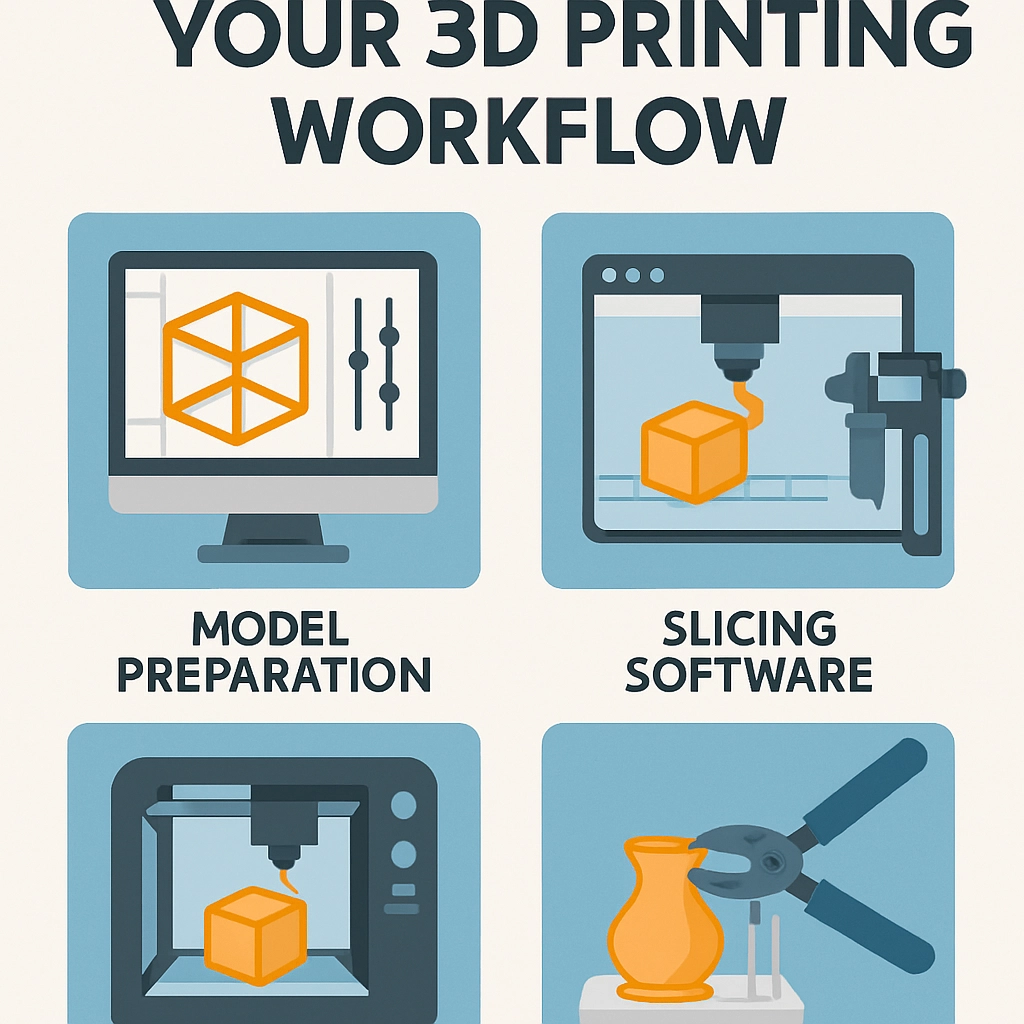
The journey to optimizing your 3D printing workflow begins long before you lift the print head or press that “Go!” button. It all starts with ensuring that your digital models are sound. Use reliable CAD software or reputable online repositories for 3D models. If you’re designing your own models, pay attention to printability—meaning consider the geometry, overhangs, and wall thickness. Models that are poorly designed will only lead to headaches on the printing side. And don’t forget to check for errors in the 3D file using tools like Meshmixer or Netfabb. It’s much easier to mend issues in the digital realm than to fight with a stubborn print!
Choose the Right Settings
Navigating through the world of slicers can feel overwhelming, but optimizing your settings can dramatically improve your prints. Understanding the various parameters like layer height, print speed, infill density, and temperature is crucial to achieving better results. Generally, if you want high detail, you might choose a smaller layer height which takes longer but yields smoother surfaces. On the other hand, if you’re just prototyping, a thicker layer can save time without sacrificing too much quality. Feel free to experiment, but make sure to document your settings so you can replicate successful prints in the future.
Maintain Your Printer
Your printer is like a car; it needs regular maintenance to run smoothly. Dust buildup, worn parts, or an essential calibration can turn a promising project into a disaster. Regularly check for loose screws, clean the print bed, and ensure that your extruder and nozzle are in good shape. A well-maintained printer is key to preventing those frustrating, last-minute hiccups that can occur during a multi-hour print. Depending on your printer model, you might want to recalibrate it every few weeks, especially if you’ve made adjustments or if the printer has been moved.
Organize Your Workspace
It may seem trivial, but the organization of your workspace can significantly impact your efficiency. Stashing away all your filament spools and tools in a designated area will streamline your workflows and reduce the likelihood of accidentally knocking something over in the heat of creation. Also, having a proper environment for your print jobs—like a dust-free area, proper ventilation, and temperature control—can improve print quality and reduce failures.
Plan Your Prints Ahead
In the world of 3D printing, timing is everything. Planning your prints ahead allows you to be more efficient with your resources. Whether it’s scheduling longer prints overnight to free up your daytime hours or knowing which filaments will work best for specific projects, pre-planning can significantly reduce waste and downtime. It’s also helpful to batch print smaller items; this makes the most out of the time and energy spent on printing.
Don’t Forget Post-Processing
While it might seem tempting to simply print and display your creations, post-processing can take your 3D prints to the next level! Consider sanding, painting, or using solvents to smooth out rough edges or enhance the look of your print. This step doesn’t just enhance aesthetics but can also improve the print’s durability.
Learn from Your Failures
Even with the best planning and optimizations, failures still happen, and that’s perfectly okay. Every failed print is a lesson learned! Take the time to analyze what went wrong—was it a calibration issue, a material problem, or something with the design? Keep a journal of issues and solutions as you go along. You’ll build a repository of knowledge that can save you in the future.
In a world where rapid prototyping and customization are becoming increasingly important, optimizing your 3D printing workflow can make a significant difference in your projects’ success. By starting with quality models, maintaining your printer, organizing your workspace, and learning from each experience, you’ll not only improve your prints but also reinforce your love for this exciting technology. So grab your printer, check your settings, and let creativity guide your next prints!