


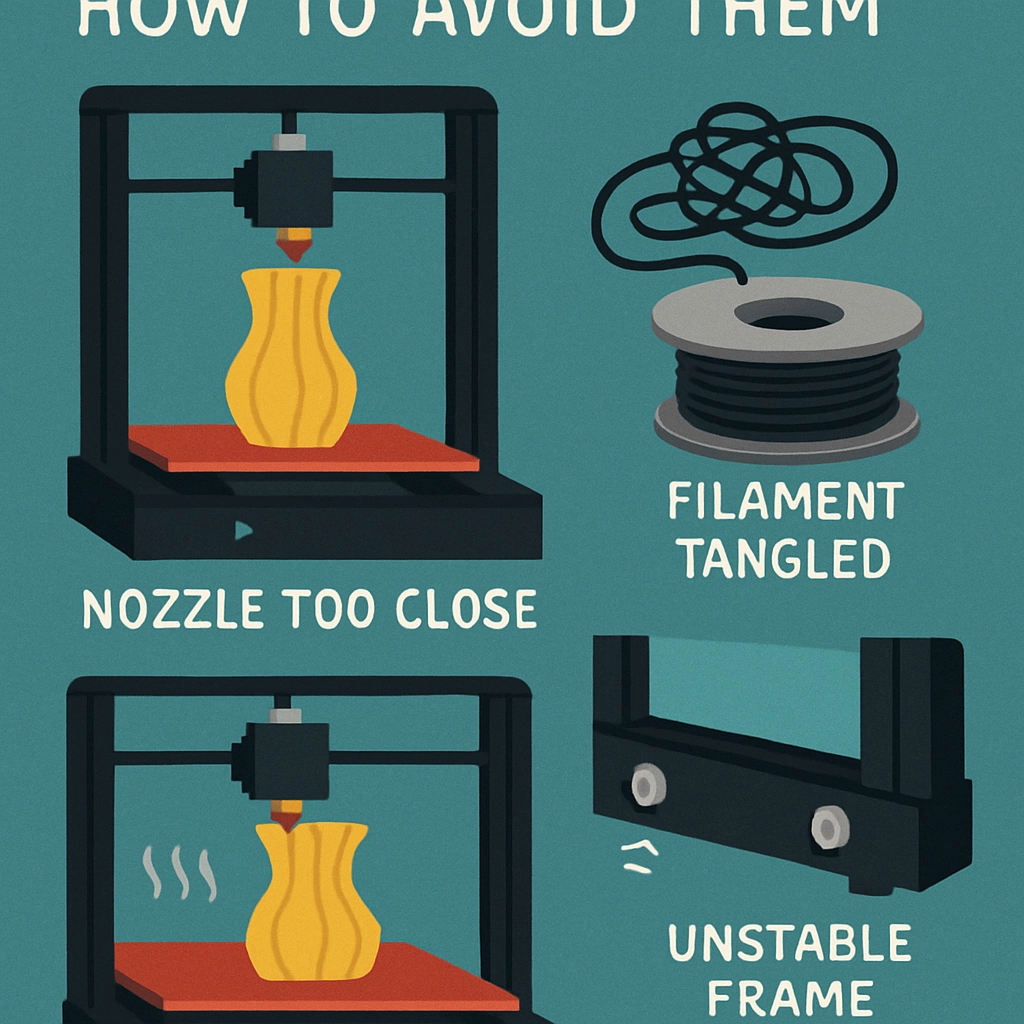
Frequent Mistakes New 3D Printers Make and How to Avoid Them
3D printing is an exciting frontier in technology and creativity. Whether you’re planning to create prototypes, customized parts, or artistic sculptures, the potential is endless. However, embarking on a 3D printing journey can be challenging for newcomers. It’s all too easy to end up with a tangled mess of melted filament instead of your envisioned design. Don’t worry, though! Let’s explore some common mistakes new 3D printers make and how to sidestep these pitfalls with ease.
Ignoring Printer Calibration
One of the biggest blunders beginners make is neglecting the calibration of their 3D printer. Calibration is akin to getting the foundation right before building a house; without it, everything else can topple over.
How to avoid this: Make it a habit to calibrate your printer before each new project. This includes leveling the print bed and checking the nozzle height. Many printers come with built-in calibration tools, so don’t forget to utilize those. You can even watch a quick YouTube tutorial for step-by-step guidance if you’re feeling unsure!
Choosing Low-Quality Filament
While it might be tempting to go for the cheapest filament on the market, this often leads to headaches down the line. Low-quality filament can cause clogs, inconsistent extrusion, and a host of other issues, leading to subpar prints.
How to avoid this: Always invest in high-quality filament from reputable brands. It’s worth spending a little more upfront to save yourself the grief of failed prints and clogged nozzles. Plus, you’ll often end up with better overall results!
Skipping the Slicing Software
Slicing software is a crucial component of the 3D printing process that converts your 3D model into instructions the printer can understand. Many beginners overlook the importance of this step, resulting in some pretty strange (and often funny) outcomes.
How to avoid this: Familiarize yourself with your slicing software. Take the time to learn how to adjust settings such as layer height, print speed, and infill density. Your print’s success heavily relies on these parameters, so dive into tutorials and don’t hesitate to experiment with settings to see what gives you the best results.
Forgetting About Bed Adhesion
Imagine your beautiful print starting to lift off the bed halfway through—talk about a disappointment! A lack of proper bed adhesion can lead to warping, especially in larger prints.
How to avoid this: Use adhesive aids like glue sticks or painter’s tape on the print bed to help your print stick better. Some printers have heated beds, which can significantly reduce warping, particularly for materials like ABS. Always ensure that the first layer is correctly laid down, as it sets the stage for the rest of your print.
Undersizing or Oversizing Your Models
Scaling your 3D models improperly can lead to frustration. Printing something too small can make it nearly impossible to handle, while printing it too large might mean it won’t fit on your print bed at all.
How to avoid this: Before hitting “print,” always double-check the size of your model in the slicing software. Many programs have measurement tools that allow you to visualize the print dimensions alongside your printer’s specifications.
Not Testing with a Small Print
Many newcomers are eager to print their complex designs and dive straight into lengthy projects. However, this can lead to wasted time and materials if something goes wrong.
How to avoid this: Start with smaller test prints before jumping into larger projects. This will help you identify issues early on without sacrificing too much filament or time. Simple designs are perfect for tweaking settings, ensuring that you’re ready for the big project ahead.
Lack of Patience
Patience is a virtue, especially when it comes to 3D printing. Beginners often make the mistake of being too impatient. Agitatedly interfering with the printing process can lead to even bigger problems.
How to avoid this: Trust the process and let your printer do its thing! It’s better to walk away and let the printer work than to fret over every inch. If something does go wrong, take a breath and troubleshoot calmly.
3D printing is a journey filled with trial and error, but with a little awareness and foresight, you can minimize the mistakes that often plague newcomers. By calibrating your printer, choosing quality materials, mastering slicing software, and exercising patience, you’ll be well on your way to creating impressive designs. Embrace the learning curve, and remember: every failed print is a step toward mastering the art of 3D printing! Your next creation could be just around the corner!