


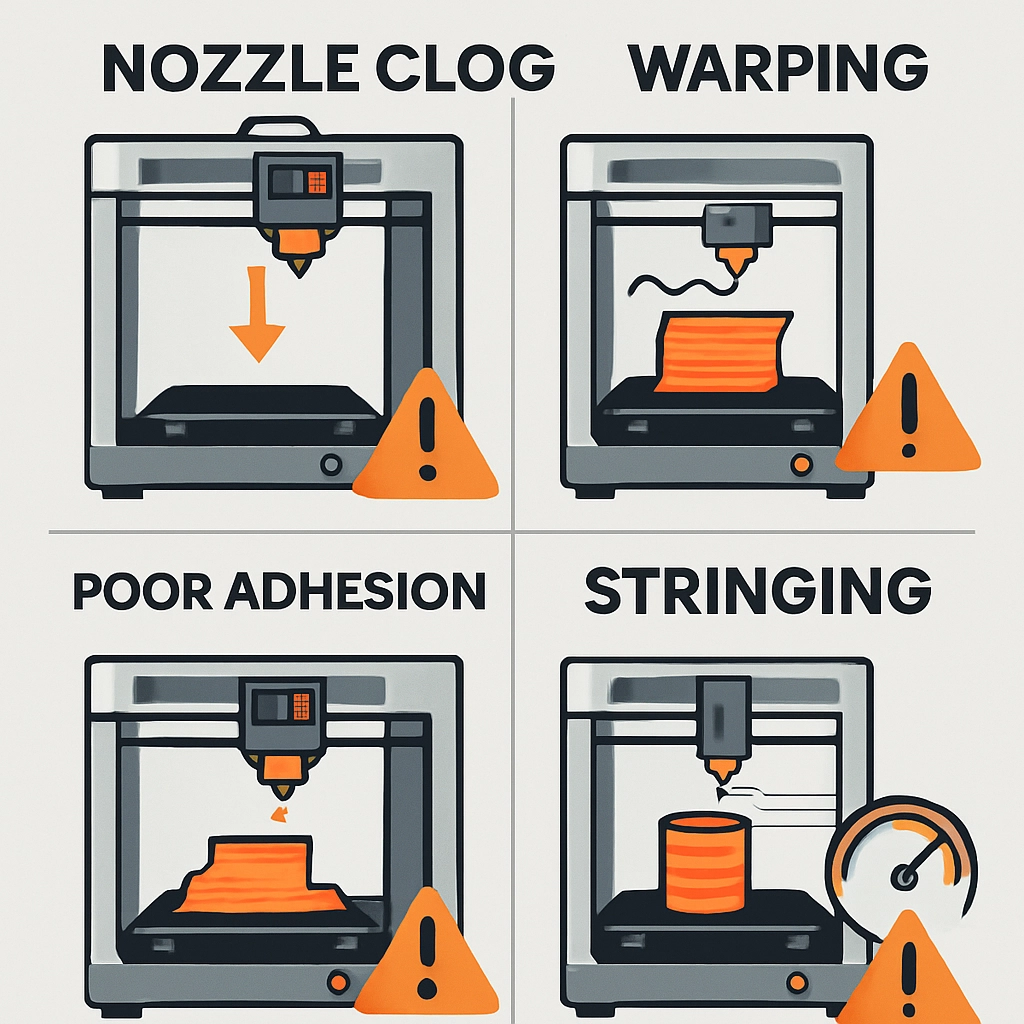
How to Troubleshoot Common 3D Printing Issues with Bambu Lab
3D printing can feel a bit like magic, right? You start with a digital design, and with the help of a printer, that idea becomes a tangible object right before your eyes. But as anyone who’s dipped their toes into this creative realm knows, it isn’t always smooth sailing. Sometimes, you’re hit with frustrating hiccups along the way. If you’re using a Bambu Lab printer, fear not! In this friendly guide, we’ll walk through some common 3D printing issues and how to troubleshoot them effectively.
Layer Shifting
One moment, you’re watching those layers build up perfectly, and the next, you notice that your print has shifted—yikes! Layer shifting happens when the print head jumps out of alignment during a print. This can be caused by a few issues such as loose belts, improperly calibrated steps per mm, or even mechanical binding.
Fix It!
-
Check the Belts: A loose belt can be the culprit. Press down on the belt with your finger; if it’s too flaccid, tighten it until it feels firm but allows some flexibility.
-
Calibrate Your Steps: Every printer has specific calibration settings. Take a moment to ensure that your steps per mm settings for X, Y, and Z axes are correctly configured.
-
Inspect for Mechanical Issues: Sometimes, a binding of the rods or wheels can create conflicts. Check that everything moves smoothly by manually moving the print head.
Poor Adhesion to the Build Plate
Nothing is more deflating than seeing your print start to lift off the build plate just a few minutes into the process. Poor adhesion can stem from a range of factors, including surface cleanliness, incorrect bed leveling, or the need for a different bed surface.
Fix It!
-
Clean that Surface: Grease and dust are your enemies! Give your build plate a thorough wipe-down with isopropyl alcohol to remove any contaminants.
-
Bed Leveling: This is a crucial step that can’t be skipped. Use the Bambu Lab’s auto-bed leveling feature if it has one, or manually adjust if necessary to ensure that the nozzle is just the right distance from the plate.
-
Consider Different Surfaces: Some filaments adhere better to specific surfaces. If you’re having repeated issues, try a different build plate surface like PEI or blue painter’s tape.
Stringing and Oozing
You might notice some spider web-like strings between your prints, which can be particularly annoying when you’re after a tidy finish. Stringing occurs when the nozzle leaks filament as it moves between different areas of your print.
Fix It!
-
Temperature Control: Reduce the nozzle temperature ever so slightly; sometimes, a hot nozzle can ooze filament more than necessary. Just remember to do this incrementally and test by printing a small object.
-
Retraction Settings: Adjust your retraction distance and speed in your slicer settings. A longer retraction might just do the trick to rein in that filament.
-
Enable Z-hop: If your printer supports it, enabling the Z-hop feature can help lift the nozzle slightly when moving between areas of your print, reducing that nasty stringing.
Inconsistent Extrusion
Seeing gaps in your prints or areas where it seems the filament just didn’t come out enough? That could be a sign of inconsistent extrusion. This might stem from clogged nozzles, the wrong filament diameter, or even a failing extruder.
Fix It!
-
Check for Clogs: Run a cleaning filament through your nozzle to ensure it’s clear—sometimes just stopping mid-print to clear out your nozzle can work wonders.
-
Filament Diameter: Double-check that your slicer settings match the actual diameter of your filament. A mismatch will result in either too much or too little extrusion.
-
Calibrate Your Extruder: This involves confirming that your extruder is feeding the correct amount of filament. Mark a piece of filament, feed it in, and measure how much actually comes out.
Final Thoughts
3D printing can certainly come with its ups and downs, but understanding how to troubleshoot common issues can turn that frustration into satisfaction. With your Bambu Lab printer, there’s a good chance you’ll encounter challenges, but they’re all part of the journey in mastering this rewarding craft. The next time you face a hiccup, take a deep breath, revisit these troubleshooting tips, and remember: the beauty of 3D printing lies not just in the end result, but in the learning process along the way. Happy printing!