


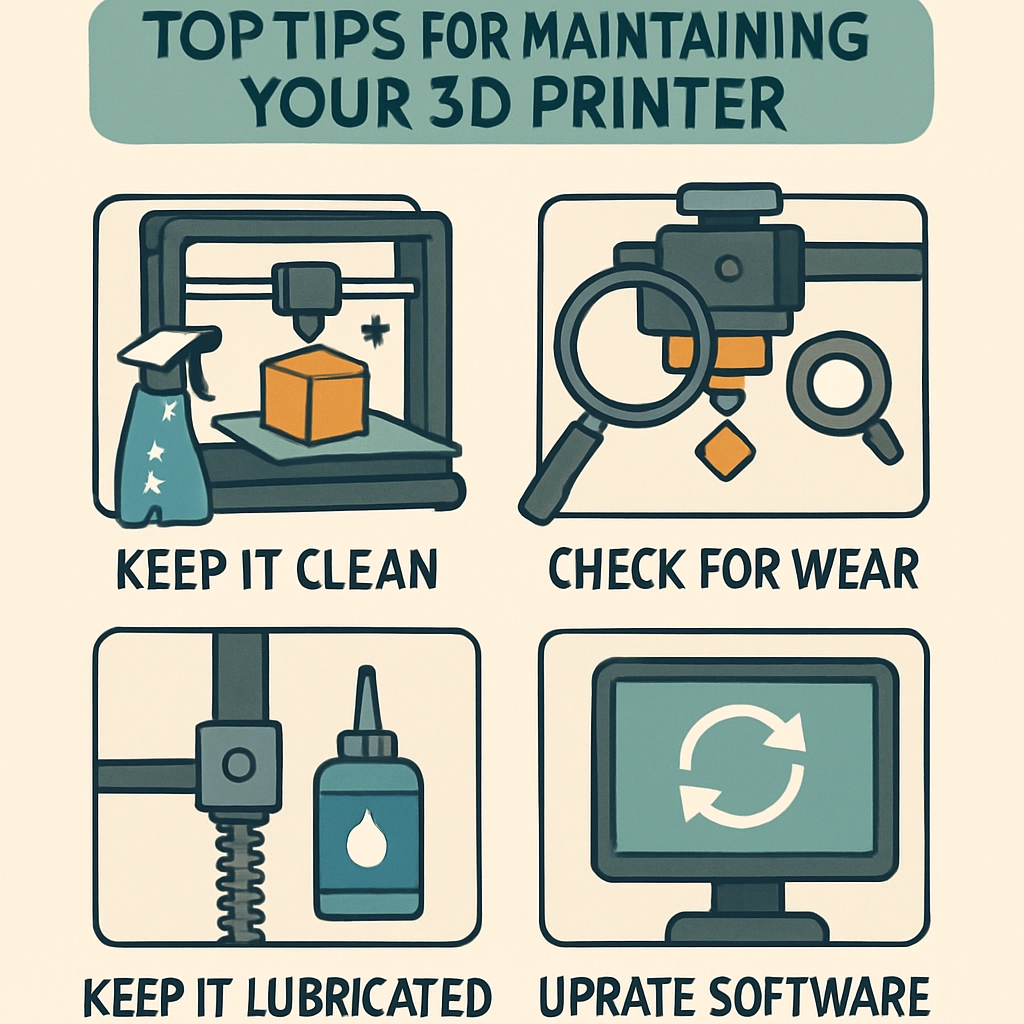
Top Tips for Maintaining Your 3D Printer
3D printing is an exciting journey into creativity and innovation, whether you’re crafting miniature figurines, engineering prototypes, or even functional parts for your home. However, like any machinery, your 3D printer requires regular maintenance to keep it running smoothly and produce high-quality prints. Neglecting this important aspect can lead to frustrating failures or compromised prints. So, let’s dive into some top tips for maintaining your 3D printer!
1. Keep It Clean
A clean workspace is essential for any craft, and this is especially true for 3D printing. Dust, pet hair, and other debris can get into your printer and affect the quality of your prints. Make it a habit to regularly clean your printer’s build plate, extruder, and other parts. Use a soft cloth and isopropyl alcohol to gently wipe down surfaces. For the build plate, many users prefer using a scrapper tool to clear off remnants from previous prints thoroughly.
2. Lubricate Moving Parts
3D printers have several moving components, like axes and rails, that can benefit from a bit of lubrication. Over time, these parts can experience friction or wear down, resulting in inaccurate prints or mechanical failure. Use a light machine oil or a dedicated lubricant for 3D printers, applying it sparingly but regularly to keep those parts moving smoothly. It’s a small step that can make a significant difference in performance!
3. Check the Nozzle Regularly
The nozzle is the heart of your 3D printer; it’s where the magic happens! A clogged or partially blocked nozzle can lead to under-extrusion, poor layer adhesion, and inconsistent prints. Make it a routine to check the nozzle for clogs as part of your maintenance. You can clean it using a needle or a dedicated nozzle cleaning tool, or perform a cold pull to clear any blockages without disassembling the extruder. If you notice a reduction in print quality, don’t overlook this simple step.
4. Monitor the Filament
The filament you use can significantly affect the quality of your prints. Ensure your filament is stored correctly—in a cool, dry place—away from direct sunlight to avoid moisture absorption. Also, inspect the filament before each print for tangles, knots, or expired materials that could lead to unpredictable results. Using a filament dryer can also help if you print with hygroscopic materials like nylon or PLA in humid climates.
5. Regularly Level the Bed
A level print bed is one of the most critical factors for a successful print. If your bed isn’t level, you’ll likely face issues such as poor adhesion or misaligned layers. Take a moment before each print to check the bed’s level. Some printers have an auto-leveling function, but it’s still a good idea to double-check manually. If you’re a bit unsure, turn to online tutorials or the printer’s manual for a step-by-step guide on leveling your specific model.
6. Keep Firmware Updated
Just like your smartphone or computer, your 3D printer also needs updates. Manufacturers often release firmware updates that can enhance functionality, improve print quality, or fix bugs. Regularly check the manufacturer’s website for updates relevant to your model, and install them as needed. Taking advantage of the latest tech will keep your printer operating at its best.
7. Educate Yourself
The world of 3D printing is ever-evolving, and new techniques and technologies are constantly emerging. Staying informed is crucial! Participate in online communities, read blogs, watch YouTube videos, or join local maker groups to learn from other enthusiasts. There are plenty of resources available to help you troubleshoot problems and improve your printing skills.
8. Have Spare Parts on Hand
Even with the best maintenance, parts can wear out or break. Having a few spare components like nozzles, belts, or even the extruder can save you from downtime when your printer is temporarily out of commission. This ensures you can get back to your creative projects without long interruptions.
9. Calibrate Your Printer
Periodic calibration is essential to get the best results with your 3D printer. Regularly check the extrusion multiplier and adjust it as needed to ensure you’re getting the right amount of filament. Calibration can also involve checking the temperature settings for your specific materials, as each can behave differently under heat.
By integrating these maintenance tips into your 3D printing routine, you’ll not only prolong the life of your printer but also improve the quality of your creations. While 3D printing can sometimes feel like trial and error, a little proactive care goes a long way. Remember, the more you invest in keeping your printer in tip-top shape, the more rewarding your crafting experience will be! Happy printing!