


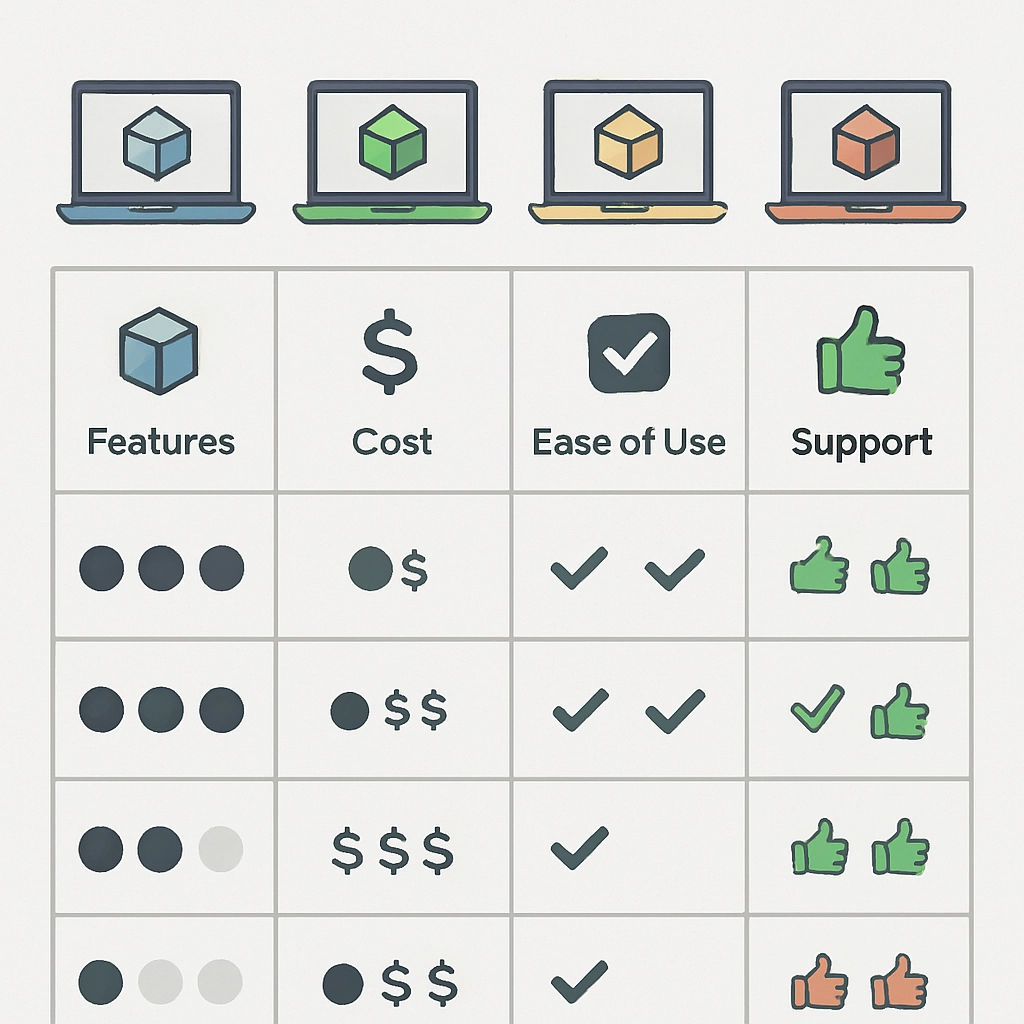
Comparative Analysis of 3D Printing Software: Choosing the Right One
3D printing has revolutionized various industries, from prototyping and manufacturing to art and education. Behind every impressive 3D print lies a piece of software that translates an idea into a tangible object. With so many options available, how do you choose the right 3D printing software for your needs? Let’s dive into a comparative analysis of some popular 3D printing software you might consider, breaking down their features, strengths, and potential limitations.
1. Tinkercad
Overview:
Tinkercad, developed by Autodesk, is a great entry-level tool for beginners. Its user-friendly interface makes it accessible for anyone, even those without experience in 3D design.
Pros:
- Simplicity: Tinkercad’s drag-and-drop interface and intuitive tools make 3D modeling straightforward.
- Web-based: No installation required—just navigate to your browser, and you’re ready to create.
- Community and Resources: Tinkercad has a robust community with plenty of tutorials and projects to inspire you.
Cons:
- Limited Advanced Features: If you’re looking for complex modeling or intricate designs, you may find Tinkercad a bit limiting.
- Internet Dependency: With its web-based functionality, you need to be connected to the internet to use it.
2. Fusion 360
Overview:
Also from Autodesk, Fusion 360 is a more advanced option that caters to both hobbyists and professionals. It brings together CAD, CAM, and CAE tools into one platform.
Pros:
- Comprehensive Toolset: Fusion 360 offers features for product design, engineering, and simulation, making it a robust option for a wide range of projects.
- Cloud-Based Collaboration: You can work on projects with others in real-time, enhancing collaboration.
- Parametric Modeling: This feature allows for easy adjustments in design without starting from scratch.
Cons:
- Learning Curve: With great power comes complexity; beginners may find it overwhelming initially.
- Subscription Cost: While there’s a free version for personal use, the professional features require a subscription that can add up.
3. Ultimaker Cura
Overview:
Ultimaker Cura is an open-source slicing software, which prepares your 3D model for printing. It’s well-known in the 3D printing community for its versatility and ease of use.
Pros:
- Compatibility: Cura works with a wide range of 3D printers, making it ideal for hobbyists with non-Ultimaker machines.
- Customizable Settings: You have a plethora of settings to tweak to get your print just right, from layer height to infill density.
- Frequent Updates: Ultimaker continually updates Cura, adding features and improving performance based on user feedback.
Cons:
- Simplicity for Beginners: While great for advanced users, beginners might find the wealth of settings overwhelming.
- Limited Design Tools: Unlike Tinkercad or Fusion 360, Cura doesn’t have built-in modeling capabilities; it’s purely for slicing.
Making Your Choice
When evaluating 3D printing software, your choice should reflect a combination of your skill level, what types of projects you want to undertake, and your budget. If you’re just starting out and want something user-friendly, Tinkercad is the perfect launchpad. For those looking to dive deeper into product design and engineering, Fusion 360 will provide powerful tools to bring your visions to life. Meanwhile, if your focus is on the printing process itself, Ultimaker Cura could become your go-to for preparing models.
A Thoughtful End Note
At the end of the day, the best 3D printing software is the one that aligns with your goals and workflow. Consider trying out different options to see which interfaces you connect with the most. The world of 3D printing is all about creativity and experimentation, so don’t hesitate to explore new tools as your skills evolve. Each piece of software has its unique quirk that might just spark your next big idea. Happy printing!