


Getting Started with Resin Printing: What You Need to Know
Resin printing, also known as stereolithography (SLA), has become increasingly popular among hobbyists and professionals alike. Whether you’re an artisan, a game enthusiast wanting to print miniatures, or just someone who wants to create unique art pieces, resin printing offers unparalleled detail and precision. But if you’re considering diving into the world of resin printing, you might be wondering where to start. Fear not! Here’s a friendly guide to help you embark on your resin printing journey.
Understanding the Basics of Resin Printing
Before you dive into the nitty-gritty, it’s essential to understand what resin printing is all about. Unlike traditional FDM (fused deposition modeling) 3D printing, which uses thermoplastic filament, resin printing employs liquid photopolymer resin. A light source—often an LCD screen or a laser—cures the resin layer by layer, gradually building your 3D object. The result? Typically higher resolution prints with intricate detail that is hard to match with conventional methods.
Choosing the Right Resin Printer
Now that you know what resin printing is, the next step is picking the right printer. If you’re just starting out, you might want to look into a few key aspects:
-
Budget: Entry-level printers can be found for as low as $150 to $300. Do some research and read reviews—sometimes spending a bit more for reliable performance and good community support pays off in the long run.
-
Build Volume: Think about what you want to print. If you’re planning on creating larger models, check the printer’s build area. Smaller printers are excellent for miniatures, while larger ones can handle bigger projects.
-
Type of Resin: There are general-purpose resins, flexible resins, and even specialty ones designed for tough, durable prints or high-temperature applications. Based on your project needs, you might want to find the resin that suits you best.
Essential Equipment and Supplies
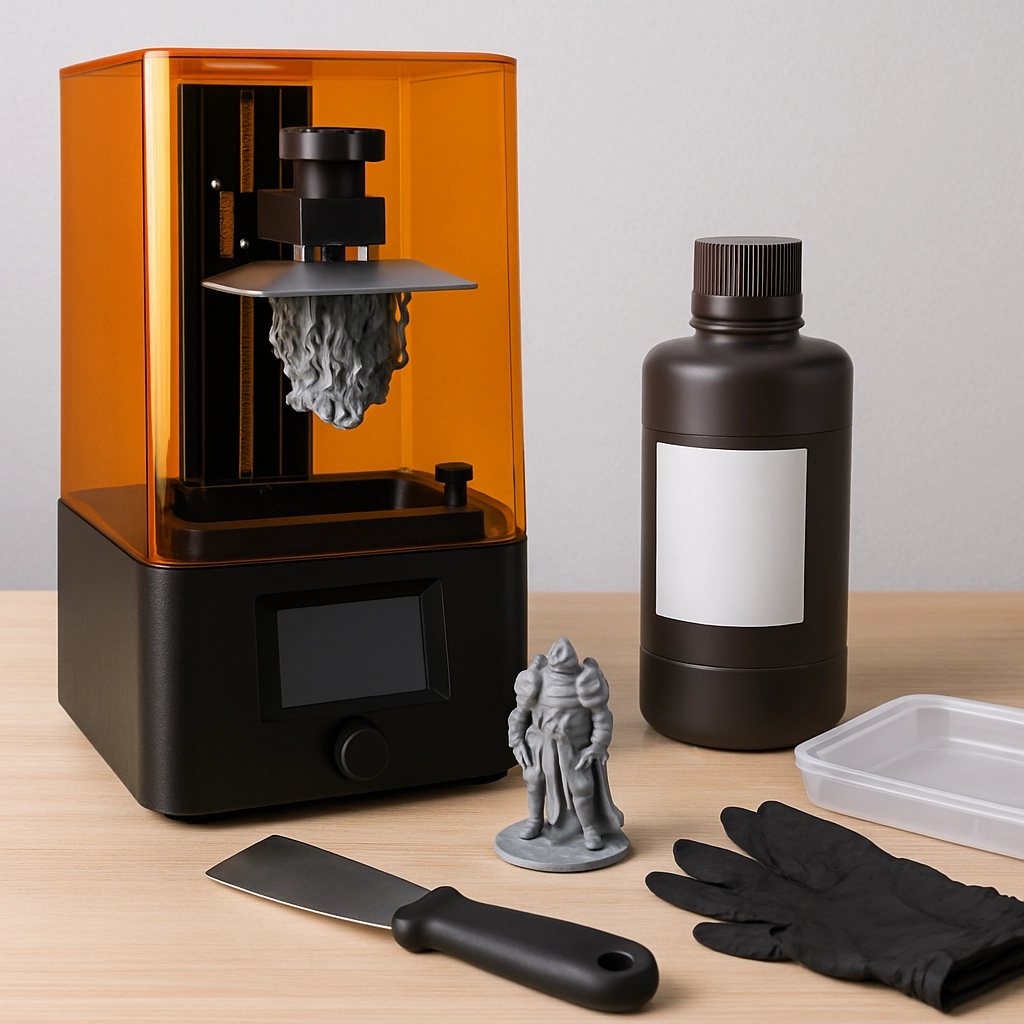
Aside from the printer, you’ll need some essential accessories:
-
Resin: Get enough resin according to your print projects. It comes in different colors, clear options, and even specialty blends.
-
Safety Gear: Resin can be hazardous to your health. Make sure to invest in gloves, goggles, and a mask when handling it. Working in a well-ventilated space is critical too.
-
Curing Station: After printing, your models will need to be cured under UV light. You can buy dedicated curing stations or create your own with UV lamps.
-
Cleaning Supplies: Having isopropyl alcohol (IPA) is essential for cleaning your prints. You’ll also need containers for rinsing and a way to safely dispose of the used resin.
-
Post-Processing Tools: A putty knife or scraper helps you remove prints from the build plate, while nail files and hobby knives are handy for cleaning up any print imperfections.
Learning the Software
To operate your resin printer, you’ll need slicing software, which converts your 3D model files into a format that the printer can understand. Popular software options include Chitubox, Lychee Slicer, and others that have user-friendly interfaces. Familiarize yourself with these tools, as they allow you to adjust settings like layer height, exposure time, and support structures, all of which impact the quality of your print.
Print and Post-Process
Once your printer is set up and your design is sliced, it’s showtime! Load your resin, hit the print button, and watch the magic unfold. But don’t get too comfortable—your work isn’t done yet. After printing, you’ll need to carefully wash your print to remove any uncured resin and then cure it in your chosen device. This step is crucial for ensuring your print achieves its final strength.
Tips and Tricks for Beginners
-
Start Small: Begin with smaller projects to get the hang of the process before taking on larger, more complex models.
-
Experiment with Supports: Properly supported prints are the key to success. Don’t be afraid to experiment with different support settings to see what works best for your designs.
-
Join Communities: Online forums, social media groups, and platforms like Reddit can be invaluable resources. Sharing experiences and troubleshooting with fellow resin enthusiasts is a great way to learn.
Resin printing can be an incredibly rewarding endeavor. With a little patience and practice, you’ll find yourself creating stunning prints that show off intricate detail and craftsmanship. So gear up, get your supplies, and don’t hesitate to let your creativity soar—there are no limits to what you can create with resin printing!