


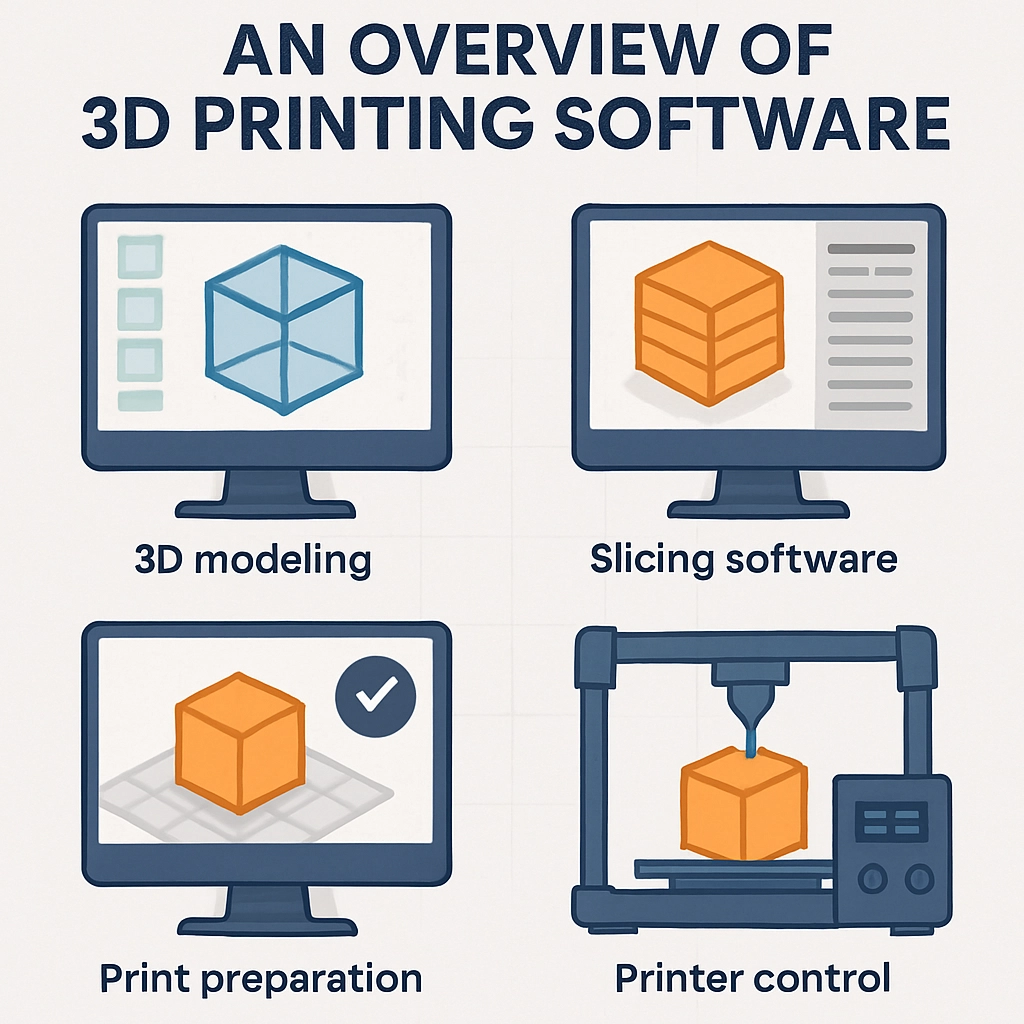
An Overview of 3D Printing Software: Tools You Need to Know
3D printing has transformed from a niche hobby into a revolutionary technology that’s reshaping industries, one layer at a time. Whether you’re an aspiring designer, a curious hobbyist, or a business professional looking to leverage this amazing technology, the right software tools are essential for turning your ideas into tangible objects. Let’s dive into some of the key software tools you should know about when venturing into the world of 3D printing.
1. CAD Software
Fusion 360
If you’re serious about design, Autodesk Fusion 360 should be on your radar. This robust cloud-based CAD (Computer-Aided Design) software is perfect for both beginners and experienced designers. It allows users to create complex 3D models using a parametric design approach, meaning you can easily make adjustments to dimensions and shapes without having to start from scratch. Plus, Fusion 360 offers collaboration tools, so you can easily share your designs with others and work together in real-time.
Tinkercad
For those just starting out or looking for a simpler interface, Tinkercad is a fantastic choice. It’s a free, web-based app that simplifies the 3D modeling process. With a vast library of shapes and intuitive drag-and-drop features, Tinkercad makes it easy for anyone to create functional 3D designs, even without prior experience. Ideal for educators and beginners, this software also includes tutorials to help get your creative juices flowing.
2. Slicing Software
Once you’ve designed your 3D model, it’s time to prepare it for printing with slicing software. This programs converts your 3D model into a language your 3D printer can understand, creating a set of instructions that tell the printer how to layer the material to build your object.
Cura
Cura is one of the most popular slicing software programs available. Developed by Ultimaker, this open-source software is user-friendly and highly customizable. It features preset profiles for numerous 3D printers, allowing you to get started quickly. Moreover, Cura also provides advanced options for fine-tuning print settings, making it a great choice for both beginners and advanced users. You can adjust layer heights, print speeds, and even support structures based on your specific needs.
PrusaSlicer
If you’re using a Prusa 3D printer, PrusaSlicer should be your go-to option. It’s specifically designed to work seamlessly with Prusa printers, making it an excellent choice for owners of those models. PrusaSlicer boasts a user-friendly interface and advanced features like customizable settings, help for multi-material prints, and the ability to estimate print time and filament usage. It’s an all-in-one tool that simplifies the transition from design to printing.
3. Design and Preparation Tools
In the world of 3D printing, it’s not all about creating models from scratch. There are also tools available that can help you prepare existing models or make modifications.
Meshmixer
Autodesk’s Meshmixer is a great tool for those looking to modify or repair STL files. This powerful software allows users to edit mesh files, ensuring they’re ready for printing by fixing any errors and optimizing geometries. Whether you want to combine multiple objects into one or just add support structures, Meshmixer’s user-friendly interface is approachable for anyone.
Blender
For those with a creative flair, Blender is a fantastic 3D modeling software that can be used for both artistic and functional designs. While it has a steeper learning curve, the possibilities are endless. You can create intricate models, animations, or even sculptures. Blender is also continually updated with features that cater to a variety of needs, making it a staple in the 3D design community.
Wrapping Up
The world of 3D printing is as vast as your imagination, with a variety of software tools available to help bring your creations to life. Whether you choose straightforward design tools like Tinkercad or dive deep into the capabilities of Fusion 360 and Blender, there’s something for every level of expertise. Don’t forget the importance of slicing software like Cura and PrusaSlicer, which can be the difference between a perfect print and a frustrating failure.
As you explore these tools, remember that practice makes perfect! So dive in, experiment, and before you know it, you’ll be crafting 3D masterpieces that could only ever exist in your imagination.