


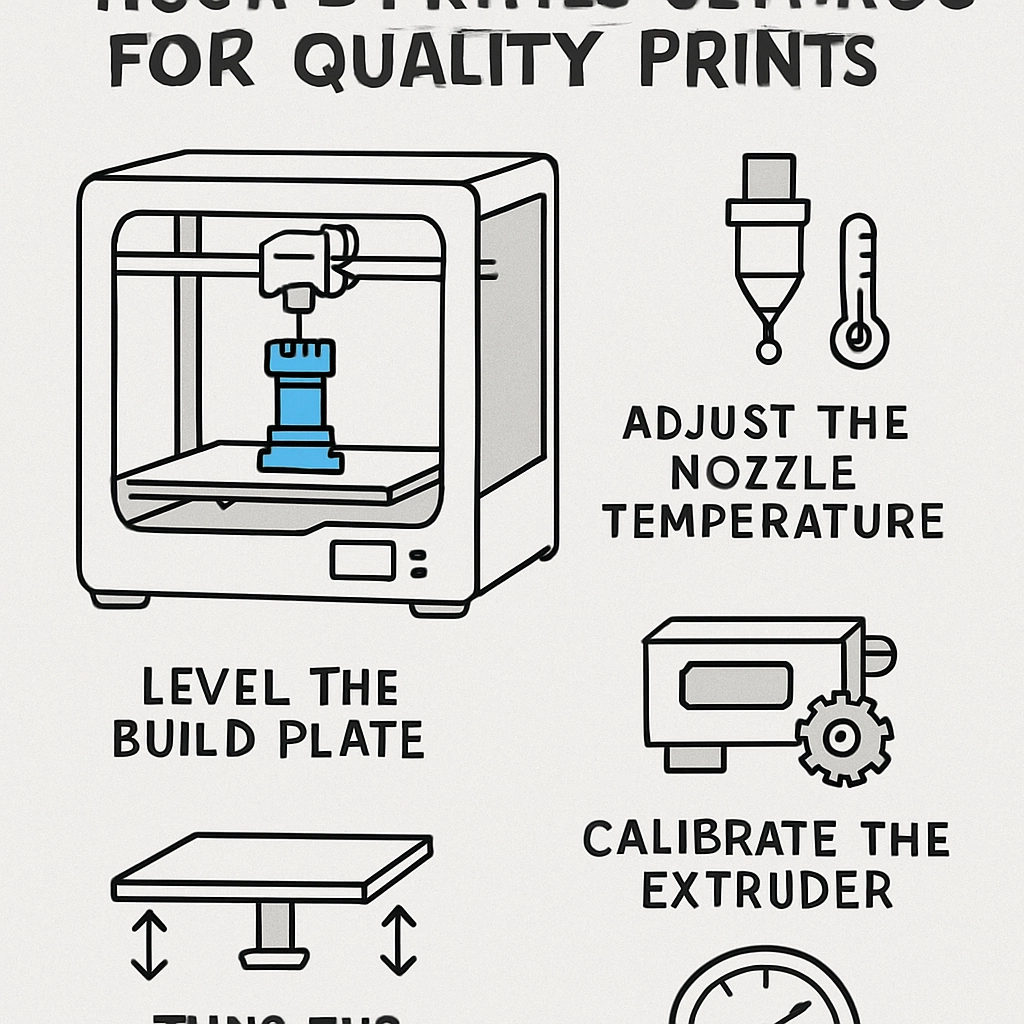
How to Optimize Your 3D Printer Settings for Quality Prints
3D printing is an exhilarating blend of art and science that allows creators to bring their wildest ideas to life. Whether you’re crafting miniatures, prototypes, or functional parts, the goal is always the same: achieve top-notch print quality. If you find yourself staring at a print that just didn’t turn out right, don’t worry! With a few tweaks and some know-how, you can optimize your printer settings for fantastic results.
Understand Your Printer
Before diving into the intricate details of settings, it’s essential to understand your 3D printer and the materials you’re working with. Each printer model has its own specifications, and printing materials like PLA, ABS, or PETG come with unique properties. Research your printer’s capabilities, limitations, and the best practices for the filament you’re using.
Layer Height
One of the first settings to tackle is layer height. This parameter dictates the thickness of each printed layer. A smaller layer height (e.g., 0.1 mm) generally offers higher detail and a smoother finish, but it can dramatically increase print time. If you’re printing something that requires precise details, it might be worth it. For larger prints where detail isn’t as critical, a higher layer height (e.g., 0.2 mm) can save time while still producing acceptable quality.
Print Speed
Next up is the print speed. While it may be tempting to crank up the speed to finish prints more quickly, this can lead to compromised quality, especially on intricate designs. Slowing down can help in achieving better adhesion and layer alignment. A common starting point is around 50 mm/s, but feel free to adjust as you gain a better sense of your printer’s capabilities.
Temperature Settings
Finding the right extruder and bed temperature is crucial for optimal results. Most filament manufacturers provide a temperature range for their materials. Start with the manufacturer’s recommendations, then gradually adjust based on your observations. If you notice issues like stringing or poor layer adhesion, consider experimenting with temperature. A hot end too cold may cause clogs, while a bed that’s too hot can lead to warping.
Retraction Settings
Retraction settings help to prevent oozing and stringing during printing. When your printer is moving from one point to another without printing, the hot end pulls back a bit of filament. Adjusting the distance and speed of retraction can significantly enhance the quality of your prints. A good rule of thumb is to start with a retraction distance between 1 mm to 6 mm and a speed between 25 to 50 mm/s, then tweak as necessary.
Bed Adhesion and Leveling
Nothing frustrates more than prints that refuse to stick to the bed. Ensuring proper bed leveling is key for great adhesion and print success. A level bed means that the nozzle maintains a consistent distance from the print surface throughout the print. Try using a piece of paper to gauge the distance—this old-school method works wonders.
Additionally, consider using adhesion aids like blue tape, glue sticks, or specialized adhesives to give the print an extra grip. Just remember to clean your build surface regularly!
Cooling Fans
For certain filaments, like PLA, active cooling can make a big difference. Enabling or adjusting the cooling fans can help with layer adhesion and can prevent issues like warping or sagging on overhangs. If you’re printing with ABS, however, be cautious with cooling; too much can lead to warping.
Test and Iterate
Once you’ve tinkered with your settings, it’s time to run some tests. Print small calibration models to see how your adjustments play out. Pay attention to details like surface finish, layer adhesion, and dimensional accuracy. Don’t hesitate to make small tweaks and re-run prints until you hit that sweet spot.
The Final Touches
After you’ve printed your object, consider post-processing methods to enhance the print’s surface quality. Sanding, painting, or even applying resin can smooth out imperfections and elevate your project.
By taking the time to learn about each setting and regularly monitoring your prints, you’ll be well on your way to achieving high-quality results. The world of 3D printing is a journey of continuous learning, and each adjustment brings you closer to perfecting your craft. Keep experimenting, and soon enough, those flawless prints will keep you inspired and excited for what’s next!