


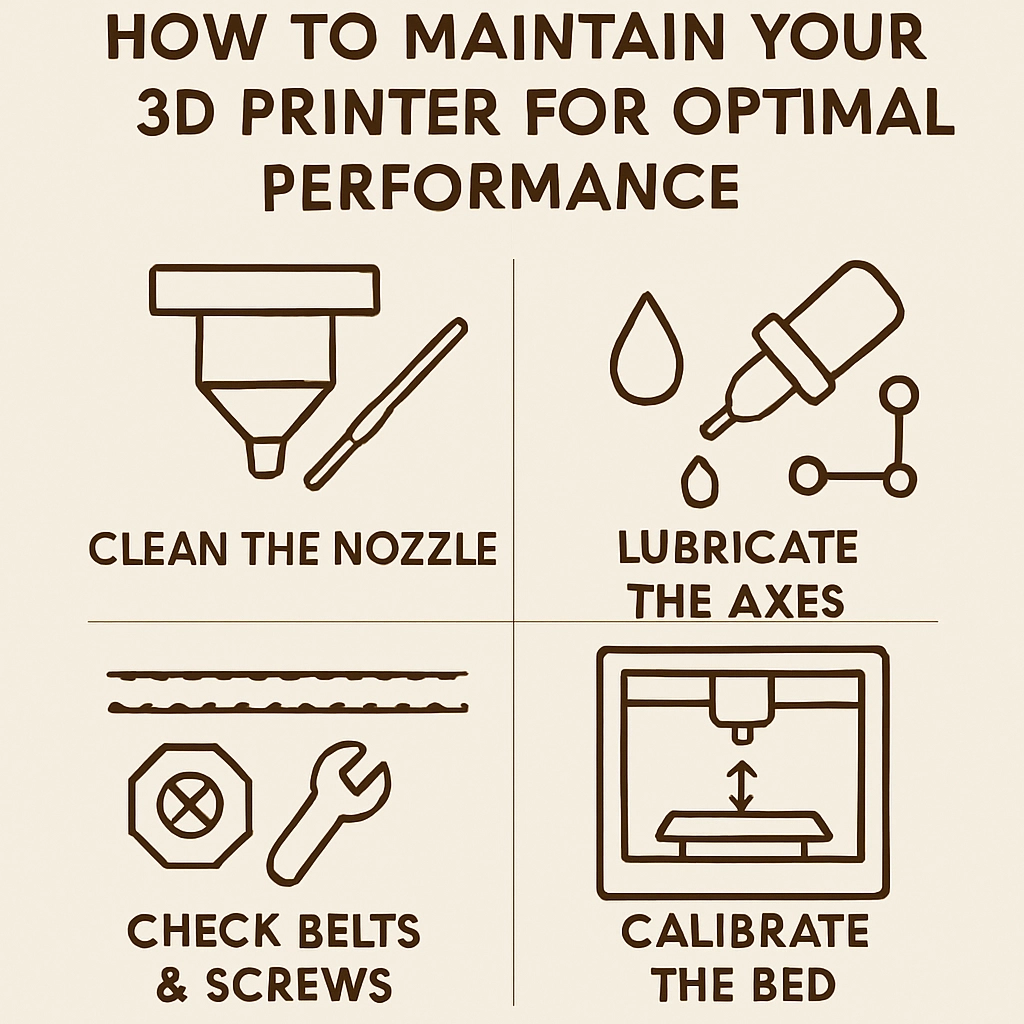
How to Maintain Your 3D Printer for Optimal Performance
3D打印机已经改变了我们创作和制作的方式。 Whether you’re an avid hobbyist or a small business owner, the thrill of seeing your digital designs turn into tangible objects is hard to beat. However, like any high-tech equipment, your 3D printer requires regular maintenance to ensure it runs like a well-oiled machine. Keeping your printer in tip-top shape not only enhances its performance but also extends its lifespan. Let’s dive into some essential tips to help you maintain your 3D printer for optimal performance.
Keep It Clean
Just like any other machine, cleanliness is key when it comes to 3D printers. Dust, debris, and leftover filament can cause clogs and affect the quality of your prints.
-
Clean the print bed: Regularly wipe down the print bed with isopropyl alcohol or a specialized cleaning solution to remove residue from previous prints. This will help the next layer of filament stick better.
-
Clear the nozzle: If you notice your prints are coming out inconsistent or not sticking, you may need to clean the nozzle. This can be done using a thin needle or a nozzle cleaning kit specifically designed for 3D printers.
-
Check the extruder: Make it a point to periodically check the extruder for any leftover filament bits that may be clogging it. Regular cleaning will ensure consistent flow and prevent annoying print failures.
Keep Moving Parts Lubricated
Another important aspect of maintenance is keeping all moving parts well-lubricated.
- Rails and lead screws: Apply a small amount of lubricant to the rails and lead screws to ensure smooth movement. This not only prevents wear and tear but also enhances the accuracy of your prints.
Most 3D printers require specific types of lubricants, so check your printer’s manual for recommendations on what to use.
Level the Print Bed
An uneven print bed can lead to all sorts of printing issues, from warping to poor adhesion. Regularly check the level of your print bed and make adjustments as necessary. Some printers come with auto-bed leveling features, but it’s a good idea to double-check.
- Manual leveling: If you’re manually leveling, take the time to go through the process thoroughly. It may take a little extra time up front, but will save you from future headaches later on.
Regular Calibration
Calibration ensures that every part of your printer is working as it should.
- Check the steps per millimeter: This refers to the correct movement ratios for the printer’s motors. Over time, discrepancies can occur, impacting your print dimensions. Perform a test print and make adjustments using your printer’s firmware settings as necessary.
Regularly calibrating your printer doesn’t take too much time and keeps your prints accurate and reliable.
Monitor the Filament Storage
Your filament deserves some TLC, too! Storing your filament incorrectly can lead to moisture absorption, which can severely affect print quality.
- Desiccant bags: Invest in some desiccant bags to keep moisture at bay. Or better yet, consider a dedicated storage container where you can keep your filaments away from humidity and dust.
Check Firmware Updates
Just like your phone or computer, your 3D printer’s software needs regular updates for the best performance.
- Stay up to date: Manufacturers often release firmware updates that fix bugs or enhance functionality. Be sure to regularly check online for updates that can help optimize your printer!
Keep in mind, backing up your settings before performing updates is always a good practice.
Watch for Wear and Tear
Your 3D printer is a mechanical beast and is bound to show signs of wear over time. Be proactive in noticing any irregularities.
- Replacing parts: Things like belts and bearings can wear out; keep an eye on them. If you notice anything loose or frayed, consider replacing those parts to ensure continued performance.
Know Your Printer
Every 3D printer is different, so don’t overlook the specifics of your model.
- Refer to Manuals: Your printer’s manual is a treasure trove of information specific to your unit. Regularly consult it for maintenance tips and best practices.
3D printing can be an incredibly rewarding experience, but it’s not without its challenges. By following these maintenance tips, you’ll ensure that your printer runs as smoothly as possible and produce consistent, high-quality prints. As with many things in life, a little preventative care goes a long way, and your 3D printer is no exception. So whether you’re printing your next project or exploring new designs, a well-maintained printer will be your best ally in creativity and productivity. Happy printing!