


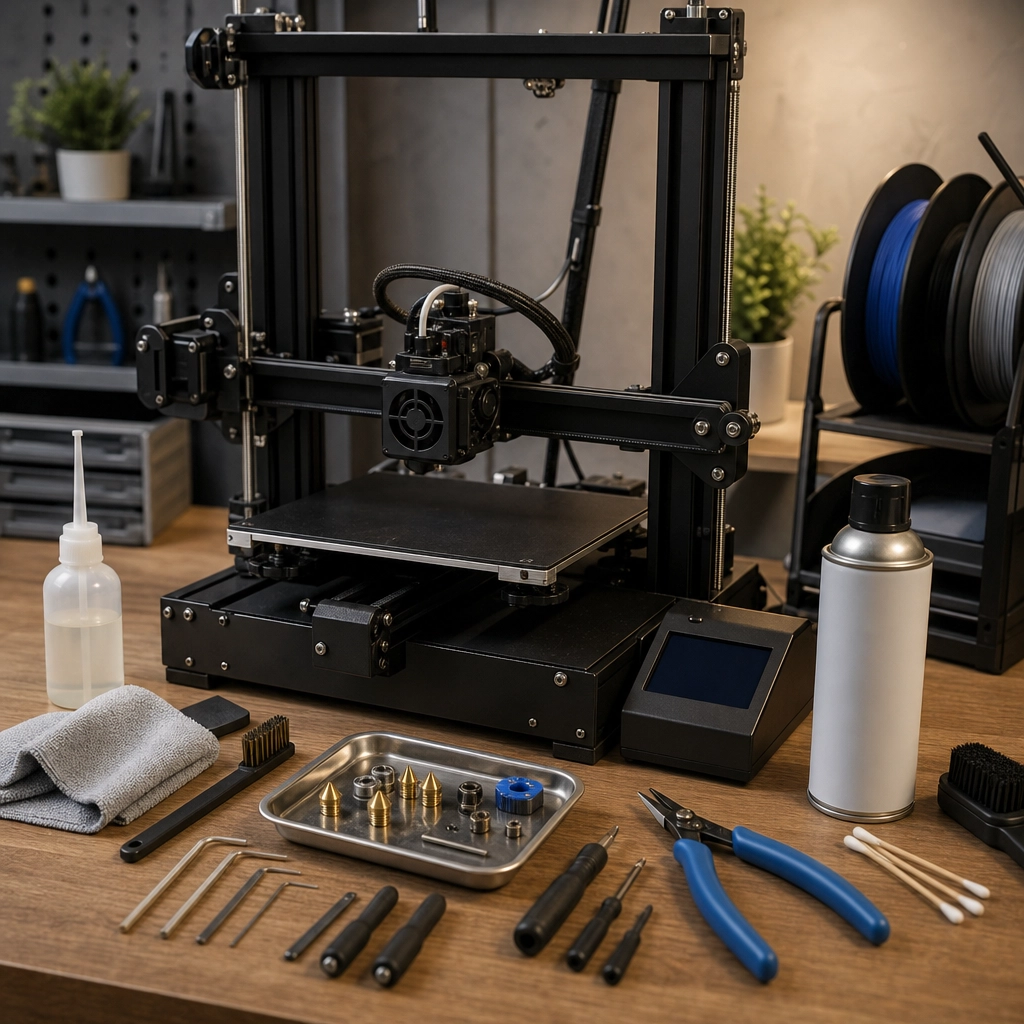
How to Maintain Your 3D Printer for Longevity and Consistency
Owning a 3D printer can be an exciting journey filled with creativity and endless possibilities. From crafting custom toys to engineering prototypes, the wonders of 3D printing seem boundless. However, like any great tool, your 3D printer requires some care and maintenance to ensure it delivers consistent, high-quality prints over time. Let’s dive into some easy-to-follow tips that will help you maintain your 3D printer for longevity and consistent performance.
Keep It Clean
One of the simplest, yet most essential maintenance tasks is keeping your 3D printer clean. Over time, dust, filament debris, and other contaminants can accumulate on and inside your printer, leading to reduced performance and potentially costly repairs. Regularly wipe down the outer surfaces with a soft cloth, and don’t forget to clean the build plate. If you’re using a heated bed, make sure to remove any leftover adhesive or filament remnants after each print.
For a deeper clean, schedule a routine check of the internal components such as the fans, extruder, and stepper motors. A can of compressed air can be your best friend here, helping you blast away dust and debris that might affect your printer’s functionality.
Lubricate Moving Parts
Just like a well-oiled machine, your 3D printer’s moving parts require lubrication to operate smoothly. Check the axes, linear rods, and rails for signs of wear and tear. Applying a small amount of machine oil or a dedicated lubricant can go a long way to ensure smooth operation. But remember, less is more! You only need a small drop on each moving part—too much can attract dust and create a sticky situation.
Monitor Your Filament
Filament is the lifeblood of your 3D printer, and taking care of it can significantly improve your print quality and consistency. Make sure to store filaments in a cool, dry place, preferably in airtight containers with desiccants or silica gel packets to prevent moisture absorption. Moisture is the enemy; when filaments absorb it, it can cause issues like bubbling and poor layer adhesion during printing.
Additionally, before loading filament into your printer, make sure it’s clean and free of tangles or knots. This simple habit can save you from failed prints later on!
Calibrate Regularly
Calibration is crucial for maintaining print quality over time. It’s a good idea to recalibrate your printer every few months or after significant temperature changes in your printing environment. Make sure your bed is level—an uneven bed can lead to adhesion issues and inconsistent layer height.
Check the extruder steps per millimeter (steps/mm) as well; ensuring that your extruder is correctly calibrated means it’ll push out precise amounts of filament during printing. Many 3D printers come with calibration routines you can follow, or you can find tutorials online if you’re feeling adventurous.
Update Firmware
Just like your computer, your 3D printer’s software can benefit from updates. Manufacturers often release firmware updates that patch bugs or improve performance. It’s worth checking for updates regularly, especially if you notice any inconsistencies in your prints. Updating the firmware can sometimes reintroduce new features or improve existing ones, enhancing your overall printing experience.
Regularly Inspect Key Components
Make it a habit to regularly check key components for wear. Look at your nozzle for clogs or signs of wear and tear, as a worn nozzle can lead to extrusion problems. If you notice it’s starting to degrade, it might be time for a replacement.
Keep an eye on the belts, too. If they become loose, the accuracy of your prints will suffer. Make sure they’re tight and free from frays, as this will keep your printer running smoothly.
Don’t Forget About Cooling
Cooling fans play a vital role in ensuring that your printer functions properly. Clogged or malfunctioning fans can lead to overheating and even fires in extreme cases. Check your cooling system regularly to ensure that fans are functioning correctly, and clean the fan intake and output areas to avoid blockages.
Engage with the Community
One of the most valuable resources for a 3D printer owner is the online community. Joining forums, social media groups, or local maker spaces can provide you with insights from experienced users. You’ll find tips, troubleshooting advice, and encouragement, which can enhance your skills and knowledge as you navigate the world of 3D printing.
Taking care of your 3D printer may seem like a chore, but it’s truly an investment in quality and consistency. By regularly cleaning, calibrating, and inspecting your printer, you not only extend its lifespan but also unlock its full creative potential. So, keep those filament spools spinning, and enjoy every moment of your 3D printing adventure!