


How to Clean and Maintain Your 3D Printer for Longevity
3D printing is an amazing technology that allows you to bring your wildest ideas to life. From intricate models to practical tools, the possibilities are endless. However, to keep your 3D printer in tip-top shape, regular cleaning and maintenance are essential. Just like any other piece of equipment, neglecting your printer can lead to frustrating issues and diminished performance. Let’s dive into some straightforward tips for cleaning and maintaining your 3D printer for longevity!
1. Regularly Clean the Print Bed
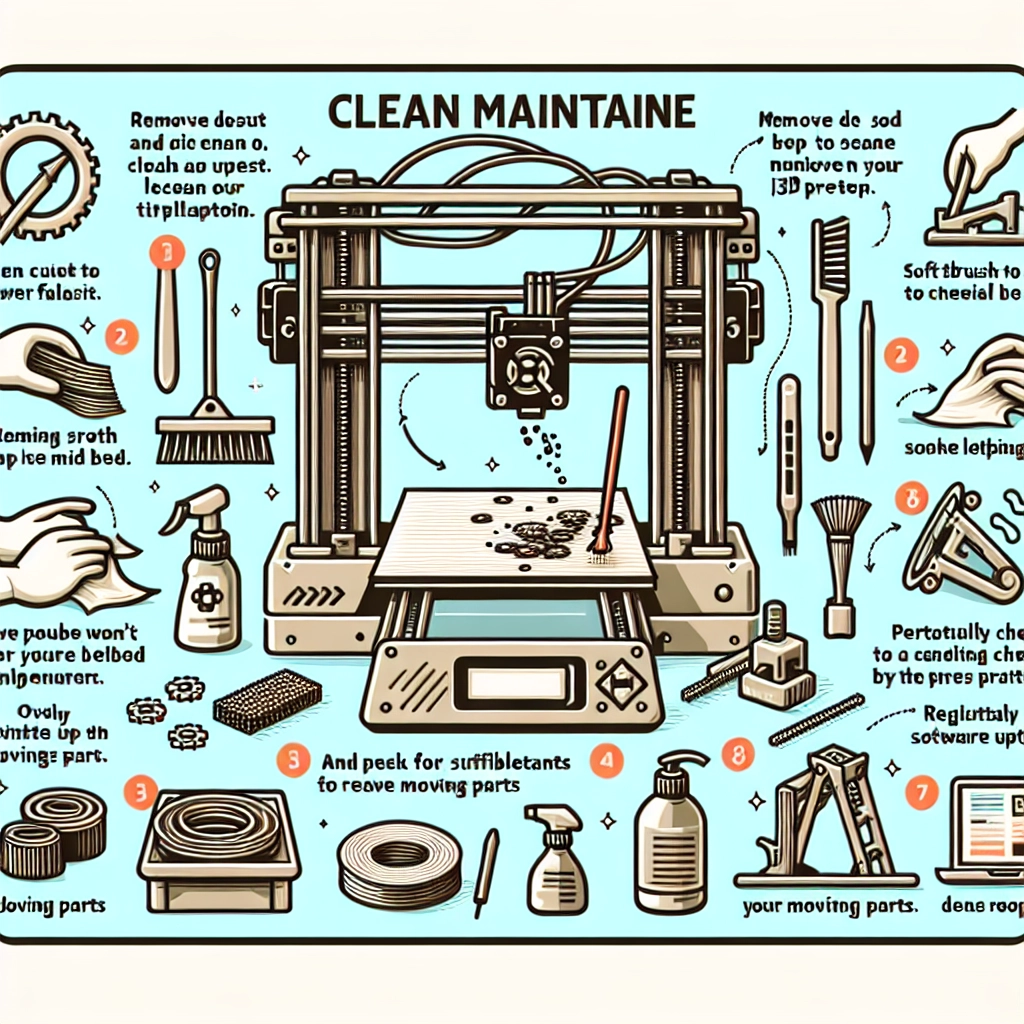
The print bed is where the magic happens, so it’s crucial to keep it clean. A dirty print bed can lead to adhesion issues, which might result in failed prints. Start by using a soft cloth or a paper towel and a gentle cleaner to wipe down the surface. If you’re using a glass bed, isopropyl alcohol works wonders without risking damage. For PEI or similar surfaces, a simple water and soap solution should do the trick. For stubborn residue, a razor blade can help scrape off any excessive buildup, but be gentle to avoid scratching the surface.
2. Keep the Nozzle in Check
The nozzle is another area that deserves some love. Over time, filament can build up, leading to clogs and compromised print quality. Regularly check the nozzle for any debris or filament residue. A simple way to clean it is by performing a cold pull (also known as a “atomic pull”), where you heat the nozzle, feed some filament through, and then cool it down rapidly before pulling the filament out. This helps pull out any blockages along with little bits of leftover material. Make sure to do this periodically, especially if you notice print quality starting to fade.
3. Lubricate Moving Parts
Just like a car, your 3D printer has moving parts that need lubrication to operate smoothly. Check the printer’s axes, lead screws, and rail systems for any wear or lack of lubrication. Use a lightweight machine oil or a specialized lubricant suitable for 3D printers. A couple of drops on each lead screw and a quick wipe on any sliding components should keep everything running like new. Be careful not to overdo it, as excess lubricant can attract dust and debris.
4. Inspect the Belts and Tension
Your printer’s belts play a crucial role in ensuring precision during printing. Over time, these belts might stretch or wear out, which can lead to slippage and poor-quality prints. It’s advisable to periodically check for any signs of fraying or wear, and to examine the tension. Tighten the belts if they feel loose, but be cautious not to overtighten as this can strain the motors. A well-tensioned belt can make all the difference in maintaining print quality.
5. Ventilation and Dust Control
Dust and debris are the enemies of a clean workspace—especially for 3D printers! Make sure your printing area is well-ventilated and free from dust. Consider covering your printer when not in use to limit dust accumulation. Remember, a clean workspace will not only prolong the life of your printer but will also help produce high-quality prints. Investing in an air purifier can also help keep your environment clean, which is a bonus for your health as well.
6. Keep Software Updated
While this tip may not fall under the ‘cleaning’ category, it’s just as critical to the maintenance of your 3D printer. Printer firmware and slicing software updates can introduce improvements and bug fixes that enhance performance. Check for updates regularly, and make sure your printer is calibrated correctly with the latest settings. This helps prevent potential issues down the road and keeps your printer performing at its best.
7. Know When to Replace Parts
Despite your best cleaning and maintenance efforts, some parts will wear out and need replacing. Be observant and take note of any unusual sounds, irregular prints, or physical wear on parts like the nozzle, belts, or even electronics. Keeping an eye on these components will help you address issues before they become big problems.
Maintaining your 3D printer doesn’t have to be a chore. With a bit of regular care and attention, you can extend its lifespan and enhance your printing experience. Remember, a well-maintained printer leads to higher quality prints and fewer headaches in your creative endeavors. Embrace your role as a printer caretaker and enjoy all the amazing things you can create! So go ahead, roll up your sleeves, and show some love to your 3D printer—it’s ready to bring your next project to life!


