
How to Create Custom 3D Models for Your Projects
Whether you’re diving into game development, architecture, product design, or digital art, being able to create your own 3D models can bring your projects to life in an extraordinary way. While the idea of modeling might seem intimidating at first, with the right tools and a little patience, you’ll find it a rewarding venture. Let’s dig into the steps to create custom 3D models that will elevate your projects.
Understanding the Basics of 3D Modeling
Before you start creating, it’s essential to grasp some foundational concepts in 3D modeling. At its core, 3D modeling is about creating a digital representation of an object in three-dimensional space. There are various approaches to modeling, including:
-
Polygonal Modeling: This is the most common method and involves creating 3D forms by connecting multiple vertices (points in space). It’s great for hard surface modeling, like vehicles and buildings.
-
Sculpting: This approach emulates the process of molding clay. It’s perfect for organic shapes such as characters or detailed textures.
-
NURBS (Non-Uniform Rational B-Splines): This method uses mathematical curves to create smooth surfaces. It’s often used in automotive and industrial design.
Understanding these techniques will help you choose the right one for your project.
Choosing the Right Software
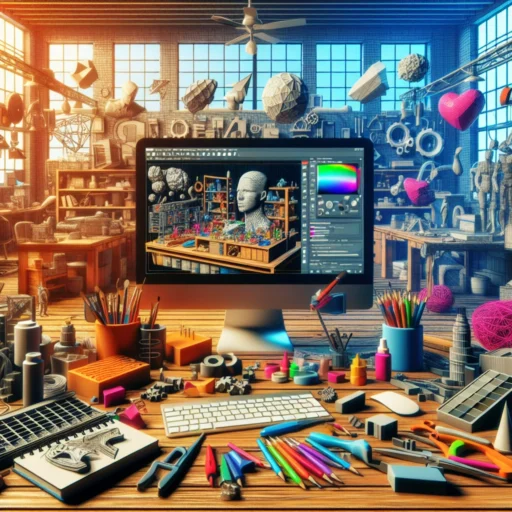
The first step to creating a custom 3D model is selecting the right software for your needs. Here are a few popular options, each with unique features:
-
Blender: An open-source powerhouse that offers a full suite of tools for modeling, sculpting, and animation. It’s free and has a large community with countless tutorials.
-
Tinkercad: Perfect for beginners! This browser-based tool is user-friendly and great for creating simple models, especially for 3D printing.
-
Maya: Widely used in the film and gaming industries, this software offers advanced modeling, animation, and rendering capabilities. It’s more expensive, but excellent for serious projects.
-
3ds Max: Another strong player in the industry, known for its robust polygon modeling tools and rendering capabilities.
Take some time to explore these options and find one that fits your goals and comfort level.
Getting Started with Your First Model
Once you’ve settled on a software package, it’s time to dive in! Let’s break down the steps of creating a simple 3D model:
-
Sketch Your Idea: Before jumping into the software, sketch out your idea on paper. This can save you time and help you visualize the final product.
-
Start with Basic Shapes: Every model begins with simple shapes. Use cubes, spheres, and cylinders to create the foundation of your model. Don’t worry about details just yet; focus on simple proportions and overall composition.
-
Refine Your Model: Once you have the basic shapes, gradually refine your model. Add detail and adjust shapes to better fit the concept you sketched. This process might involve extruding, beveling, or scaling parts of your model.
-
Use Texturing and Materials: Textures and materials add realism to your model. Learn how to apply colors, patterns, and finishes that suit your object. Many software programs come with built-in materials, or you can create your own.
-
Lighting and Rendering: Proper lighting can make or break your model. Experiment with different light sources and settings to highlight your model’s features. Once satisfied, render the final image or animation of your model.
Learning Resources and Community
Creating 3D models can be a complex task, but thankfully, there are plenty of resources to help you along the way. Websites like YouTube offer countless tutorials that can guide you through specific techniques and software. Online forums and communities, such as Blender Artists or Polycount, can provide valuable feedback and support as you learn. Engaging in these communities not only helps you improve but can also inspire new ideas and projects.
Keep Practicing and Experimenting
The key to mastering 3D modeling, like any other skill, is practice. Don’t be discouraged by initial failures—every artist has been there! Try different styles, techniques, and projects, and don’t hesitate to make mistakes. Each attempt will teach you something new.
Before you know it, you’ll have your portfolio bursting with unique creations. Whether your goal is to create intricate game assets or stunning visual artwork, your custom 3D models will not only showcase your skills but also tell a story. So roll up your sleeves, find some inspiration, and jump into the exciting world of 3D modeling!