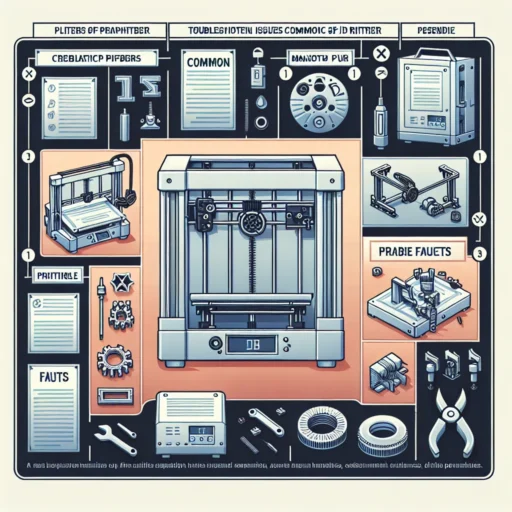

Troubleshooting Common 3D Printing Issues with Creality Printers
If you’ve recently taken the plunge into the world of 3D printing, chances are you’ve heard of Creality printers. Popular for their affordability and user-friendliness, these machines have quickly become a favorite among hobbyists and professionals alike. But like any other technology, they come with their own set of challenges. Don’t worry! If you run into issues while printing, most can be easily resolved with a little troubleshooting finesse. So, let’s dive in and tackle some common problems you might encounter.
1. Poor Adhesion to the Build Plate
One of the most common frustrations for new (and even seasoned) 3D printing enthusiasts is prints not sticking to the build plate. If you’re finding that your first few layers are coming off or are uneven, the first thing to check is the bed leveling. An improperly leveled bed can cause all sorts of adhesion issues.
Quick Fix:
- Level Your Bed: Make sure the nozzle is at the right height from the bed. A simple paper test can often do the trick—slide a piece of paper between the nozzle and the build plate until you feel slight resistance.
- Check the Surface: If you’re using a glass bed, it can help to add a layer of adhesive, such as glue stick or painter’s tape. You can also consider using a specialty surface like PEI that improves adhesion.
2. Stringing or Oozing
We’ve all seen those pesky little strings of plastic that appear between parts of your model, haven’t we? This is known as stringing and can happen when the extruder leaks filament while moving between different points of your print.
Quick Fix:
- Temperature Tuning: Lower your printing temperature by 5 to 10 degrees Celsius. A cooler temperature means the filament will be less liquid and less likely to ooze.
- Retraction Settings: Adjust the retraction distance and speed in your slicer settings. Increasing the retraction distance can help pull back more filament and reduce oozing during travel moves.
3. Layer Separation or Warping
If you notice that layers are peeling apart, or if the corners of your print are curling up, you might be dealing with warping. This often happens with materials like ABS, which tends to shrink as it cools.
Quick Fix:
- Enclosure: Consider getting an enclosure for your printer to help keep the ambient temperature stable during the print. This reduces the chances of warping.
- Temperature Control: Make sure your print bed is heated to an appropriate temperature for the filament type. For ABS, a bed temperature of around 100°C can help keep things adhered.
4. Under or Over-Extrusion
Are you seeing gaps in your layers or, conversely, blobs and blobs of filament? This is often a sign of under or over-extrusion. Both issues can lead to frustrating results and can often stem from a few common sources.
Quick Fix:
- Calibrate Your Extruder: Ensure that your extruder is properly calibrated; this can often solve under-extrusion issues. You can do this by marking and measuring how much filament is actually fed through your extruder.
- Check Filament Diameter: Make sure the filament diameter settings in your slicer match your actual filament. Varied thicknesses can lead to inconsistent extrusion.
5. Nozzle Clogs
Nothing can be more frustrating than a clogged nozzle during a long print. If your filament stops extruding and you’re left with a sad, unfinished model, it’s likely due to a blockage.
Quick Fix:
- Clean the Nozzle: Heat up the nozzle to its operating temperature and use a small needle or wire to clear any blockage.
- Cold Pull Method: Another method is using the "cold pull" technique with a nylon filament, which can help pull out any debris or gunk that may be stuck inside.
Wrapping It Up
In the end, 3D printing can sometimes feel like an art form wrapped in a science project, especially when it involves troubleshooting various technical issues. The beauty of owning a Creality printer, however, lies in the community and resources available to help you along the way. As you become more familiar with your machine, these common issues will likely become just minor blips in your 3D printing journey. So don’t get discouraged! Embrace the learning curve, and soon you’ll be creating perfect prints with ease. Happy printing!