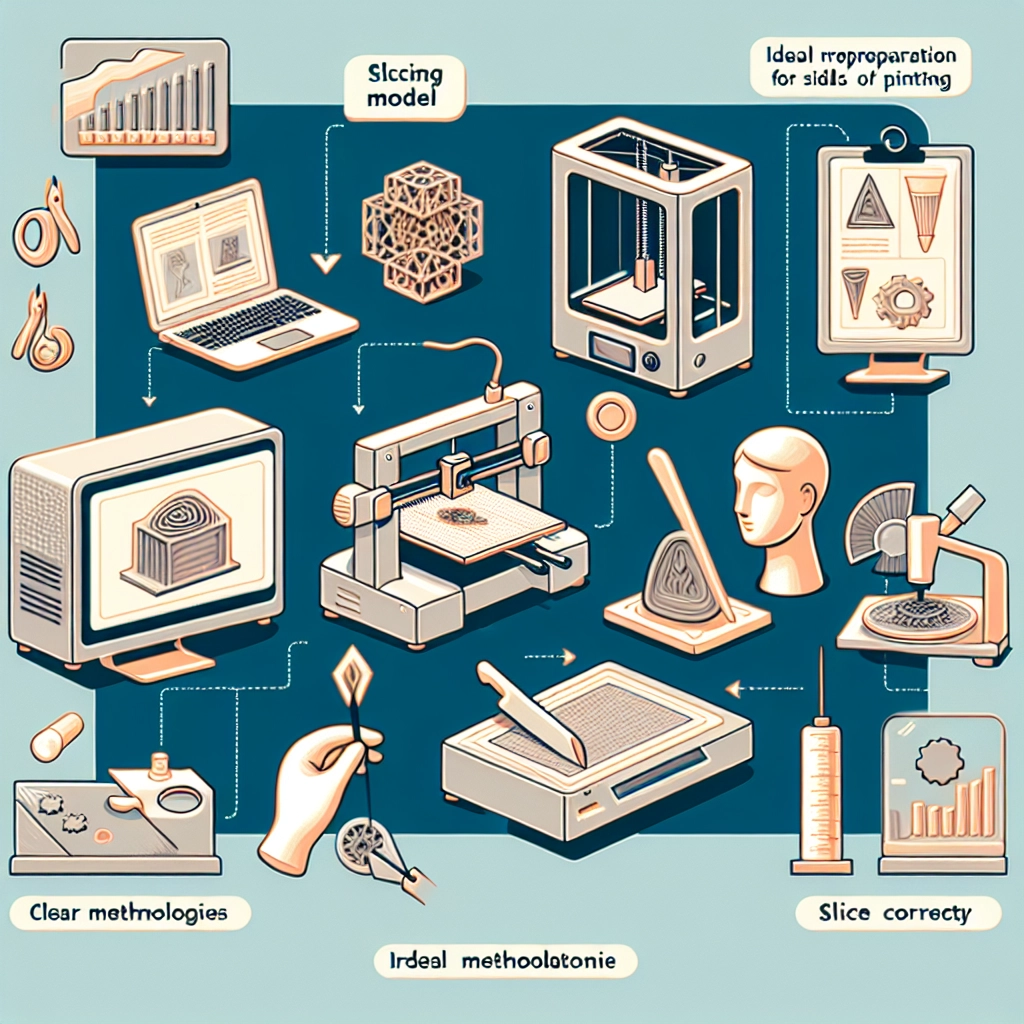

The Best Practices for Slicing Models for 3D Printing
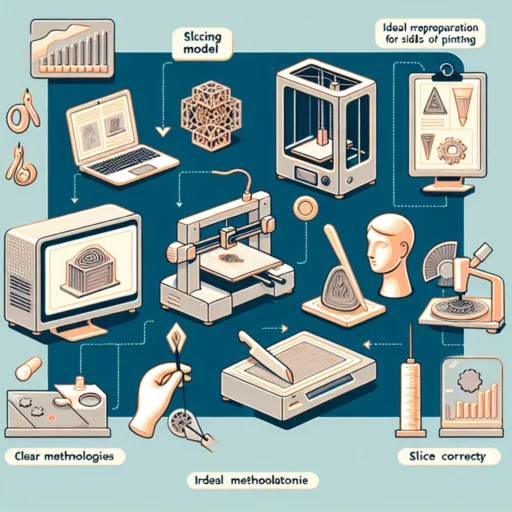
So, you’ve created a fabulous 3D model and you’re finally ready to print it out in all its glorious detail. But hold on just a minute! Before you hit that print button, let’s talk about slicing—a crucial step that can make or break your 3D printing experience. If you’re new to the world of 3D printing or just want to ensure your prints come out looking spectacular, here are some best practices for slicing your models.
Choose the Right Slicing Software
First things first, choosing the right slicing software is key. The slicing software you select can have a big impact on the quality of your print. Popular choices like Cura, PrusaSlicer, and Simplify3D come packed with features that let you optimize your print settings. Each has its own strengths, so take a little time to try out a few and see which one resonates with you. Whether you want something user-friendly or a tool with extensive customization options, there’s a slicer out there for you.
Understand Your 3D Printer’s Capabilities
Every printer has its quirks and characteristics, which means no one-size-fits-all approach exists for slicing your models. Familiarize yourself with your printer specifications—its build volume, nozzle size, layer height, and speed; these factors will guide your choices in slicing settings. For instance, a model that’s too tall might require some clever positioning or even splitting into multiple parts to fit, so keep this in mind as you slice.
Optimize Your Model
Before jumping into the slicing software, perform a little maintenance on your design. Check for any non-manifold edges or holes in the mesh that could potentially complicate the slicing process. Some software includes built-in tools to help with this, or you can use software like Meshmixer to clean up your model. A cleaner model translates into an easier slicing process and better results.
Layer Height and Adhesion
Choosing the appropriate layer height can drastically affect both print quality and time. For intricate details, a smaller layer height (like 0.1mm) is ideal, but it will increase print time. If you’re printing something straightforward, a 0.2mm height is often perfect.
Don’t overlook adhesion! Make sure you set up a good first layer. Strong adhesion will prevent warping and ensure your model stays put during printing. Using a brim or rafts can help with this, particularly if you’re working with tricky materials like ABS that are prone to warping.
Infill Settings
Next up is infill, which can seem a bit overwhelming but is an essential part of the slicing process. The pattern and density of the infill can drastically affect the strength and weight of your print. If you’re printing a visual model, lower-density infill might be just fine. But for functional parts, consider bumping that density up to 20–30% or more, depending on the end use. Remember, different infill patterns (like grid, honeycomb, or gyroid) have distinct mechanical properties, so choose wisely.
Support Structures
Not all models print well without support—especially those with overhangs or intricate design elements. Plan your support settings carefully; the right support can prevent sagging and deformation during the print. Some slicers let you customize the locations of supports, which can save material and simplify clean-up post-printing.
Print Speed
Ah, the age-old dilemma: speed versus quality. While it might be tempting to crank up the speed to get through the prints faster, be cautious! Slower printing speeds generally yield better detail, especially on intricate designs. A reasonable speed to aim for is around 50-60 mm/s for good quality. If your model has lots of detail or intricate parts, decreasing this speed can make a noticeable difference.
Test Prints
Finally, don’t shy away from doing test prints. Small calibration or test prints are an excellent way to tweak your settings without waste. From calibration cubes to smaller versions of your more complex models, these mini endeavors can point you in the right direction, fine-tuning everything from layer height to temperature settings before you dive into the final print.
By honing your slicing skills, you’re not just prepping a model for 3D printing—you’re setting the stage for a successful project! The beauty of 3D printing lies in the exploration, experimentation, and ultimately, the satisfaction of seeing your efforts come to life. Embrace the slicing process as part of your journey, and you’re sure to elevate your 3D printing game to new heights. Happy printing!