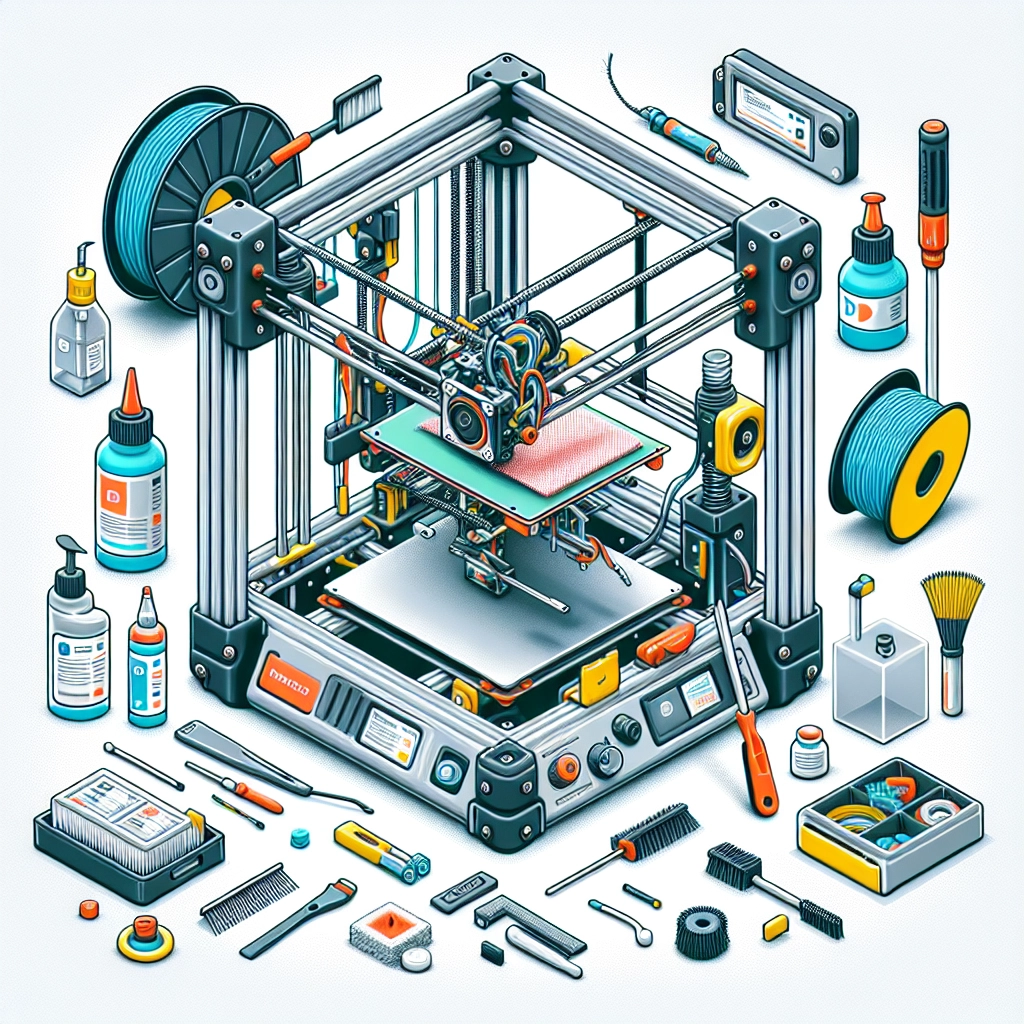

How to Maintain Your 3D Printer for Longevity
So you’ve jumped into the exciting world of 3D printing, and you’re probably already dreaming of the awesome projects you can create. But let’s face it, a 3D printer isn’t just a gadget; it’s an investment. To ensure it serves you well for years to come, proper maintenance is key. Let’s dive into some practical tips to keep your 3D printer in top shape, so you can keep those dreams rolling out layer by layer.
Keep It Clean
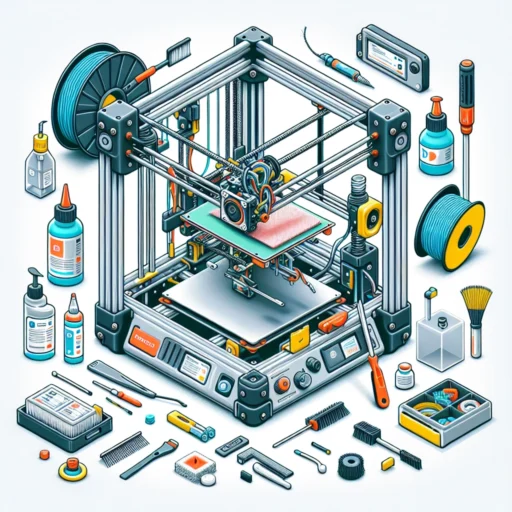
One of the first steps in maintaining your 3D printer is to keep it clean. Dust and debris can interfere with your printer’s performance and lead to poor print quality. Make it a habit to wipe down the exterior and check for dust buildup around moving parts. You might want to use a soft microfiber cloth and a gentle cleaning solution. Furthermore, after completing a print job, don’t forget to remove any stray filament from the print bed or around the nozzle—this will save you from snagging issues during your next project.
Regular Lubrication and Inspection
Your 3D printer has moving parts that need some love every now and then. Lubrication is essential for smooth operation, especially for rods, rails, and lead screws. A little grease or oil can go a long way. However, avoid over-lubrication, as this can attract dust and create a mess. Make it a practice to inspect these parts regularly for wear and tear. Look for signs of rust or corrosion, especially if your printer is stored in a humid environment. A little preventative action can save you big trouble down the road.
Bed Leveling and Calibration
If you’ve ever experienced a print failure, you know that bed leveling is crucial. An unlevel bed can lead to poor adhesion and warping, making your whole project go sideways. Take the time to calibrate the bed before starting new prints. Many printers come with built-in auto-leveling features, but if yours doesn’t, don’t hesitate to manually level it. It may seem tedious, but this small step can save you a lot of frustration later. And every once in a while, recalibrate the extruder as well—this ensures you’re getting the right amount of filament.
Filament Care
Your filament is your lifeblood when it comes to 3D printing. Storing it properly can extend its life and maintain print quality. Keep your filament in a cool, dry place, ideally in airtight containers or vacuum-sealed bags with desiccants to prevent moisture absorption. When you do change filaments, make sure the hot end is clean to avoid clogs. A clogged nozzle can lead to a world of grief—even the best printer can produce poor results if filament flow is restricted.
Software Updates
Just like any other technology, 3D printers benefit from software updates. Most manufacturers provide regular firmware updates that can enhance performance and fix bugs. Make it a point to check for updates every few months. Installing these updates can also introduce new features that could improve your printing experience or even expand your printer’s capabilities.
Monitoring Print Quality
As you print, take the time to keep an eye on the quality of your work. Look out for layer issues, color discrepancies, or signs of under or over-extrusion. You might consider keeping a log of your prints, noting issues and adjustments. Not only can this help you identify patterns, but it also cements your troubleshooting skills. Over time, you’ll become a master at diagnosing problems before they spiral out of control.
Use Quality Materials
While it’s tempting to go for the cheapest filament available, investing in high-quality materials can make a significant difference in print quality and printer lifespan. Quality filaments tend to have consistent diameter and better melting properties, which reduces the chances of clogs and inconsistent extrusions. Think of it as a long-term investment in your printer’s health.
Trust Your Printer’s Needs
Every printer is different, and they each come with individual quirks and needs. Spend some time getting to know yours. Consult your printer manual regularly, and consider joining online communities or forums where other users share advice and tips. It’s a treasure trove of knowledge where you’ll find solutions to common problems.
By following these tips and showing your 3D printer a little love, you’ll not only ensure it operates effectively but also extend its lifespan. A well-maintained printer can empower you to realize all those creative projects you’ve been dreaming about. So roll up your sleeves, put on your tech-savvy hat, and bear in mind that maintenance is part of the fun in this ever-evolving craft! Happy printing!