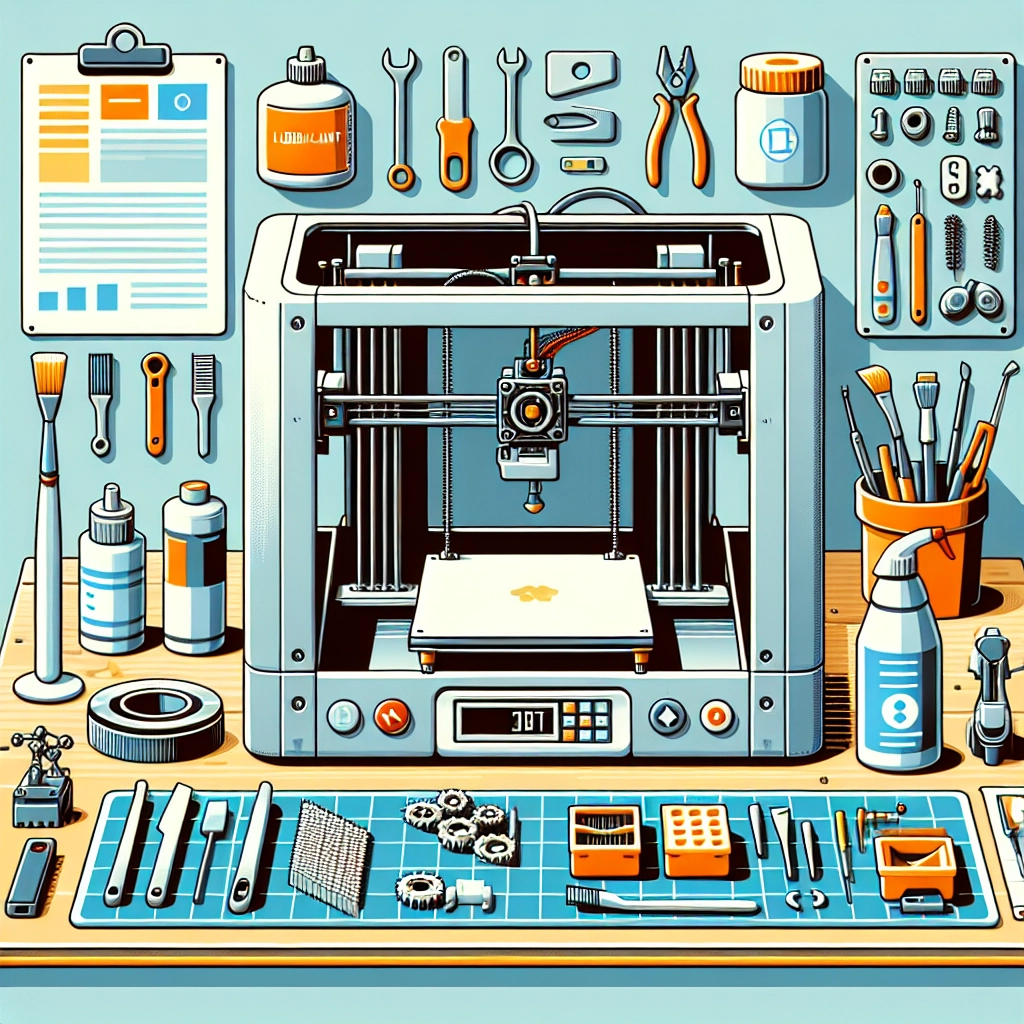

How to Maintain Your 3D Printer for Optimal Performance
3D printing is not just a hobby anymore; it’s a revolutionary technology that’s changing how we create, innovate, and manufacture. But to keep your machine humming smoothly and to get those stunning prints you’ve been dreaming about, regular maintenance is key. Just like a car or your favorite pair of running shoes, your 3D printer requires a bit of love and care. So, let’s talk about how to keep your printer in tip-top shape for optimal performance!
Regular Cleaning is a Must
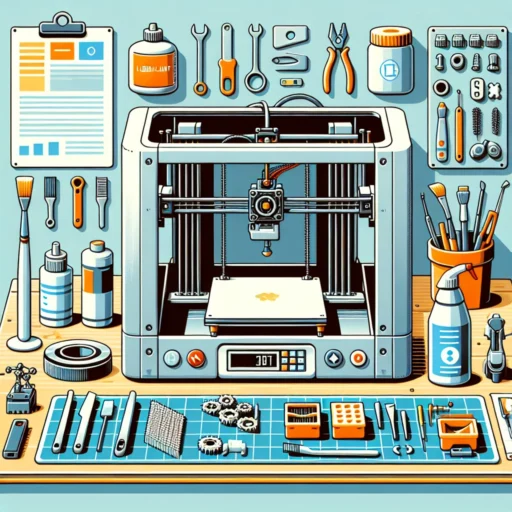
Let’s start with one of the simplest but most effective ways to maintain your 3D printer: regular cleaning. Over time, dust, plastic residue, and other debris can accumulate in and around your printer, leading to print issues and mechanical failures. Make it a habit to wipe down the exterior with a soft, lint-free cloth and use compressed air to blow away any dust from the interior components.
When it comes to the print bed, keeping it clean is essential. Residual filaments from previous prints can interfere with new ones. You can use isopropyl alcohol and a paper towel to give it a thorough wipe-down. And remember—if you’re using a removable print surface, take it off and clean it separately to make sure you’re giving it the TLC it deserves.
Keep an Eye on Your Filament
Filament quality can make or break your 3D printing experience. Always store it properly—preferably in a cool, dry place and in an airtight container if possible. Moisture can wreak havoc on filament, leading to clogs and print failures. If you’ve noticed that prints are coming out rough or with gaps, consider checking if the filament has absorbed moisture. A simple oven or dehydrator can revive it.
Also, inspect your filament for tangles or breaks before starting a new print. An unobstructed feed is crucial for smooth operation. Replace old or degraded filament to ensure consistently high-quality prints.
Calibrate Your Printer Often
Calibration may sound technical, but it’s really just ensuring everything’s aligned and functioning properly. A well-calibrated printer will lead to better adhesion and significantly improved print quality.
You should regularly check the bed level and adjust the nozzle height. Many users find that calibrating their printer once a month is sufficient, but if you notice any print defects, it’s wise to check sooner. Investing in a good bed leveling tool or a magnetic leveling sensor can make this process a breeze.
Lubrication is Your Friend
Just like any moving parts, the mechanical components of your 3D printer need lubrication. Regularly greasing the rods and rails can help ensure smooth movement and reduce wear and tear. Use a lubricant specifically designed for 3D printers, as it won’t damage the plastic components.
Make sure to check the manufacturer’s instructions about what type of lubricant to use and how often to apply it. Attention to these details can prolong the life of your machine significantly.
Keep Firmware Updated
When was the last time you checked for a firmware update? Manufacturers regularly improve their software to fix bugs, enhance performance, and sometimes even add new features. Running the latest firmware can significantly improve your printer’s functionality.
You can usually find updates on the manufacturer’s website. Just make sure to follow the instructions carefully during the update process. Don’t skip this step—an updated firmware can make a world of difference!
Monitor Temperature and Environment
3D printers are sensitive to their environment. Make sure your printing area is not too hot or humid. An ideal temperature typically hovers around 20-25°C (68-77°F) with low humidity. If you’re using a heated bed or an enclosure, keep an eye on temperature fluctuations, as they can affect print quality.
Also, avoid placing your printer near drafts or direct sunlight. A stable environment helps your materials adhere better and can lead to more consistent prints.
Troubleshooting: Learn by Doing
Even with the best maintenance practices, issues can and will arise. Embrace the opportunity to diagnose and resolve problems as they come. Familiarize yourself with common issues like layer adhesion failures, stringing, or warping and how to fix them. Set aside some time to troubleshoot after a significant print failure—it’s all part of the learning process!
Maintaining your 3D printer is essential for enjoying seamless printing experiences and outstanding results. Regular cleaning, calibration, and careful monitoring of conditions will go a long way in preserving your printer’s performance. Remember, every small effort counts, and before long, you’ll master the art of keeping your machine running at peak performance! Happy printing!