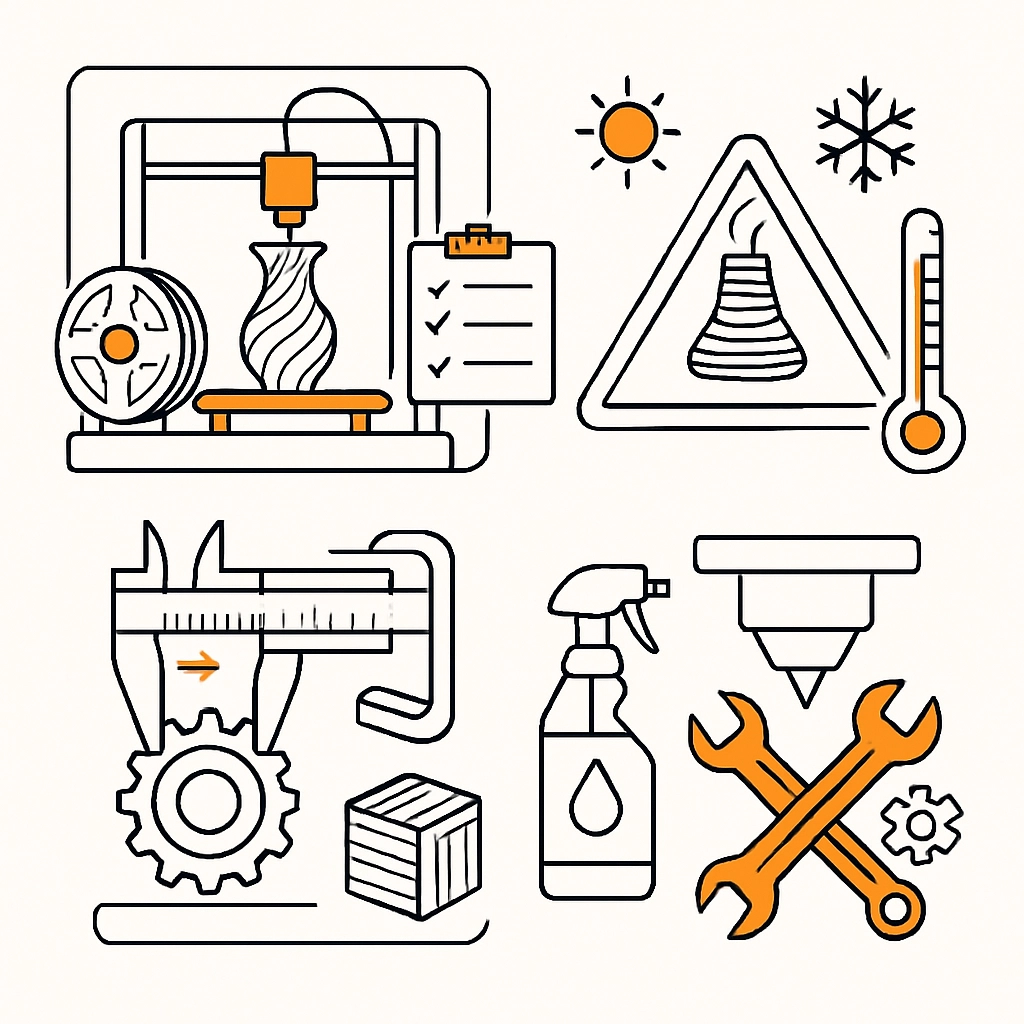

The Best Practices for 3D Printing: Tips from Industry Experts
3D printing has come a long way since its inception, evolving from a niche technology into a revolutionary tool that’s reshaping industries. Whether you’re a hobbyist tinkering away in your garage or a professional engineer creating intricate prototypes, understanding best practices in 3D printing can significantly enhance the quality of your prints and optimize your workflow. I gathered a few expert tips to help you navigate the exciting world of 3D printing!
Choose the Right Material
Selecting the appropriate material for your project is crucial. Common filaments like PLA (polylactic acid) and ABS (acrylonitrile butadiene styrene) are popular, but they each have their pros and cons. PLA is user-friendly, biodegradable, and great for beginners, while ABS is sturdier and better suited for parts that require more durability.
If you’re aiming for high precision, consider specialty materials like PETG (polyethylene terephthalate glycol-modified) or nylon, which offer unique properties such as flexibility and temperature resistance. Don’t be afraid to experiment with different materials to see what yields the best results for your specific project.
Calibrate Your Printer Regularly
A well-calibrated printer is a happy printer! Regular calibration ensures your prints turn out correctly and consistently. This involves checking everything from bed leveling and nozzle height to flow rate and temperature settings.
Investing time in calibration will save you a lot of frustration down the line. Many 3D printers come with calibration tools that can help simplify this process. If you’re using a new filament or switching materials, always start with fresh calibrations to avoid model failures.
Optimize Your Design Files
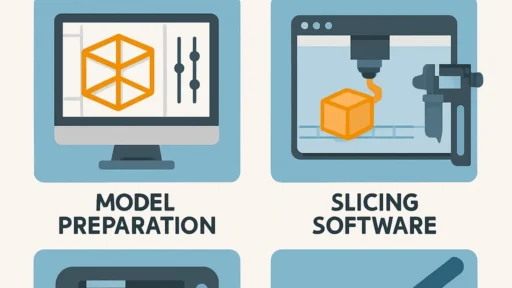
Before printing, it’s essential to optimize your design files. This means ensuring that your models are manifold (meaning they have a complete boundary), scaled properly, and free of unnecessary details that can complicate the print.
Using software like Meshmixer or Blender can help you clean up your designs and even run simulations to detect areas that could cause issues during printing. Additionally, consider adding supports strategically: the right placement can mitigate overhangs while reducing unnecessary material use.
Utilize the Right Print Settings
Don’t settle for the default settings! Each material behaves differently, so tailoring your print settings can make a world of difference. For example, adjusting your layer height can influence the detail and strength of the print. Thicker layers speed up print time but can sacrifice quality, while thinner layers produce intricate details but can take longer.
Temperature settings also play a vital role in print quality. A slight variation can affect adhesion and the overall appearance of the printed object. Experimenting with different speeds, layer heights, and temperatures will help you hone in on the sweet spot for each filament you use.
Make Use of Rafts and Supports
While some prints can stand on their own, others benefit significantly from rafts and supports. Rafts are especially helpful if your print has a small base or is prone to warping, as they provide a larger surface area for adhesion. Supports, on the other hand, are perfect for overhangs or intricate designs that wouldn’t hold up without extra help.
Just keep in mind that removing supports can sometimes be a pain, especially for delicate pieces. Use software like Cura or PrusaSlicer to adjust the thickness and type of supports you use to make removal easier and cleaner.
Maintain Your Equipment
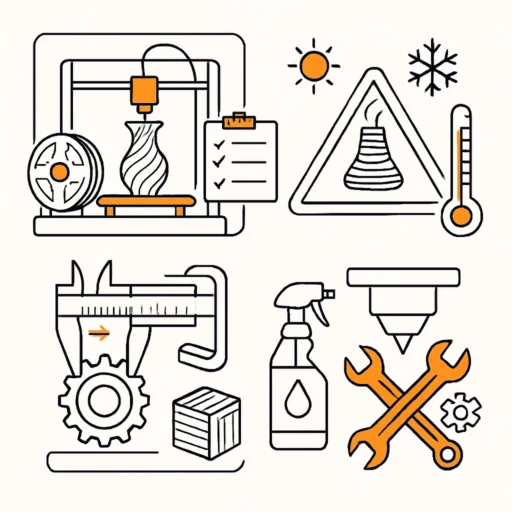
Just like any other tool, your 3D printer requires regular maintenance to function well. This means keeping the nozzle clean, checking the belts for wear and proper tension, and ensuring all electronics are in top condition. A little TLC goes a long way!
Also, know your machine; every printer has its quirks, and understanding these can help avoid mishaps. Reading user manuals and joining online communities can provide useful insights from folks who’ve walked the same path before you.
Don’t Be Afraid to Troubleshoot
Even the most seasoned pros encounter hiccups along the way. Print failures happen, and they can be frustrating. However, viewing these setbacks as learning opportunities can transform your 3D printing journey.
When something goes wrong, take a step back and troubleshoot the issue. Is the extrusion rate off? Is there filament jammed in the nozzle? Analyze what happened, make adjustments, and try again. The troubleshooting process often teaches you more than the initial success.
As you dive deeper into the world of 3D printing, remember these best practices and let your creativity flow. It’s an exciting field filled with endless possibilities, so don’t be shy about experimenting. With the right tools, techniques, and a little patience, you’ll be crafting impressive prints in no time! Happy printing!