
How to Design 3D Models for Printing Success
In the world of 3D printing, your design can truly make or break your project. Whether you’re a hobbyist printing trinkets or a professional crafting intricate prototypes, understanding how to design 3D models that are printable is essential. But fear not! Designing for success doesn’t have to be a daunting task. Let’s walk through some key considerations to ensure that your 3D models not only look great but print flawlessly.
Know Your Printer and Material
Before you dive headfirst into designing your model, it’s crucial to understand the capabilities of the printer you’ll be using. Different printers have different specifications, including limitations on size, layer resolution, and material compatibility.
For instance, if you’re using a filament-based printer (FDM), know the types of filaments available—PLA, ABS, and PETG each have their own unique properties and requirements. On the other hand, if you’re using resin printers, you’ll want to be mindful of the intricate details and support structures that may be necessary. Familiarizing yourself with these aspects will help guide your design choices right from the start.
Optimize Your Design for 3D Printing
When it comes to creating your 3D model, keep in mind some design principles that favor 3D printing:
-
Wall Thickness: Not all parts of your model need to be the same thickness, but keep in mind that walls that are too thin might not hold up during printing or may break easily afterward. Usually, a thickness of 1-2 millimeters is effective, although it can vary based on your printer and material.
-
Support Structures: Think about the geometry of your design. Complex overhangs and delicate features may require support structures. Understanding how to design with supports in mind can save you a lot of headache later on.
-
Bridging and Overhangs: If your model has parts that hang over space (like a roof), consider using arches or adding supports. Generally, most printers can handle bridges up to around 100mm without sagging, but this can vary widely.
-
Orientation: The print orientation can significantly impact both strength and aesthetics. Some designs may look great upright, while others may be better suited lying down. Play around with orientations in your slicing software to see what yields the best results.
Use Reliable Design Software
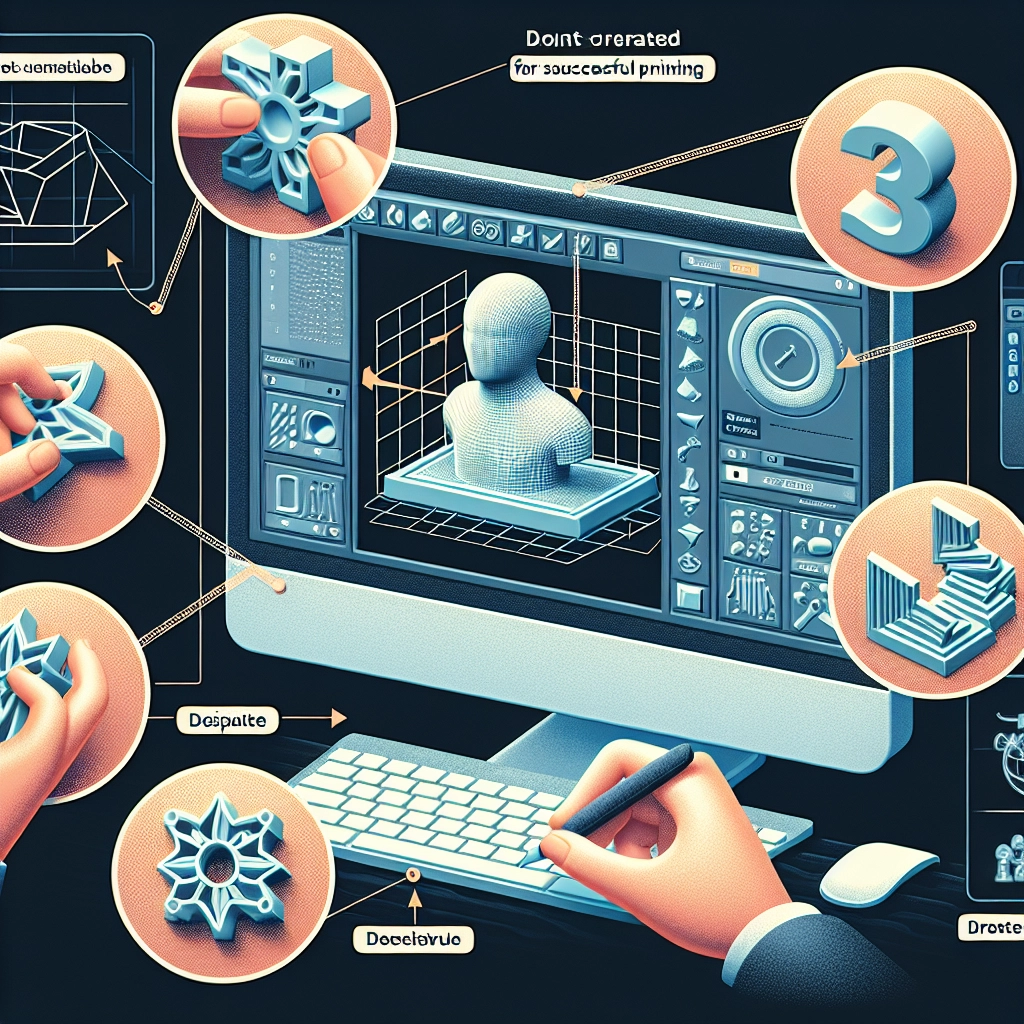
Choosing the right design software is a pivotal step. Programs like Blender, Tinkercad, or Fusion 360 each offer unique features that cater to different skill levels and project types. Whether you’re a novice or a seasoned designer, make sure to select software that feels comfortable for you, allowing creativity to flow without the frustration of navigating complex tools.
If you’re just starting out, Tinkercad is a user-friendly option that can help you get the basics down quickly. For those more experienced, Blender or Fusion 360 provides sophisticated tools to bring your visions to life.
Test Your Model
Before you commit valuable filament or resin to your project, testing is crucial. Most design software offers a way to simulate the printing process. This can help you spot potential problem areas before printing, saving you from wasting time and materials.
Consider printing prototypes or smaller versions of your design to test functionalities or fit. These tests can reveal issues that aren’t apparent on your screen and allow you to iterate rapidly.
Document Your Process
Once you have your model successfully printed, take the time to document your process. Keep notes on what worked and what didn’t, and remember to save various versions of your designs. This practice not only helps improve future projects but also builds a valuable repository of knowledge that can be shared with others.
Embrace Iteration
3D design is very much a game of trial and error, especially when you’re just starting. Don’t be discouraged by failures. Every misprint or design flaw teaches you something new that will elevate your skills.
As you gain confidence, play around with more complex shapes and concepts. While mastering the basics is crucial, creativity thrives in experimentation.
The journey of designing for 3D printing is exciting and filled with possibility. By understanding your tools, applying best practices, and embracing the iterative nature of the process, you’re setting the stage for success. So roll up your sleeves, launch your design software, and let your imagination take flight!