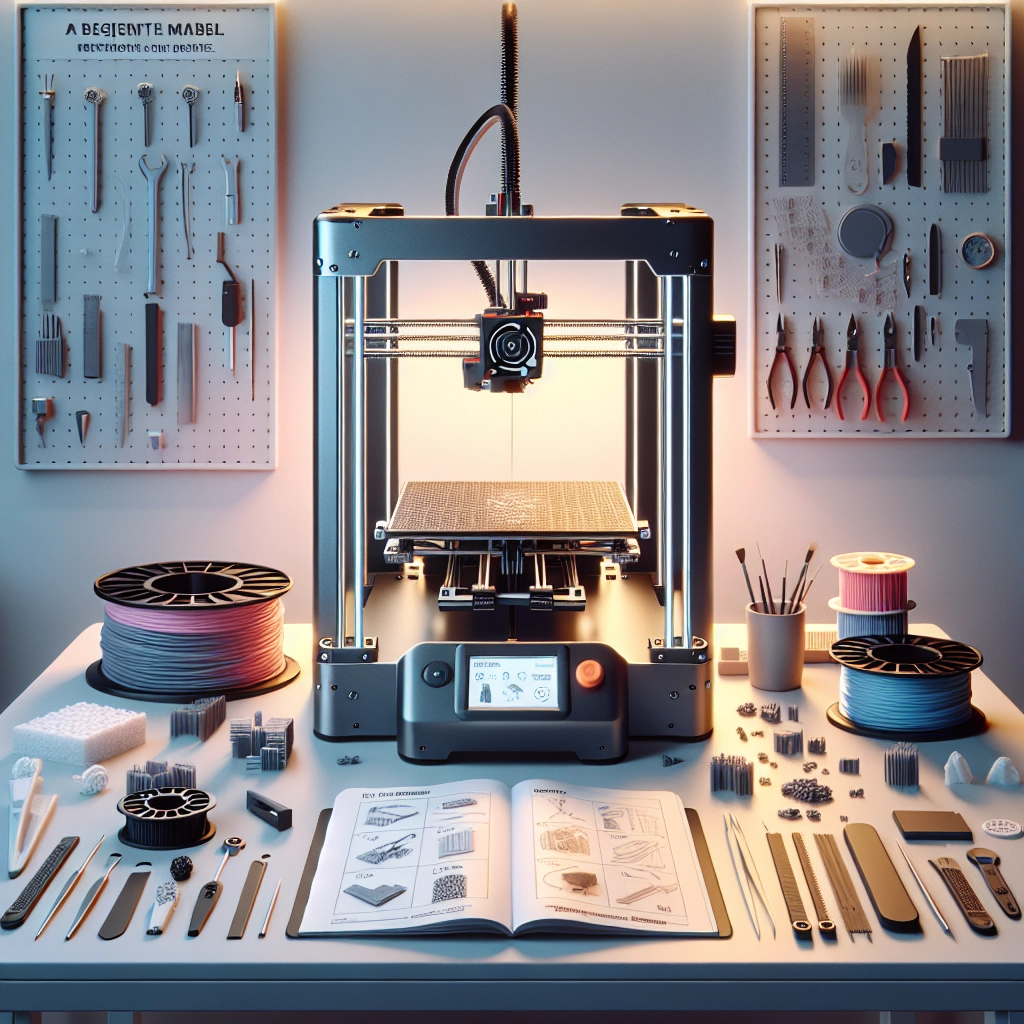

3D Printing Basics: Getting Started with Your First Printer
If you’ve ever watched a sci-fi movie and marveled at the futuristic tech, you might be thrilled to know that 3D printing isn’t just for the silver screen anymore—it’s very much a part of our everyday lives! Whether it’s prototyping products, creating art, or even crafting customized tools, 3D printing lets us make almost anything out of a special type of plastic, metal, or even food material. If you’re thinking about diving into this exciting world, grab your blueprint and let’s get started!
Understanding 3D Printing
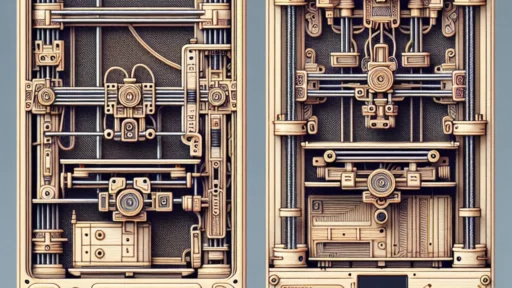
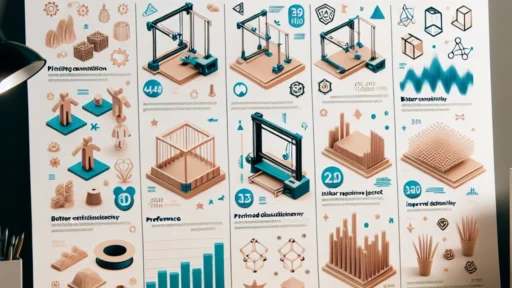
Before you rush into buying a printer, it’s wise to understand just what three-dimensional printing entails. At its core, 3D printing, also known as additive manufacturing, involves creating a physical object layer by layer from a digital model. These models can be anything from a straightforward design like a keychain to more complex creations like the parts for a custom drone.
There are a few popular types of 3D printing technologies, with Fused Deposition Modeling (FDM) being the most common—especially for beginners. In FDM, a filament (usually made from plastic) is melted and extruded through a nozzle, building up layers as it cools and solidifies. If you’re starting this journey, an FDM printer is often the best choice for your first machine due to its accessibility and affordability.
Choosing Your First 3D Printer
When you’re eyeing your first 3D printer, you might feel overwhelmed—there are so many options out there! Here are a few things to consider:
-
Budget: Establish how much you’re willing to spend. Entry-level printers can start as low as $200, making it feasible for most hobbyists. However, remember that a lower price tag might mean fewer advanced features.
-
Build Volume: Pay attention to the size of printing space. A larger build volume allows for bigger projects, which can be a great plus if you’re planning to create larger objects.
-
Ease of Use: Look for user-friendly features, especially if you’re new to 3D printing. Some printers come fully assembled, while others require a bit of setup. A fully assembled printer often saves time and hassle for beginners.
-
Community and Support: Having a strong community around your printer can be a lifesaver. Check forums, social media groups, or dedicated websites to see if users are engaged and helpful.
-
Material Compatibility: Most beginner printers use PLA or ABS plastics, but some printers can handle a wider array of materials. If you have aspirations to print using different filaments, consider this factor in your choice.
Setting Up Your Printer
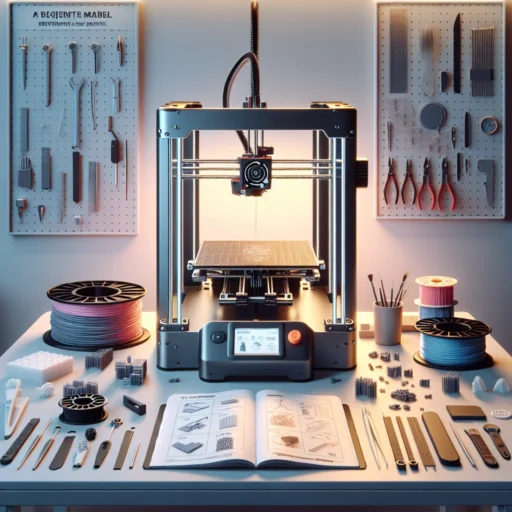
Once you’ve decided on your printer, it’s time to get it set up. Follow the manufacturer’s setup instructions closely. Most come with clear step-by-step guides, or you can find video tutorials online. Here are the basic steps you’ll typically take:
-
Unboxing and Assembly: Carefully take your printer out of the box, making sure you have all the components. If there are parts that require assembly, follow the instructions closely to avoid mishaps.
-
Software Installation: You’ll need slicing software, which converts 3D models into a format your printer can understand. Popular options include Cura, PrusaSlicer, or the printer-specific software that may come with your device.
-
Calibration: Calibrating the printer ensures everything is properly aligned. It includes leveling the print bed and checking the nozzle height. Many printers have automated processes for this, which can make the job a little easier.
-
Test Print: Start with a simple design—a calibration cube or a small object—to see how everything works together. You can find tons of free models online to choose from.
The Printing Process
Once you’ve mastered the setup, you’ll want to keep a few things in mind during the printing process:
-
Watch the First Layers: The first few layers are fundamental for a successful print. If they don’t adhere well to the bed, the entire print could fail.
-
Be Patient: Depending on your model, printing can take anywhere from a few minutes to several hours. Use the time to learn more about the different materials and techniques.
-
Cleanup and Post-Processing: After the print is done, you might need to do some cleanup, such as removing supports or sanding rough edges.
Getting started with 3D printing can feel a bit like embarking on a creative adventure. Each print is an opportunity to learn and experiment, and as you gain more experience, you may find new techniques or technologies that elevate your projects. So gather your tools, unleash your creativity, and enjoy the satisfying journey of bringing your ideas to life, layer by layer. The world of 3D printing awaits—let the exploration begin!