
The Best Practices for 3D Printing Quality: Tips and Tricks
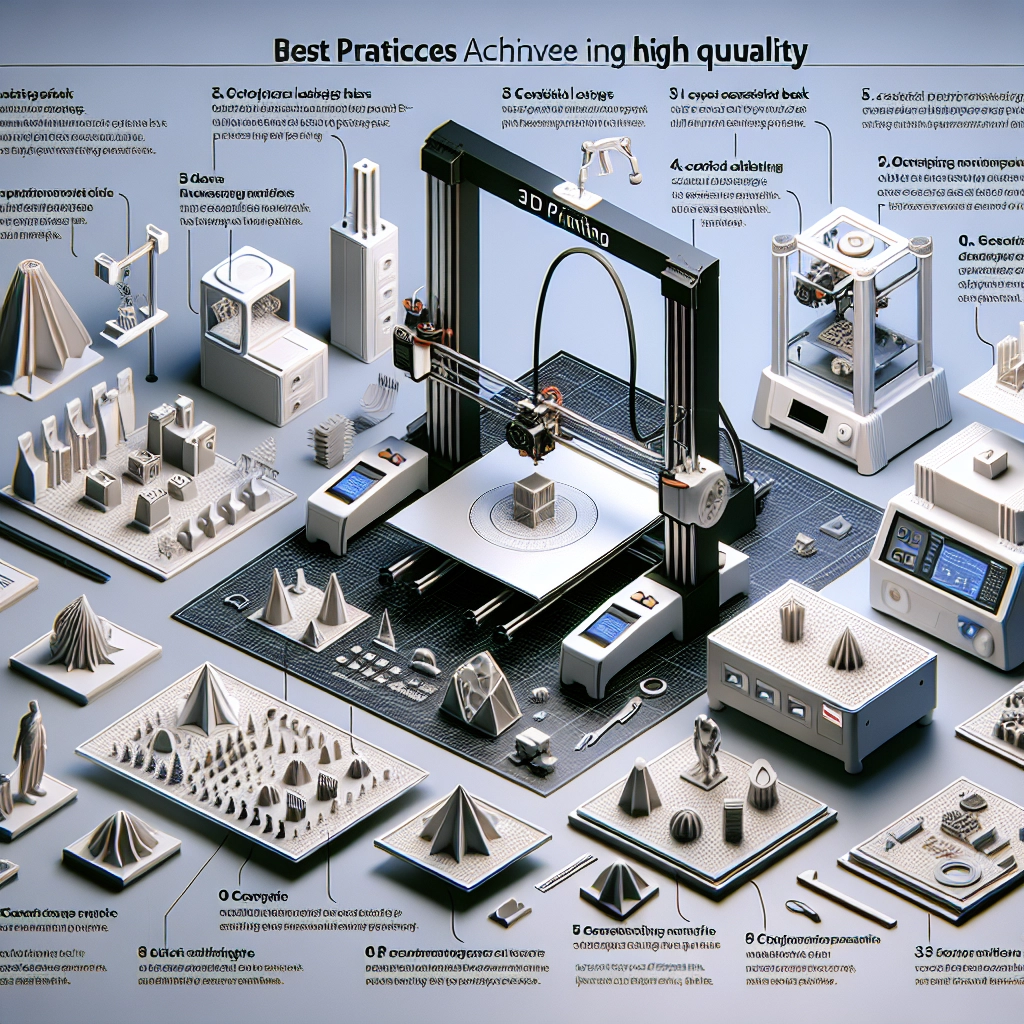
If you’ve ventured into the world of 3D printing, you know how exciting it is to see your designs transform from a digital concept into a tangible object. But as with any creative endeavor, there’s a bit of a learning curve. Whether you’re a seasoned pro or just dipping your toes into the 3D printing waters, enhancing print quality is always a hot topic. So, let’s explore some best practices, tips, and tricks that can help you achieve awe-inspiring 3D prints.
Understanding Your Printer
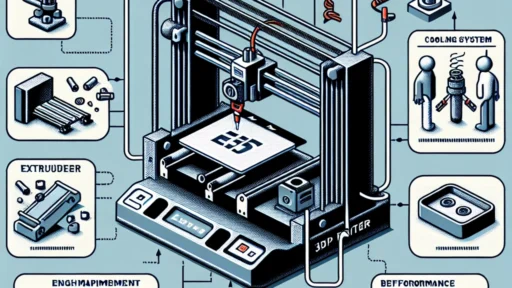
Every 3D printer is a little like a snowflake—unique in its own way. Take the time to read the manufacturer’s manual, familiarize yourself with its specifications, and understand its capabilities. Are you using a Fused Deposition Modeling (FDM) printer or one that employs Stereolithography (SLA)? Each type has its quirks and strengths. Once you know the ins and outs of your machine, you’ll be better equipped to make adjustments that can dramatically improve your print quality.
Leveling the Build Plate
If there’s one essential step in 3D printing, it’s leveling the build plate. Think of it as setting the stage for a flawless performance. An unlevel build plate can lead to all sorts of headaches, like poor adhesion, warping, or even layer separation. There are a few methods to level your bed—some are manual while others may be automated depending on your printer. Whichever route you choose, make sure it’s as level as a pancake!
Selecting the Right Filament
Filament choice can make or break your print. There’s a vast array of filament types, from PLA to ABS to PETG, and each has its own temperature requirements and characteristics. If you’re aiming for precision, always check which filament works best with your printer. Don’t just go for the cheapest option; the quality of your filament will significantly impact the end result. For example, PLA is often recommended for beginners because it adheres well and is less prone to warping. On the other hand, if you want to take on a challenging print, ABS could give you those high-strength, heat-resistant features.
Optimizing Print Settings
Here’s where it gets fun—tweaking those print settings! Layer height, print speed, temperature, and infill density are all factors that can be adjusted. Lower layer heights mean finer details but longer print times, while higher speeds can sometimes lead to rough surfaces. Experimenting is key. Start with what’s recommended by the community or your slicer software and then make minor adjustments from there. Keep a notebook to record your settings so you can replicate successful prints in the future.
Mind Your Temperature
Printing temperature is one of those ‘Goldilocks’ factors—you want it just right. Too low, and layers won’t bond effectively, leading to delamination; too high, and you could end up with stringing or burnt filament. It’s always good practice to run a temperature tower to determine the optimal settings for your filament type. That way, you can ensure you’re printing at a temperature that maximizes quality without the annoying side effects.
Cooling Considerations
Cooling plays a huge role in print quality, particularly with filament types like PLA. A well-placed cooling fan can seriously enhance the sharpness of your layers and help prevent warping. However, not every filament benefits from cooling; ABS, for instance, often does better with reduced cooling to minimize warping. A little research goes a long way here!
Post-Processing
Once your print is finished, don’t forget about post-processing. Sanding, painting, or even vapor smoothing (for ABS) can elevate your print to the next level. This step allows you to refine your work, add a bit of flair, or simply clean up those rough edges. Understanding that your print might need a little TLC after coming off the printer can drastically widen your creative horizons.
Stay Inquisitive
The world of 3D printing is vast and continually evolving. Joining communities, whether on forums or social media, allows you to share experiences, ask questions, and learn from others. Sharing your successes and failures can not only improve your own skills but can also contribute to the wealth of knowledge within the community.
So, whether you’re looking to print miniatures for a tabletop game, prototype your next big idea, or just create fun designs to decorate your home, these tips and tricks will guide you in your journey. With patience and practice, you’ll be producing stunning prints before you know it! Happy printing!