

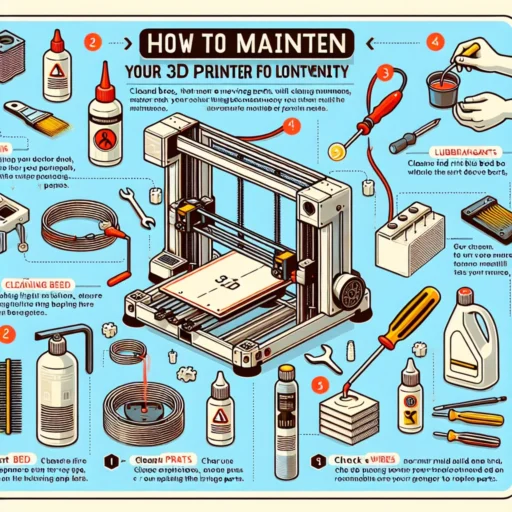
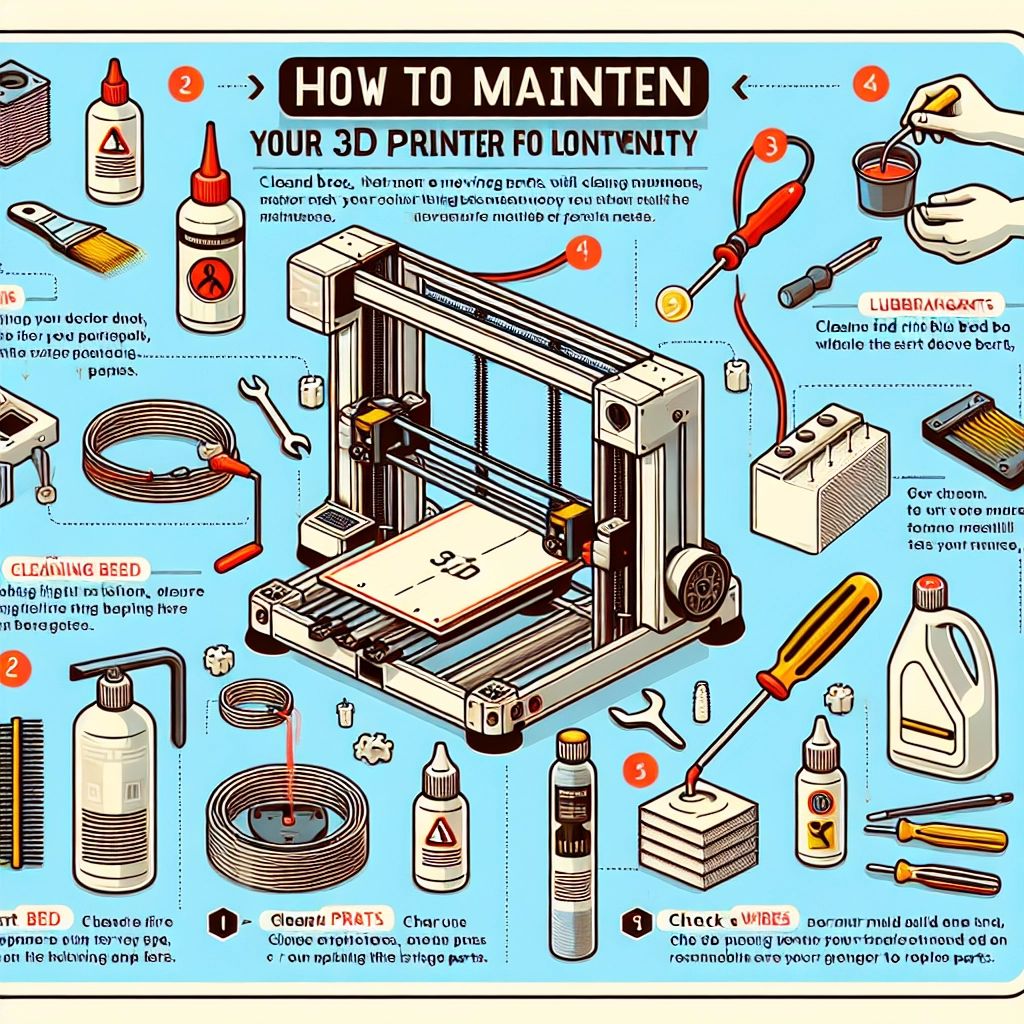

How to Maintain Your 3D Printer for Longevity
If you’re diving into the world of 3D printing, chances are you’ve marveled at the endless possibilities this technology brings. From crafting innovative prototypes to personalizing home décor, a 3D printer can be a game-changer. But just like any machine, regular maintenance is crucial for keeping your printer running smoothly and extending its lifespan. So, grab your toolkit, and let’s dig into some practical tips for maintaining your 3D printer!
1. Keep It Clean
The first step to longevity is cleanliness. Dust, debris, and leftover filament can accumulate in your printer, potentially leading to mechanical issues. Make it a habit to clean your printer regularly. Use a soft brush or a can of compressed air to remove any dust from the hardware. Pay special attention to the print bed and nozzle – these areas can harbor stubborn residues that may affect print quality.
After each print, take a moment to wipe down the build plate with isopropyl alcohol to avoid residue build-up. If you’re printing with materials that tend to gum up (think flexible filaments), you might need to be a bit more diligent with the cleaning.
2. Calibrate Your Printer
Calibration is key for achieving those beautiful prints you envision. Regularly check your printer’s axis alignment and bed leveling. Even minor misalignments can lead to major print imperfections, which may prompt you to troubleshoot issues that could have otherwise been prevented. Some printers come with built-in calibration tools, but you can also use leveling tools or a simple sheet of paper to ensure everything is in place.
It’s a good idea to recalibrate your printer after changing filaments or materials, as different materials may behave differently during printing.
3. Regularly Maintain the Nozzle
The nozzle is the heart of your 3D printer—it’s where all the magic happens. Over time, nozzles can become clogged with remnants from previous prints, resulting in inconsistent flow and print defects. To prevent this, you should routinely heat the nozzle and perform a “cold pull.” This process involves heating the nozzle to the appropriate temperature for your filament, then pulling out the filament while it cools, which can help remove debris stuck inside.
Consider investing in a quality nozzle cleaning kit, which can make the job easier. And if you find your nozzle is starting to show signs of wear, replacing it might save you a lot of headaches in the long run.
4. Check Belts and Rods
The mechanical components of your printer, like belts and rods, require regular inspection. These parts can wear down over time, leading to issues like layer misalignments or noisy movements. To maintain these parts, make sure they are properly tensioned and lubricated.
For belts, you want them snug—not overly tight. Adjusting the tension is generally a straightforward task, but be careful not to overdo it. For rods, a light machine oil or lubricant can ensure smooth movement. A quick wipe down every month can make a significant difference here.
5. Monitor Temperature Settings
Different filaments have specific temperature requirements, and using the wrong settings can result in poor print quality or even damage to your printer. Make sure to double-check the recommended temperatures for the materials you’re using. Invest in a good-quality thermometer to ensure your printer is heating up to the correct levels.
Additionally, maintaining an ideal environment for your printer is essential. Too much humidity can affect filament, while extreme temperatures can lead to unexpected behavior. If possible, keep your printer in a controlled environment.
6. Store Filaments Properly
The way you store your 3D printing filaments can have a huge impact on print quality. Humidity, heat, and exposure to light can degrade filament over time, leading to brittle materials or uneven extrusion. Store your filaments in airtight containers with desiccants or vacuum-sealed bags to protect them from moisture.
With proper filament care, you can save money and ensure that every print comes out looking just right.
7. Don’t Skip Software Updates
Lastly, keep an eye on your printer’s software. Manufacturers often release firmware updates that can fix bugs or improve performance. Taking a few moments to update your firmware can enhance your printer’s capabilities and overall performance.
Taking the time for proper care and maintenance of your 3D printer pays off in the long run. A well-maintained printer not only produces stunning prints but ensures your creative projects can continue smoothly without interruptions. So roll up those sleeves, keep that machine in tip-top shape, and let your 3D printing adventures flourish!


