


Exploring the Compatibility of 3D Filaments with Different Printer Brands
3D printing has rapidly become a popular hobby and a powerful tool in industries ranging from manufacturing to medicine. One of the most fascinating aspects of this technology is the vast array of materials you can use to create intricate designs and prototypes. While many enthusiasts focus on their printer models, the choice of filament is just as crucial to achieving the best results. With countless options available, how do you know what works best with your specific printer brand? Let’s dive into the compatibility of various 3D filaments with different printer brands, and what you need to keep in mind.
Understanding Filaments
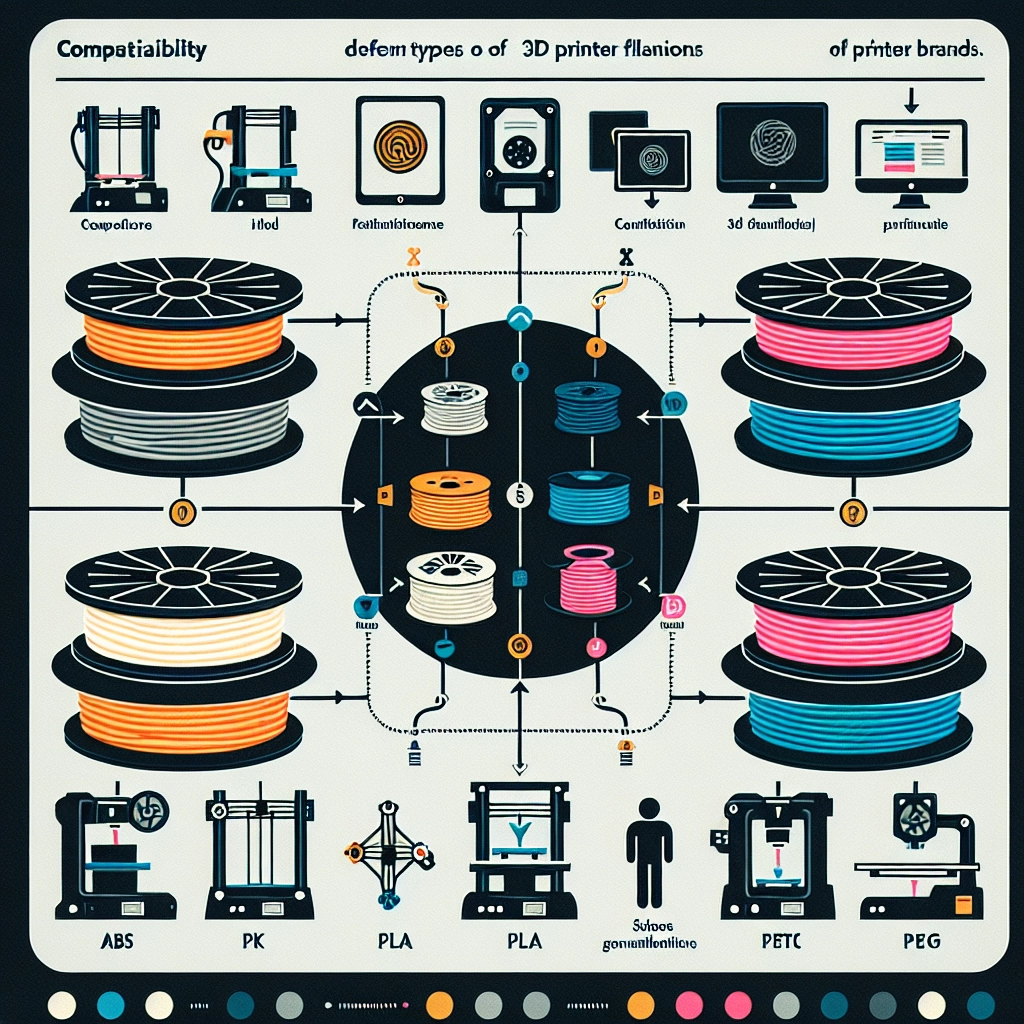
At its core, 3D printing typically involves the use of thermoplastics in the form of filaments. The most common types are PLA, ABS, PETG, TPU, and Nylon. Each material has distinct properties that lend themselves to different applications. For instance, PLA is renowned for its ease of use and eco-friendly composition, making it a favorite for beginners. On the other hand, ABS offers higher heat resistance and durability, ideal for functional parts but also requires a bit more finesse when printing.
Different 3D printers have specific requirements regarding nozzle temperature, bed temperature, and even cooling fan settings. Thus, the first step in ensuring compatibility is knowing what your printer can handle.
Printer Brands and Their Filament Compatibility
While many filaments boast a universal compatibility, they may not all perform equally well across different printer brands. Let’s take a look at some popular 3D printer brands and how they interact with various filament types.
1. Prusa
Prusa is celebrated for its robust engineering, versatility, and community support. Prusa printers handle a broad range of filaments, including PLA, ABS, and PETG, thanks to their all-metal hotends and heated beds. Users often recommend sticking to high-quality filaments to achieve the best results, as low-cost options can lead to clogs or poor print quality.
Prusa even sells its own line of filaments, which are optimized for use with their printers. So, if you’re using one, you’ll find a host of suitable materials right at your fingertips!
2. Creality
Creality printers, like the Ender series, appeal to many entry-level and hobbyist users. While these printers are generally compatible with multiple filament types, they tend to favor PLA and PETG due to their lower printing temperatures. ABS can be trickier without an enclosed build space because it is prone to warping. For those in the Creality camp, choosing good-quality filaments will make your prints come out smoothly.
3. Ultimaker
Ultimaker printers are frequently found in professional settings, emphasizing precision. They excel with their branded filaments but can also handle a variety of others. Users have noted good success with PLA, Nylon, and specialty materials like CPE and TPU. One crucial aspect of Ultimaker is its dual-extrusion capability, allowing for multi-material prints, making it easier to explore more complex projects.
4. Anycubic and Artillery
These brands have carved out a niche in the budget-friendly segment, and they handle many commonly used filaments well. Like Creality printers, they generally work best with PLA and PETG. However, if you’re venturing into ABS territory, be prepared for higher failure rates without the right settings.
Tips for Ensuring Compatibility
-
Check Manufacturer Recommendations: Always glance at your printer’s manual and guidelines for compatible filaments. This can save you a lot of hassle down the line.
-
Temperature Settings: Adjust printing temperatures according to the filament type and your printer’s performance. You can research optimal settings for your specific machine.
-
Experiment and Test: 3D printing is all about experimentation! Don’t be afraid to run small test prints with different filaments. This can help you gauge how each material performs with your specific setup.
-
Community Feedback: Join forums or social media groups specific to your printer brand. Hearing other users’ experiences can shine a light on filament success stories or cautionary tales.
In the end, while there’s a general compatibility among many filaments and printers, the nuances can make a world of difference in print quality and success rates. Whether you’re a seasoned pro or just starting, understanding the compatibility of 3D filaments with your printer brand can lead to a far more successful and enjoyable printing experience. Remember, experimentation and enjoying the process of creating is half the fun! Happy printing!


