
From Prototype to Production: The Workflow of 3D Printing
In recent years, 3D printing has revolutionized how we think about manufacturing and design. Gone are the days when creating complex prototypes meant significant time and resource investments. Today, harnessing the power of 3D printing allows us to move swiftly from concept to production, streamlining workflows in ways we once only dreamed of. Whether you’re a hobbyist, an engineer, or a business owner, understanding the workflow of 3D printing can transform your approach to project development. Let’s dive in!
Ideation and Design
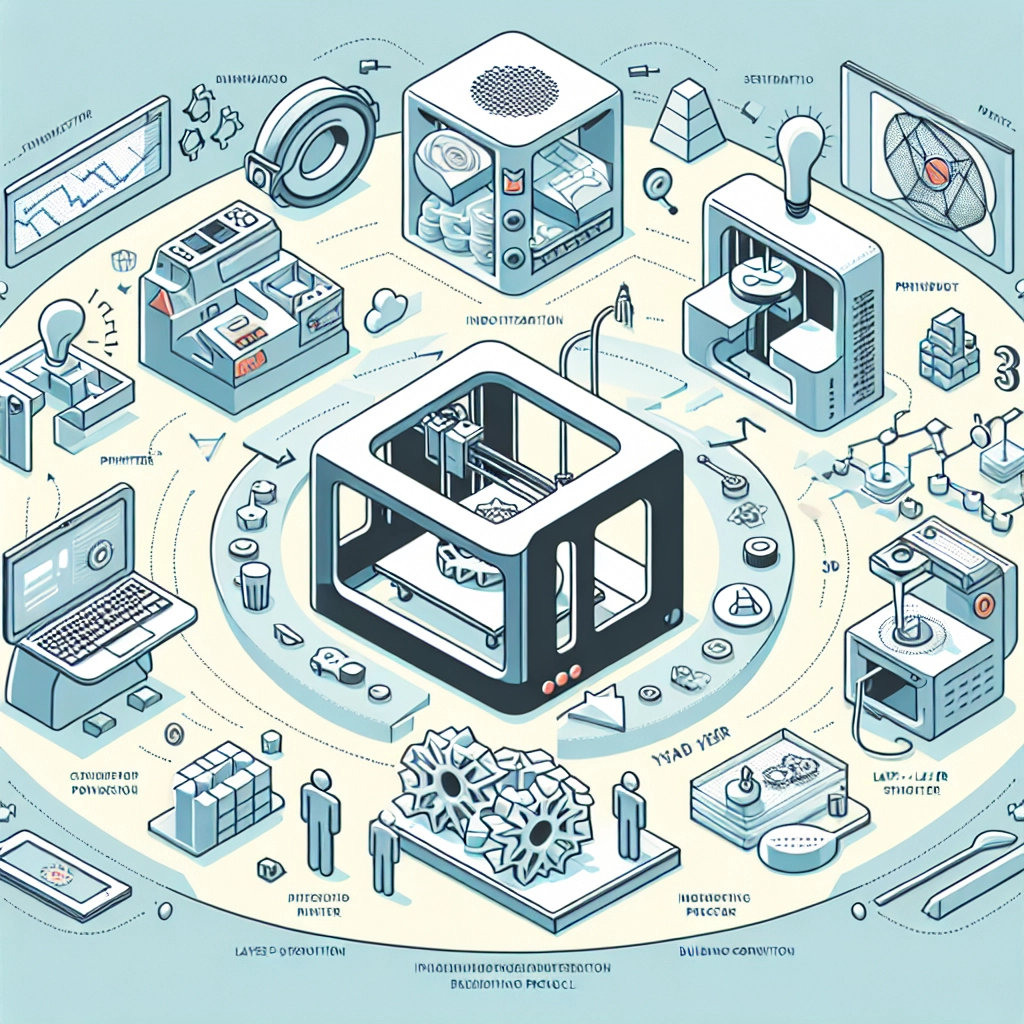
The journey begins with an idea—perhaps it’s a new product, a custom part for an existing machine, or even a unique piece of art. This is where the design process kicks off. Designers often use CAD (computer-aided design) software to bring their ideas to life. These tools allow for intricate detailing and precise measurements, essential for creating functional prototypes.
During this phase, it’s wise to consider factors like material choice, scale, and the capabilities of your 3D printer. After all, not all printers are created equal! Depending on your design, you might need to make some adjustments to ensure your model will print successfully and meet your end-use criteria.
Slicing the Model
Once the design is in place, the next step is slicing the model. Slicing software takes the 3D model and converts it into a language the 3D printer can understand—essentially breaking down the model into layers. This is an interesting part of the process because it allows you to make adjustments; you can change layer height, infill density for strength, and even print speed to achieve the best outcome.
Taking the time to fine-tune your slicing settings can mean the difference between a failed print and a successful one. Additionally, most slicing software offers a preview feature, which enables you to visualize the printing process layer by layer. This gives you a sense of how long the print will take and if there are any potential issues.
Printing the Prototype
And then comes the moment of truth: the actual printing process. Depending on the scale and complexity of your design, this can take anywhere from a few hours to several days. During printing, it’s crucial to keep an eye on the printer to catch any problems early—such as filament jams or misalignment.
If printing is successful, you’ll find yourself holding a tangible prototype in no time! This is not just exciting; it’s a crucial moment for testing your creation and assessing its functionality. Remember, prototypes are meant to be iterated upon. You may need to go back to the design phase a few times to tweak dimensions or features based on how the prototype performs.
Post-Processing
Once the print is completed, it’s time for post-processing. This essential phase helps improve the aesthetics and functionality of your prototype. Depending on the material used, this could involve sanding, painting, or even assembling various parts together.
Post-processing isn’t just about looks, though; it can affect the performance of your prototype. For example, removing support structures carefully can enhance the final piece’s overall strength. If you’re experimenting with different materials, understanding how each one responds to post-processing methods can lead to remarkable improvements.
Testing and Feedback
With your prototype completed and polished, it’s now ready for testing. This is where you really find out if your design works as intended. Depending on the use case, testing can range from basic functionality checks to more rigorous evaluations, perhaps requiring feedback from peers or potential users.
Gathering insights during this phase is invaluable. Sometimes, the initial idea sparks further creativity! This feedback may lead you to revise your design, modify your printing processes, or refine your post-processing techniques.
Iteration and Scaling to Production
As you work through testing and feedback, don’t be surprised if you find yourself back at the design stage to make improvements. This iterative process is at the heart of effective 3D printing workflows. With each iteration, you’re honing not just your product, but also your understanding of the entire process.
Once the prototype reaches a satisfactory level of quality and functionality, and you’ve perfected your design, you can start scaling production. Whether you opt to continue using your 3D printer or contract a larger service, the transition from prototype to full-scale production can be seamlessly managed with the insights gained during earlier phases.
In the end, what started as a simple idea can blossom into a fully realized, market-ready product. The versatility of 3D printing allows for rapid prototyping and refinement, making it a powerful tool in manufacturing and design. Whether you’re a DIY enthusiast or part of a large corporation, tapping into the workflow of 3D printing can yield significant rewards and opportunities for creative expression. So, take that idea and watch it unfold into reality—one layer at a time!