
Tips for Maintaining Your 3D Printer for Optimal Performance
If you’ve recently jumped into the world of 3D printing, you’re undoubtedly aware of the magic that happens when you transform a digital design into a tangible object. But let’s be real—keeping a 3D printer running smoothly can be a bit of a challenge. Like any other piece of technology, regular maintenance is crucial for ensuring optimal performance and longevity. So, let’s dive into some friendly tips that can help keep your 3D printing adventures going strong.
1. Keep It Clean
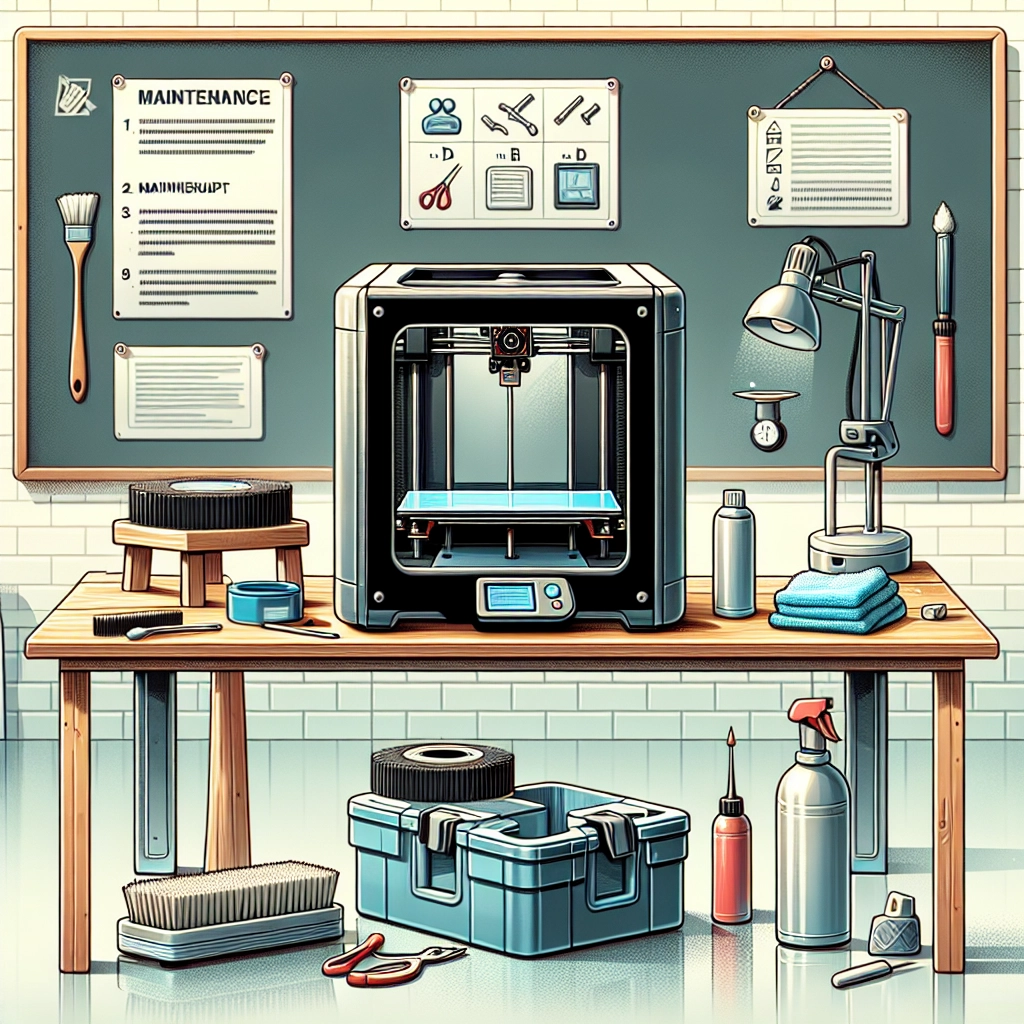
Just like your kitchen or your workspace, your 3D printer likes a tidy environment. Dust, grime, and filament residue can build up and affect your prints. Make it a habit to wipe down the printer regularly, paying special attention to the build plate and the surrounding areas. Use a soft, lint-free cloth and a little isopropyl alcohol to get rid of any sticky spots or filament strands that might be left behind after a print. It’s a simple step, but it can make a world of difference!
2. Check for Loose Bolts and Parts
Regularly checking for loose bolts and parts is a proactive way to avoid any larger problems down the road. Over time, vibrations from the printer can cause screws and belts to loosen. Take some time to examine the extruder, gantry, and carriage, ensuring everything is securely fastened. And if you spot a loose piece, don’t put off tightening it; your printer will thank you!
3. Level the Build Plate
If you want to help your prints stay stuck to the build surface (and not get all messy on you), make sure your build plate is properly leveled. An unlevel bed is one of the most common reasons for print failure, resulting in uneven layers and potential warping. Check your printer’s instructions for leveling techniques—many models have features that make this process much simpler. Even if it feels tedious, it’s worth it for a flawless first layer.
4. Monitor Filament Quality
Not all filaments are created equal. Using low-quality filament can lead to clogs, inconsistent flow, and ultimately, print failures. Store your filament properly—ideally in a cool, dry place and in vacuum-sealed bags—to prevent moisture absorption, which can ruin a good roll. If you’re dealing with a particularly tricky filament, like nylon or PETG, consider investing in a filament dryer. Being picky about your filament will go a long way in ensuring your prints turn out beautifully.
5. Clean the Nozzle
Speaking of clogs, your printer’s nozzle is a key player in the printing process, and it deserves some attention. As time goes on, residue can build up and lead to a blocked nozzle, which will derail your print job faster than you can say “layer adhesion.” To keep things flowing smoothly, make it a point to clean the nozzle regularly. You can do this with a small needle or a specialized tool. Just be sure to heat it up a bit before you start cleaning—trust me, it makes the process much easier!
6. Lubricate Moving Parts
Just like your car needs oil changes, your 3D printer needs a little lubrication now and then. Keeping the rods and rails of your printer lubricated will ensure smooth movements and prevent any wear and tear. Use a lithium-based grease or light machine oil, but be cautious—less is more! A little goes a long way, and you don’t want to create a mess. Lubricating your printer every few months is a good rule of thumb.
7. Update Firmware Regularly
Your printer’s firmware can greatly affect its performance, especially as new updates are released. Always make sure you’re using the latest version, as these updates can include bug fixes, new features, and improvements that enhance the quality of your prints. Check your manufacturer’s website or user forums to see if there are any updates available.
8. Keep an Eye on Temperature
Temperature is key in the world of 3D printing. Make sure your printer is in a temperature-controlled environment where it’s neither too hot nor too cold. Extreme temperatures can cause filament issues and lead to poor print quality. The ideal range is generally around 20-25°C, although this can vary based on the materials you’re using.
Maintaining your 3D printer might sound like a chore, but taking these simple steps can help you enjoy a smoother printing experience and save you time in the long run. Plus, there’s something incredibly satisfying about knowing your printer is in tip-top shape—like taking good care of a trusty companion on your creative journey. So roll up those sleeves, give your printer some TLC, and watch your creations soar to new heights!